Yes — several Japanese rail apps run fully in English, and setting one up takes about five minutes. Install the English edition, switch the interface language, search a station pair, and the app shows departure times, platform numbers, transfers and fares in a format you can read before you walk to the platform. This guide covers the whole workflow, from choosing the right download to booking a Shinkansen seat and recovering from a missed connection.
The single biggest mistake travellers make happens before the app is even open. Searching the store for NAVITIME returns two different apps: Japan Travel by NAVITIME, which is built for international visitors and runs in English, and the plain NAVITIME Transit app, which is Japanese-only for most practical purposes. Pick the wrong one and the first screen looks like a wall of kanji.
Beyond that, Japan is a good place to be nervous. Rail is fast and frequent, but the machines, the departure boards and much of the signage assume you can read kanji. A working app removes the two costly errors: boarding the wrong platform or car, and paying the wrong fare.
Table of Contents
- What You Need
- Step-by-Step: How to Use a Japanese Train App in English
- 1. Choose an app with reliable English support
- 2. Set the language to English and confirm your current location
- 3. Search a route between two stations
- 4. Compare times, transfers and fares in the results
- 5. Check the train type and the station details
- 6. Save the route before you leave
- 7. Book a ticket or use your IC card
- 8. Follow the route and handle a missed connection
- Common Mistakes
- Frequently Asked Questions
- Can I use a Japanese train app in English if I do not read Japanese?
- What is the best train app for travel in Japan?
- Does Google Maps work for Japanese trains and Shinkansen?
- Do I need an IC card or a Japan Rail Pass to use the app?
- How do I read Japanese station and platform names?
- What should I do if my train is delayed or I miss a connection?
- Conclusion
What You Need
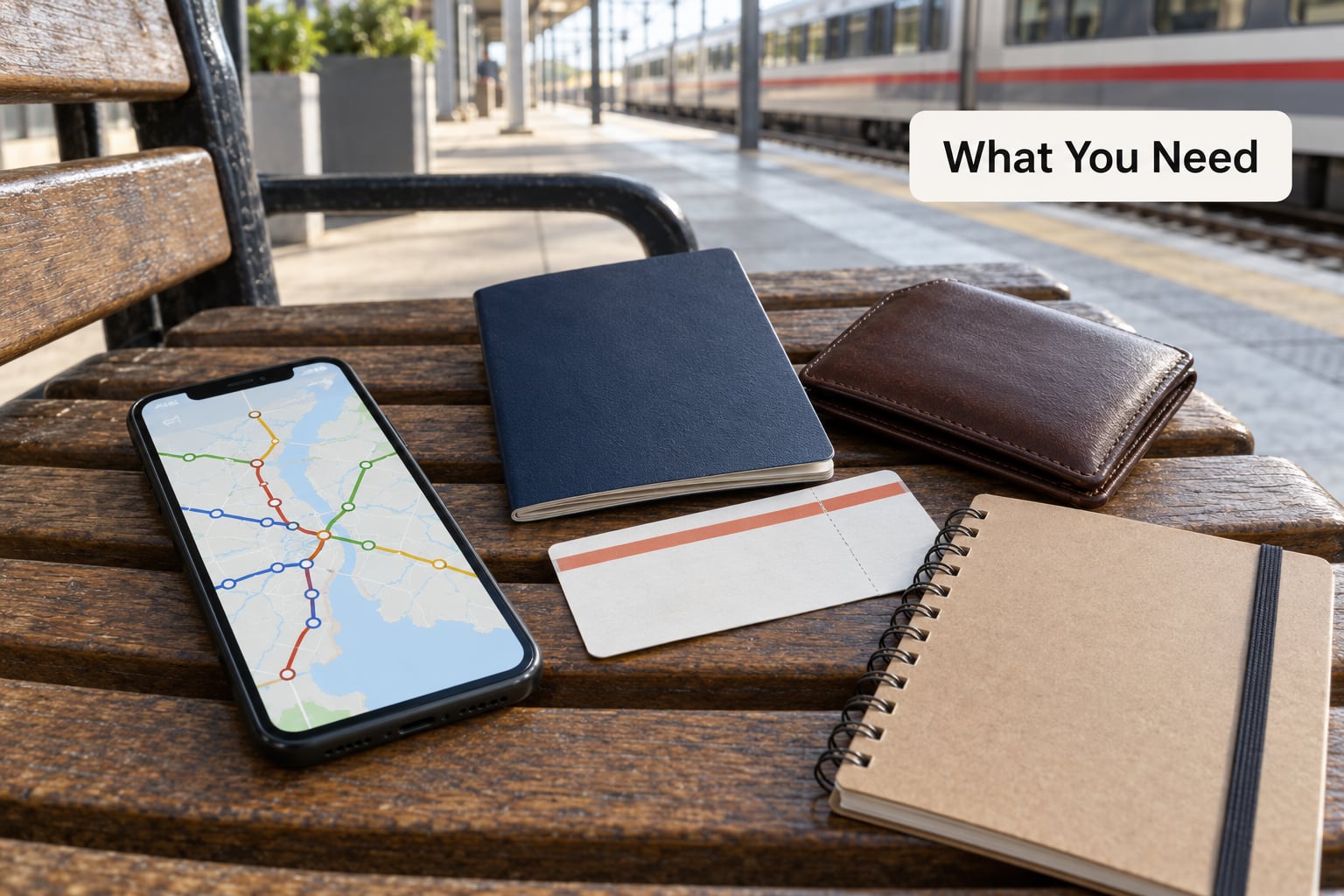
You need very little. A phone, a data plan or Wi-Fi, and the name of where you are going is enough to get through any Japanese city. The rest is optional and mainly saves money or time.
- A smartphone with mobile data. Data roaming works, and most stations also have Wi-Fi. Signal does drop in tunnels and on mountain lines, so treat the app as a guide rather than a live feed.
- The right app download. Search the store for Japan Travel by NAVITIME and check the developer name and the subtitle before installing. For Shinkansen seats, also grab SmartEX, the official JR East app.
- Your route details. Departure station, destination, date and approximate travel time. English station names work in every app listed here, and pasting your hotel address in English usually works too.
- A way to pay. An IC card such as Suica, ICOCA or PASMO for local rides, or a registered payment card if you want to reserve a Shinkansen seat inside the app.
- A screenshot habit. Station names in Japanese, your platform number and carriage position are worth photographing before you enter the paid area, because signal dies where you need it most.
One extra note on Japanese labels, because they show up even in partially translated apps. Route search is 経路検索, timetable is 時刻表, and ticket is 乗車券. The IC card mark on a gate reader reads .icカード. Recognising those three or four words solves most of what a half-translated interface can throw at you.
Step-by-Step: How to Use a Japanese Train App in English
1. Choose an app with reliable English support
Four apps cover almost every trip, and they do different jobs. Japan Travel by NAVITIME is the strongest all-rounder for route research, live service notices, timetables, maps and taxi dispatch, with an interface built for visitors. SmartEX is the official JR East booking app and the one place Shinkansen seats are reserved reliably. Yahoo! Transit carries live timetables and delay notices in English mode. GO Taxi covers taxis when the trains stop running.
Google Maps is genuinely good for trains inside Tokyo and many other cities, especially the walking part at either end of the ride, but it is the wrong tool for regional buses and rural lines. Locals lean on Yahoo! Transit and Google Maps day to day; that is a fair answer to what Japanese use instead of a dedicated tourist app, but the dedicated app explains more to a first-time visitor.
You can use two apps side by side. NAVITIME or Yahoo! Transit for the plan, Google Maps for the last 500 metres on foot.
2. Set the language to English and confirm your current location
Open the app and find the language setting under the profile, settings or globe icon, then choose English. On Japan Travel by NAVITIME the language follows your device language in most cases, so the quickest fix is to set your phone’s display language to English and restart the app. Allow location access when prompted, because the map and nearest-station lookup both use GPS, and GPS positioning in stations is accurate enough to name the concourse you are standing in.
If you would rather not hand over location permission, type the station name into the origin field instead. You will know it worked when the suggested stations come back with a Japanese name, a romanised reading and the line or company that serves them.
3. Search a route between two stations
Put the departure station in the top field and the destination in the bottom one, then run the search. Search by station name in English — Tokyo, Shinjuku, Kyoto, Shin-Osaka all resolve correctly. If you are staying somewhere new, paste the hotel name or address, and confirm the station the app picked is the one near your door, since cities have many similarly named stations.
Set your travel date if the app offers a calendar. It matters more than it looks: fares on many limited express and Shinkansen services vary by weekday, and some routes run a different pattern at weekends.
4. Compare times, transfers and fares in the results
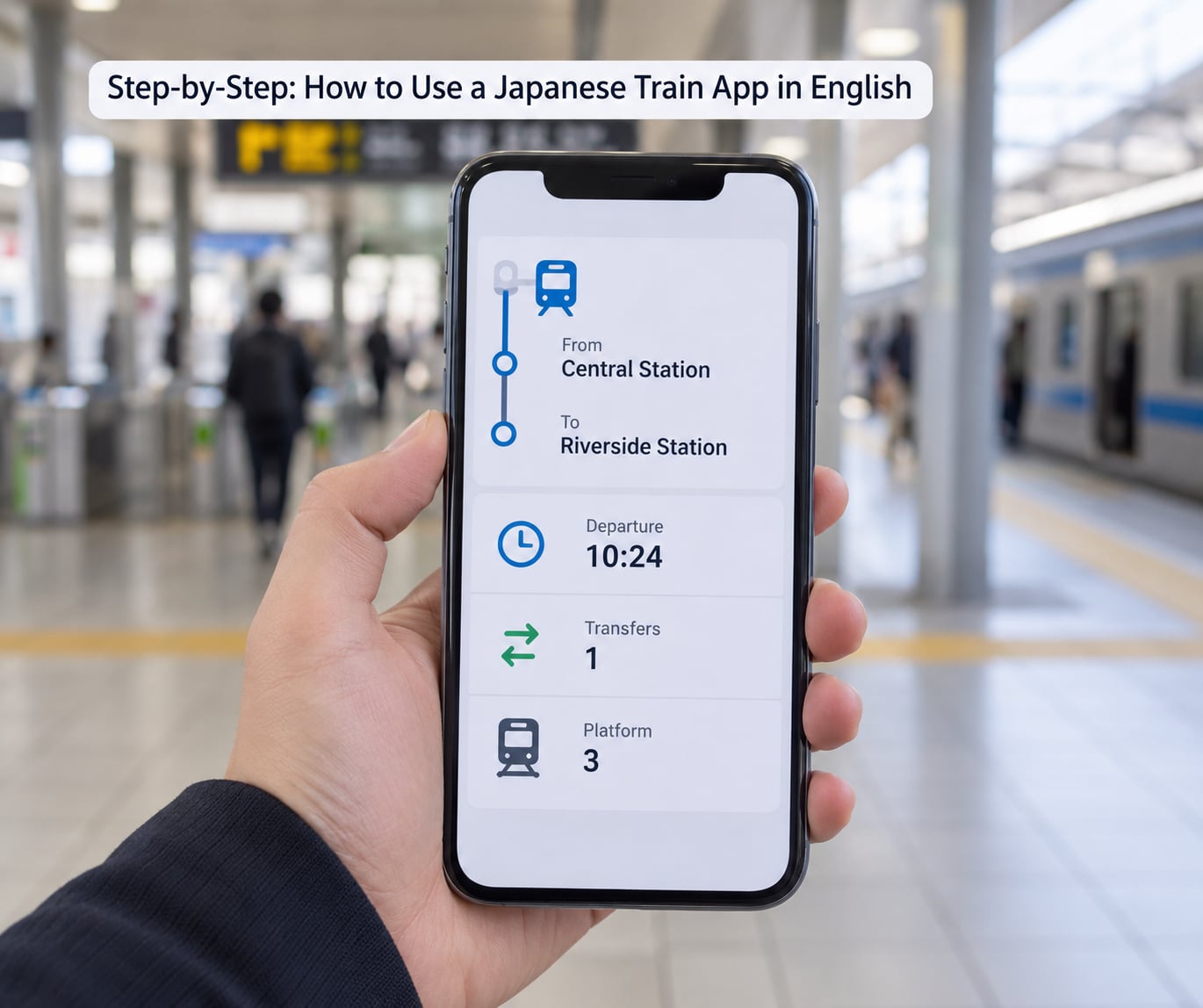
Each result row should show the departure time, the arrival time, the total journey time, the number of transfers, the fare and often the platform. The fastest option is usually listed first, but read the arrival time rather than assuming the first row is right for you — a route that arrives four minutes earlier may involve a transfer walk of eight minutes at a huge station.
Pay attention to the transfer count. Three transfers sounds exhausting and often is; a slower direct train is frequently the calmer choice for someone carrying luggage. Most apps also show the walking time between platforms, which is the number that decides whether a tight connection is realistic.
5. Check the train type and the station details
Japan’s trains fall into broad bands: local services that stop everywhere, rapid and semi-fast services that skip stations, limited express services that need a reserved seat, and the Shinkansen. On a Shinkansen leg, check the service name and whether your ticket covers it — Nozomi and Mizuho are the fastest but carry a surcharge if you are not on a JR Pass, while Hikari and Kodama are included.
Platform numbers are where the well-known confusion sits. They usually appear on the train row or the detail view, not on the results list, and they can be blank until the timetable is finalised, often only a few hours before departure. In Jorudan that detail is behind a paid feature, which is why people land on forum threads asking where it went. In NAVITIME and Yahoo! Transit it is there in the detail view, and blank simply means not yet assigned.
6. Save the route before you leave
Open the detail view and screenshot the whole thing: station names in Japanese, departure and arrival times, platform, carriage position and fare. Screenshots work with no signal at all, which is exactly what you want on a platform in the middle of a tunnel district.
Use the app’s saved or favourite routes feature for anything you repeat, and set an alarm if the app supports alarms rather than a push notification, since alarms fire even in airplane mode. If you can, note the station name in Japanese too. Signs above platforms are almost always bilingual, but the Japanese characters are the fastest way to confirm you are at the right station when two exits look identical.
7. Book a ticket or use your IC card
For local and regional travel, an IC card is the simplest option. Tap in at the gate, tap out at the other end, and the fare is charged automatically to the stored balance. There is no need to choose a ticket or know the price in advance, and the same card works on trains, buses and convenience stores across the country. Top-ups are possible at most station machines, which have an English mode on the large displays and an English button on many of the newer ones.
For Shinkansen and other reserved services, book inside the app. In SmartEX, pick the journey, choose ordinary car or Green Car, select a seat, and pay with a card registered in the app. Some services are ticket-machine only or must be bought at a counter, and the app will usually say so before you pay. On departure, open your QR code or e-ticket at the gate, or hand it to staff if the reader refuses it, and keep the ticket until you reach your destination because gates on the way out check it again.
Know the boundary between apps: NAVITIME gives you route research, timetables and some ticket purchases, SmartEX is the official Shinkansen booking channel, and Jorudan gives the deepest operational detail with part of it paywalled. When in doubt, the station counter is a valid fallback and staff will help in English at major stations.
8. Follow the route and handle a missed connection
Match five things before you board: the departure time, the platform, the train type, the carriage number, and the car position marker if the app shows one. Boarding position is the underrated feature — standing at the correct door can cut a transfer from a long walk to a short one, which is why it surfaces so often in traveller conversations about which app to trust.
If a train is late, re-run the route search from your current station rather than trusting the original itinerary. The refreshed result usually shows the next departure and the platform. If the app has not updated, the platform displays in the station will be ahead of it, and delay or cancellation notices are posted on the free information boards near the ticket gates.
Common Mistakes
Nearly every rail mishap in Japan traces back to one of a handful of avoidable errors. Here they are, with the fix for each.
- Entering a neighbourhood instead of a station. Some search boxes happily accept an address and route you to the nearest stop rather than the named station. Fix: after searching, read the station line under the result and confirm the station name, not the area name.
- Confusing a terminal station with a through station. Tokyo Station’s platforms split between several operators, and a train that terminates there may not be the one you expect. Fix: check the destination printed on the train’s front display rather than assuming the platform you are standing on is right.
- Missing the last train. Most services thin out around midnight and some lines stop earlier. Fix: check the last departure for your line in the app before you settle into a bar, and set a phone alarm for the last train back.
- Assuming a pass covers every train. JR Pass riders are not entitled to Nozomi or Mizuho without paying a surcharge, and some private and airport services are outside the pass entirely. Fix: search the specific service name in the app and read the ticket rules before you assume your pass works.
- Overlooking a platform change. Fix: re-check the platform shortly before boarding and treat any change as normal rather than alarming.
- Relying on a translation screen with no signal. Machine translation dies exactly when there is no data. Fix: screenshot the route, the platform and the Japanese station names before you need them.
- Boarding a reserved train in the non-reserved car. Non-reserved cars can be full and standing room only at rush hour. Fix: if you have a seat reservation, check the carriage number on the platform board and board only that car.
- Boarding without knowing the baggage rules. Shinkansen luggage with total dimensions over 160 cm needs an oversized baggage seat in designated cars on the main high-speed lines. Fix: check the sum of your bag’s length, width and height, and reserve a seat in a marked car if you are over.
- Trusting a bus route from a train app. Travellers report bus times in Japan are less reliable than rail times, and a Google Maps bus route can be confidently wrong. Fix: check the timetable posted at the stop and confirm with the driver before boarding.
A few habits cover most of the rest. Download the app and run one practice route the night before you travel, so the first real search is not your first search. Charge your phone overnight, because a flat battery at a ticket gate is a genuine problem. And keep a paper record of your destination in Japanese, because one signal-free moment should not cost you the trip.
Frequently Asked Questions
Can I use a Japanese train app in English if I do not read Japanese?
Yes. Japan Travel by NAVITIME, Yahoo! Transit in English mode, SmartEX and Google Maps all display station names, times, platforms and fares in English. You still see Japanese characters, usually underneath the romanised name, which is actually useful because that is exactly how the signs read. The only part that needs Japanese is a few half-translated labels in menus.
What is the best train app for travel in Japan?
For planning, Japan Travel by NAVITIME is the strongest all-rounder because it covers local trains, buses, maps, service notices and taxi dispatch in one place with a visitor-first interface. For actually booking Shinkansen seats, SmartEX is the official JR East app and the most reliable. Many travellers keep both, plus Google Maps for walking directions at street level.
Does Google Maps work for Japanese trains and Shinkansen?
For trains in Tokyo and other major cities, yes, and it is very good at showing which platform and which exit to use. It is weaker on regional rail, bus routes and rural lines, where results can be missing or wrong. It does not reserve Shinkansen seats. Treat it as a companion for street-level navigation rather than the only app you install.
Do I need an IC card or a Japan Rail Pass to use the app?
Neither one is required to use the app, because route search and timetables are free. For paying, most short city trips work out cheaper with an IC card such as Suica, ICOCA or PASMO, since you tap in and out and pay by stored balance. A JR Pass only makes sense if you are covering long distances on JR lines over several days, and it does not cover every train.
How do I read Japanese station and platform names?
Station signs and apps show both, so use the English line to search and the Japanese line to confirm you are standing in the right place. Platform is written 番線 and carriage is 号車. Tokyo is 東京, Shinjuku is 新宿, and Shibuya is 渋谷. Note that stations can have two names for two different areas, and the kanji are what the overhead sign will show.
What should I do if my train is delayed or I miss a connection?
Search the route again from your current station and the app will show the next departure and platform. If the data has not refreshed, the information boards at the gates are always faster. Most operators will also let you board the next train on a valid ticket, though reserved seat reservations on some services need a counter visit. Avoid relying on the original itinerary screenshot once things change.
Conclusion
The first thing to do, the moment your app is installed, is set your current location correctly and run one route search to where you are actually going. Then screenshot the result before you leave the hotel, with the station names in Japanese, the departure time, the platform and the carriage number all visible in the frame.
From there the workflow is simple: search, compare arrival times rather than departure times, save the detail view, and let the app tell you which car to stand in. Download Japan Travel by NAVITIME for planning, add SmartEX if a Shinkansen seat is on the itinerary, and keep an IC card in your pocket for everything the app cannot book.