You can still get free Wi-Fi at some convenience stores in Japan, but far fewer than most guides claim. 7-Eleven shut down 7SPOT on March 31, 2022, and FamilyMart switched off Famima_Wi-Fi on August 1, 2022. Lawson is the main chain still running free in-store internet, through a network called LAWSON_Free_Wi-Fi. Here is how to use convenience store Wi-Fi in Japan when you need it, and what to do when the connection refuses to cooperate.
That correction matters because Japan has thin public Wi-Fi overall. If you land with no data plan and no local SIM, a konbini hotspot can be the difference between navigating a train interchange and standing there guessing.
Table of Contents
- 1What You Need
- 2Step-by-Step
- 31. Check the Store’s Wi-Fi Instructions
- 42. Select the Store’s Network on Your Device
- 53. Enter the Password or Sign In for Store Wi-Fi in Japan
- 64. Confirm That Internet Access Works
- 7Common Mistakes Connecting to Convenience Store Wi-Fi in Japan
- 8Frequently Asked Questions
- 9Does FamilyMart have free Wi-Fi?
- 10Can I use my US cell phone in Japan?
- 11Is 20GB of data enough for two weeks in Japan?
- 12Is konbini Wi-Fi safe for online banking?
- 13Is pocket Wi-Fi worth it in Japan?
- 14Conclusion
What You Need
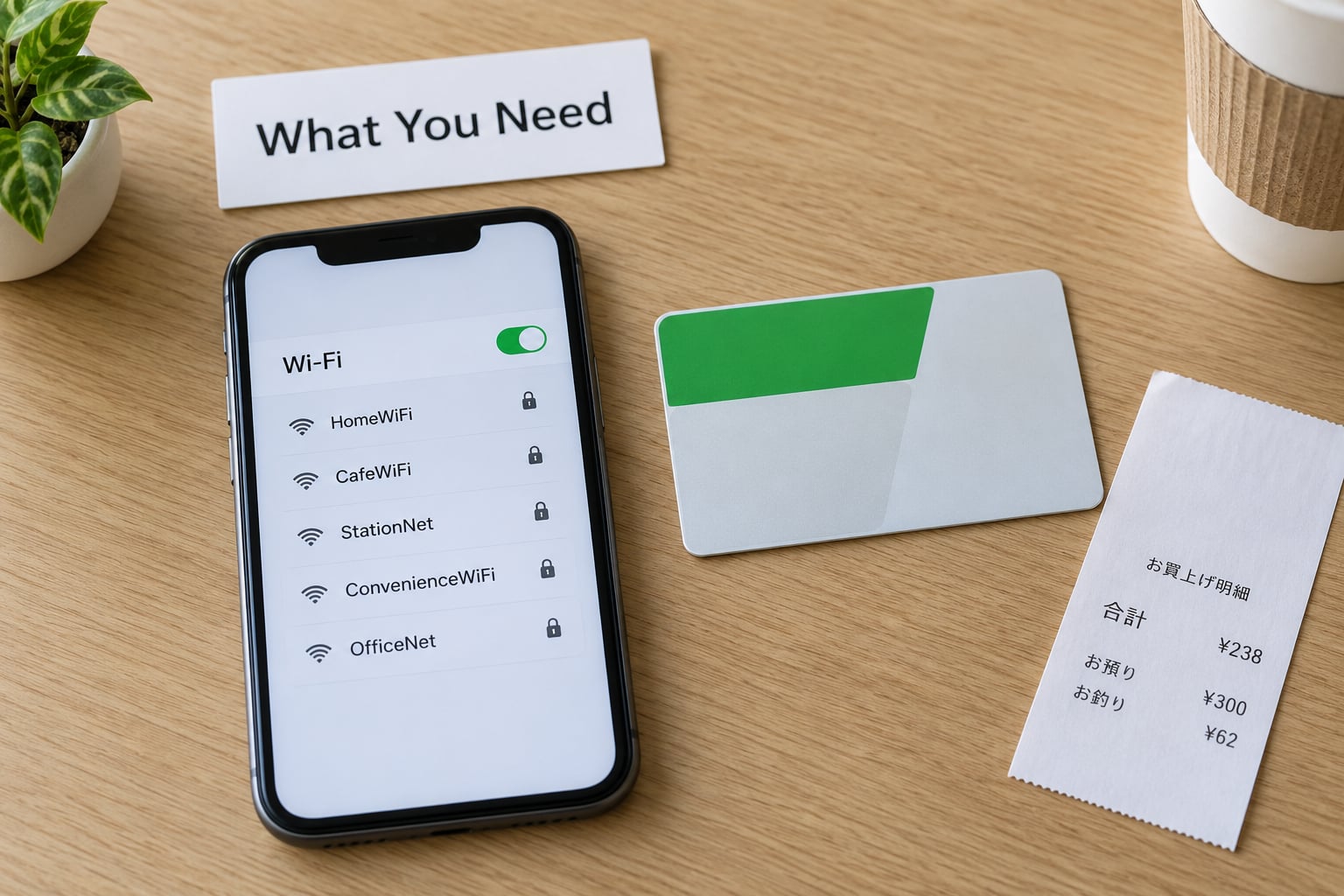
Honestly, you need very little. A phone, tablet or laptop with Wi-Fi turned on, and somewhere in the store to stand for a few minutes.
What helps more is knowing the chain status before you walk in, because the network name changes depending on who runs the store. Match what appears on your screen against this:
| Chain | Free Wi-Fi status | Network name | Session limits |
|---|---|---|---|
| 7-Eleven | Ended March 31, 2022 | 7SPOT no longer broadcasts | None |
| FamilyMart | Ended August 1, 2022 | Famima_Wi-Fi no longer broadcasts | None |
| Lawson | Still available | LAWSON_Free_Wi-Fi | 5 sessions of 60 minutes per day |
| Ministop | Via SoftBank WiFi Spot | .FREE_Wi-Fi_PASSPORT | Time-limited passes, valid about two weeks |
| Cafes and fast food | Still available | at_STARBUCKS_Wi2, tullys_Wi-Fi, 00_MCD-FREE-WIFI | Around 60 minutes per session |
With more than 55,000 convenience stores in Japan, you will walk past one every few blocks. Roughly 21,700 are 7-Eleven, 16,400 FamilyMart and 14,700 belong to the Lawson Group, so finding a Lawson hotspot is usually easier than finding a working 7-Eleven one.
One more thing worth carrying: a way to receive an email code or solve a captcha. Lawson asks for an email address at sign-in, and that step can be the reason a connection appears to fail.
Step-by-Step
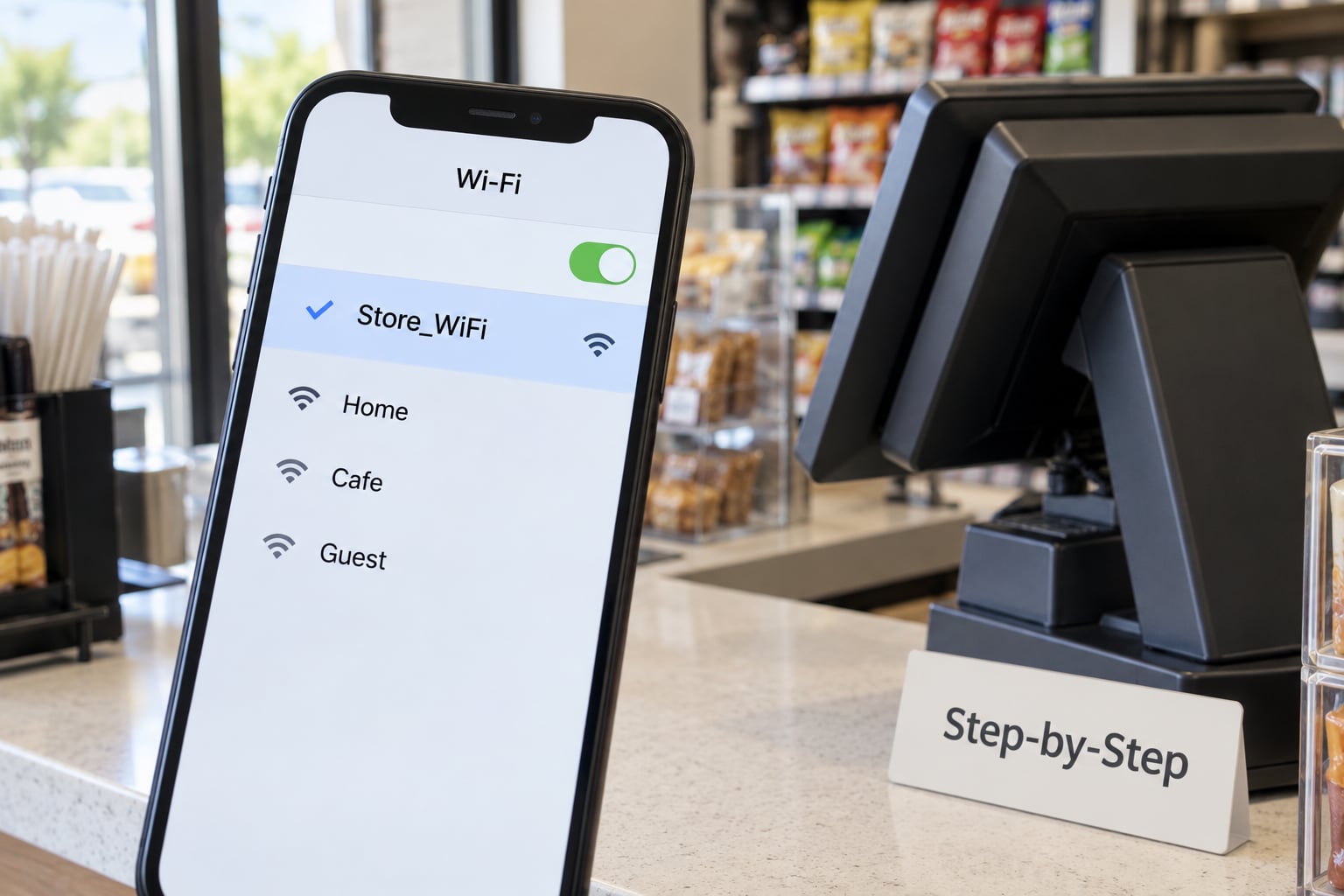
1. Check the Store’s Wi-Fi Instructions
Look at the counter, the door frame or a sticker near the register before you touch your phone. Store staff usually post the exact network name there, along with whether a purchase is required.
For Lawson, the instruction is simple: connect to the free Wi-Fi network and finish the browser page. Nothing needs buying, which surprises people who assume every konbini service is tied to a basket. So when someone asks how to use convenience store Wi-Fi in Japan, the honest answer starts with reading the sign, not with an app.
2. Select the Store’s Network on Your Device
On an iPhone, open Settings, tap Wi-Fi, and wait for the list to refresh. The chain name you want looks like LAWSON_Free_Wi-Fi. On Android, pull down the notification shade or open Settings, tap Wi-Fi or Network and internet, and pick the same name from the list.
Refresh the list if nothing appears. Networks at nearby stores overlap in dense areas, so tap the one that matches the store you are standing in rather than the strongest signal, which may belong to the place across the road.
3. Enter the Password or Sign In for Store Wi-Fi in Japan
Lawson’s network needs no password. Instead, a captive portal page opens in your browser and asks you to enter an email address and accept the terms. Some portals will not appear on their own, so open Safari or Chrome manually and try any page; the login screen usually intercepts it.
For Ministop, the SoftBank WiFi Spot route needs a password first. Set your network selection to SoftBank, dial *8180 from your phone to reach the automated line, and listen for the pass code. Then connect to the network named .FREE_Wi-Fi_PASSPORT and sign in with it. The pass works for about two weeks, which makes it useful if you are staying in one area for a while.
4. Confirm That Internet Access Works
Load any ordinary website. If the portal appears again after you close it, or if a page spins forever, the network connected but the session was never authorised.
Turn off mobile data for the test. A phone that quietly falls back to cellular will load pages perfectly and leave you thinking the store Wi-Fi is fast when nothing was actually working.
Common Mistakes Connecting to Convenience Store Wi-Fi in Japan
You picked a nearby store’s network. Two Lawson stores within range broadcast the same name, so your phone can latch onto one across the street and reach nothing useful. Forget the network, walk closer to the register, and reconnect.
The signal is weak at the front of the store. Routers are often mounted near the counter or in the seating area at the back. Move deeper into the store and reload. Sitting near the register also slows down everyone in the queue, which is a good reason to move even when the signal works.
The portal needs internet to finish. This is the trap most travelers hit, and it is the most common reason people conclude that convenience store Wi-Fi in Japan does not work. Some hotspots ask you to verify an email through an app or confirm an account you cannot reach without data. If you have no working connection at all, switch on mobile data just long enough to complete verification, then turn it back off.
You hit the session cap. Lawson allows 5 sessions of 60 minutes each day, so the limit is easy to reach without noticing. Once it is spent, the network will still appear in your list but will not carry traffic. Waiting until the next day is the fix.
Nothing with that name shows up at all. Not every store has a hotspot, and Lawson does not run one everywhere. This is where the cafe networks come in handy: Starbucks, Tully’s and McDonald’s all broadcast free Wi-Fi, so a coffee shop two doors down is often the answer.
You expected it to be fast. Free hotspots in busy locations are shared. A few emails and map lookups are fine. Streaming video is a poor test and a good way to look foolish while a queue forms behind you.
One habit I would keep: turn off auto-join for these networks. Otherwise your phone reconnects every time you walk past the same konbini, which drains the battery and can push you into a new session without you noticing.
Frequently Asked Questions
Does FamilyMart have free Wi-Fi?
No. FamilyMart discontinued Famima_Wi-Fi on August 1, 2022, and the network no longer appears in a phone’s list. FamilyMart shops still work well for everything else travelers need, including ATMs, hot food and printing. Docomo d Wi-Fi spots remain at some FamilyMart locations, but that service is aimed at Japanese subscribers and asks for a Japanese-language sign-up.
Can I use my US cell phone in Japan?
Only if it is unlocked and you pay for roaming or install a local plan. A locked US handset will not connect to Japanese networks at all, which is the version of this problem that strands people. If your carrier does not offer Japan roaming, an eSIM or data SIM bought online before departure is the usual answer. You can still pick up maps and translate offline afterwards.
Is 20GB of data enough for two weeks in Japan?
For most trips, yes. Twenty gigabytes covers maps, translation, messaging and ordinary browsing for two people for two weeks, with room for photo uploads. Heavy video eats through that quickly. Train navigation and translation apps are the ones worth downloading offline at your hotel before you start walking around with a connection you do not have.
Is konbini Wi-Fi safe for online banking?
Treat it like any other public hotspot. It is unencrypted enough that someone on the same network could in theory see traffic, so avoid logging into your bank or entering a card number while connected. If you must, turn on your VPN first. Checking balances in a store is usually fine; transferring money is not worth the risk.
Is pocket Wi-Fi worth it in Japan?
Worth it for a large group sharing one connection across several phones, and rarely worth it for a solo traveler who is light on data. A pocket router is a device you have to charge, carry and remember at the hotel every night. Visitors on r/JapanTravelTips generally recommend arriving with data already working rather than counting on free hotspots.
Conclusion
If you remember one thing about how to use convenience store Wi-Fi in Japan, make it the sticker on the counter. Connect through your phone’s normal Wi-Fi settings and finish the browser page it throws up. If nothing happens, ask the clerk for the exact network name, because the popular answers online still describe services that were switched off years ago. Chain statuses here were last checked in 2026; check the store signage when it matters.