Japanese convenience store pickup lets you choose a specific konbini as the delivery address for an online order instead of a home address. You pay online, wait for an email with a pickup code or barcode, then show it at the store counter or kiosk and walk out with the parcel. Most orders are ready within a day, and many stores stay open around the clock.
It solves a problem that surprises nearly everyone arriving from abroad: how do you get a Japanese online order when you have no Japanese address, no Japanese phone number and nowhere for a courier to leave it? The answer is that the shop itself becomes the address. Travellers describe it on Reddit’s Japan forums as the thing that repeatedly saves a trip, and it works just as well for residents without a Japanese-issued payment card.
Table of Contents
- 1What Is Japanese Convenience Store Pickup?
- 2Which Online Orders Can You Collect at a Convenience Store?
- 3How Japanese Convenience Store Pickup Works Step by Step
- 41. Place the order on a Japanese site
- 52. Pick the delivery method at checkout
- 63. Pay online
- 74. Wait for the ready notification
- 85. Open the email and find your code
- 96. Enter or present the code in store
- 107. Collect the parcel
- 11How to Choose the Right Pickup Store
- 12What Payment Methods Are Accepted?
- 13What Happens When Your Order Is Ready?
- 14How to Collect Your Order at the Store
- 15Returns, Problems, and Refunds
- 16Tips for a Smooth Pickup Experience
- 17Frequently Asked Questions
- 18Can I collect any Japanese online order at a convenience store?
- 19Do I need to pay when I collect my order?
- 20Where do I find the pickup code or QR code?
- 21What if my pickup notification says the order is ready but the item is not there?
- 22Can I return an item I collected at a convenience store?
- 23How long should a convenience store pickup order take?
- 24Start With the Store and Payment Details
What Is Japanese Convenience Store Pickup?
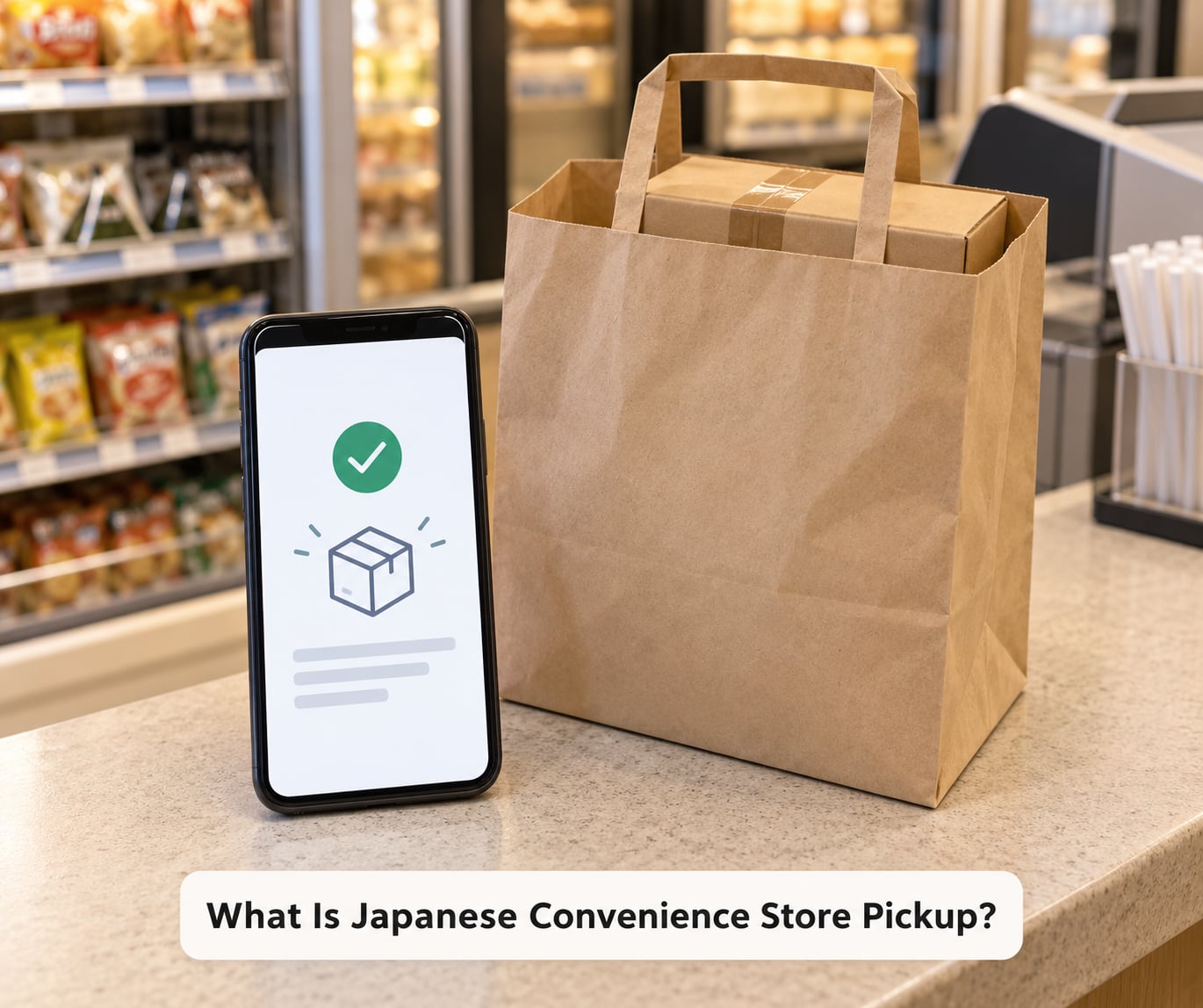
Japanese convenience store pickup is a delivery method on domestic Japanese shopping sites where a specific convenience store is chosen as the delivery point at checkout. The retailer sends the parcel to that branch, the branch stores it for a set number of days, and staff hand it over once you present the pickup code from your confirmation email.
The umbrella term for these collection points is PUDO, short for Pick Up Drop Off. The main chains involved are Lawson, FamilyMart, Ministop and 7-Eleven Japan, plus courier-operated lockers such as Amazon Hub Lockers that sit inside some stores.
It is worth separating four things people tend to mix up. Pickup is choosing a store as the delivery point. Convenience store payment (konbini barai) is paying for an online order at a shop counter, a completely separate feature. Locker pickup means scanning a code at an automated cabinet rather than speaking to anyone. Buying in store obviously involves no order at all, though konbini now stock a genuinely wide range of electronics and household goods.
Which Online Orders Can You Collect at a Convenience Store?
Eligibility is decided by the retailer, the delivery service handling that specific parcel, and sometimes the product itself. Most major Japanese platforms support store pickup as a delivery option, though the way you select it differs on each one.
- Amazon Japan offers pickup at Lawson, FamilyMart, Ministop, 7-Eleven and PUDO locations, chosen through the map picker during checkout.
- Rakuten supports store pickup on many listings, often through Rakuten’s own delivery service.
- Yahoo! Shopping supports it depending on the seller, since orders are often split across several shops.
- Electronics and retailer sites such as Yodobashi Camera or BicCamera offer pickup on most domestic deliveries.
- Third-party marketplace sellers may use their own carrier, and some simply do not support store delivery.
Fresh food, chilled items, gift cards and oversized furniture are usually excluded. Pre-orders and store-allocated items often force a specific pickup point, because the item can only be collected from the branch that holds it.
Pickup also catches parcels headed your way by ordinary courier. If a Yamato, Japan Post or Sagawa delivery fails and a neighbour is not home, the courier often reroutes the parcel to a nearby convenience store and tells you the store name by message. Forum threads on r/JapanTravel and Tripadvisor’s Tokyo forum confirm people treat that as a normal second chance rather than a problem.
How Japanese Convenience Store Pickup Works Step by Step
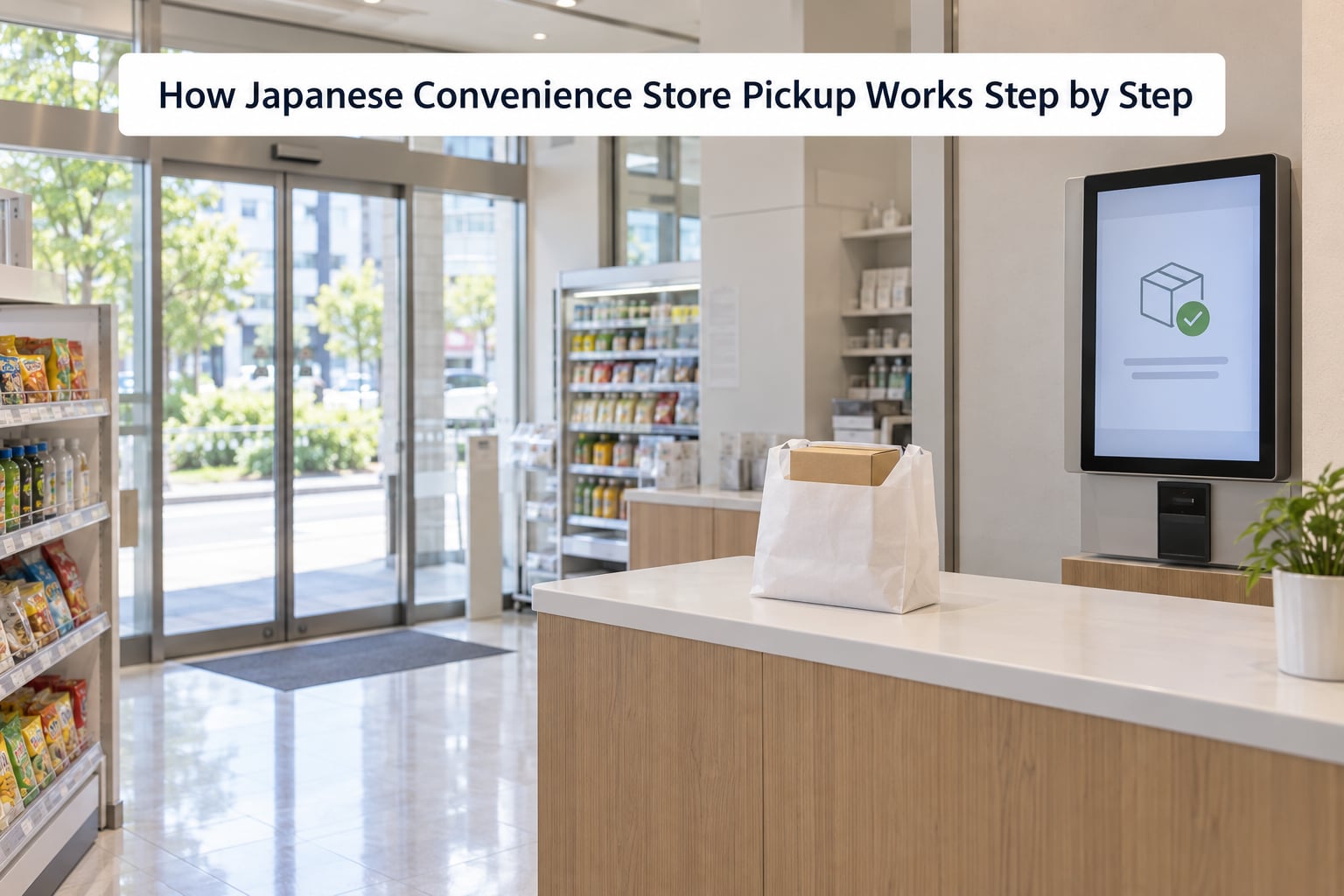
1. Place the order on a Japanese site
Create an account if you do not have one. Amazon Japan, Rakuten and Yahoo! Shopping all let you switch the interface to English from the settings or account page, which makes the delivery options readable.
2. Pick the delivery method at checkout
Choose the convenience store or PUDO option instead of home delivery. A map opens and you select an exact branch, not just a chain. Some listings let you add a second branch as a fallback.
3. Pay online
Payment happens at this step, not at the store. Cards issued outside Japan work on most sites, though some marketplace sellers and electronics retailers reject foreign-issued cards, so keep a second option ready.
4. Wait for the ready notification
You get an email and usually an app notification when the parcel reaches the branch. Many orders are ready the next day; the delivery date and time slot you saw at checkout is the best guide.
5. Open the email and find your code
The email carries either one code or a pair of codes, sometimes as printable barcodes and sometimes as a QR code. Save it to your phone or take a screenshot, because store signal is not the problem but screenshots survive dead batteries.
6. Enter or present the code in store
At Lawson and Ministop you type the first code into the Loppi multimedia kiosk, follow the prompts and print a collection ticket. At FamilyMart you use the multi copy machine, or hand the barcode to the cashier and let them pull the parcel.
7. Collect the parcel
Take the ticket or say the code number, confirm the recipient name on the order, and staff bring the box out. Open it at the counter if you want to check damage before you leave.
Exact screens and wording change between chains and between app versions, so treat the labels as guidance rather than a fixed path.
How to Choose the Right Pickup Store
The map picker makes this look like a one-tap decision, and on a familiar street it is. On an unfamiliar one it deserves two minutes of thought.
- Distance from where you will actually be. A branch next to your hotel beats a branch next to a station you plan to pass once.
- Opening hours. Most urban konbini run 24 hours, but stores near stations, on small islands and in rural areas frequently close around 10pm or midnight.
- Transport. Check the nearest station and the last train. A 15-minute walk at 11:30pm turns a pickup into an overnight stay.
- Chain support. Confirm that branch offers the pickup service. Some locations are too small or too busy to hold parcels, and the map marker will say so.
- Your own route. If you are moving between cities, pick a store near your last night in town rather than your first morning stop.
Resident users add one more consideration: choose a branch you can reach without the branch itself being a detour every time. A slightly less convenient store beats a convenient one two train stops away.
What Payment Methods Are Accepted?
You pay when you place the order, not when you collect it. The convenience store is a delivery point, not a payment point for that particular transaction, and its staff will not be able to take money for your parcel.
Commonly accepted online methods on Japanese retail sites are:
- Japanese credit cards and debit cards
- Cards issued outside Japan, on most major platforms, sometimes with a foreign transaction fee from your own bank
- Mobile payment such as PayPay or Rakuten Pay
- Electronic gift card balances, which are popular with visitors who cannot open a local account
Cash on delivery exists in Japan but is rare on convenience store pickup orders, and it is even rarer on marketplace listings from overseas sellers.
Store payment at the register (konbini barai) is the opposite flow: you order online, generate a payment code, and pay cash or by card at any participating chain. Some sites let you combine the two, ordering online and choosing pickup while still paying at the counter. If your card was declined online, check whether that listing offers this route before giving up.
Accepted methods, refunds and store credits are set by the retailer, so check the order page rather than assuming a chain-wide rule.
What Happens When Your Order Is Ready?
When the parcel reaches the branch, the courier scans it into the store’s system and you get a notification with a code. Some retailers email the code at checkout and only notify you of arrival, while others send the code only once it is ready. Read the email carefully rather than assuming there is nothing in it yet.
If the notification has not arrived, the order history page in your account usually shows the same status. That is the fastest check, because support lines in Japan can queue, and app and email ordering sometimes runs a little behind the store’s own terminal.
Common problems and what to do about them:
- Marked ready but no parcel behind the counter. Give it a few minutes, then show the notification to staff. Sometimes the parcel is still in transit between the sorting centre and the branch.
- Code rejected. Check for a typo and confirm you used the current email, since some retailers issue a new code when an order is split into a second parcel.
- Your parcel is at a different branch. The email names the store. If it names one you cannot reach, contact the retailer before the holding period expires.
- Arrived after you left the country. Uncollected parcels are returned to the retailer, the order is usually cancelled and refunded to the original payment method. It is not lost.
How to Collect Your Order at the Store
At a Lawson or Ministop, find the Loppi kiosk near the entrance, choose the parcel collection option and enter your pickup code. Follow the prompts, take the printed ticket to the register and hand it to the cashier.
At FamilyMart, the multi copy machine performs a similar job. Some FamilyMart pickups are handled by handing the barcode to the cashier directly, and staff will pull the box themselves.
Where a locker is used instead of a staffed counter, scan the QR code from your email or the app on the terminal panel, open the compartment and take the bag. Locker pickup usually has the shortest holding period, often only a couple of days, because there is no staff member holding it for you.
A few phrases cover almost the whole interaction. Pointing at the ticket and saying uketori (受け取り), meaning collection, is enough. O-nimotsu desu (お荷物です) means this is my parcel, and onaji mono ga arimasen ka (同じものがありませんか) asks whether they have the wrong one. Staff at chain stores in tourist districts deal with this daily, and they will switch to English if you start there.
Before you leave the counter, count the boxes against your order and open any outer carton that looks crushed. Noting damage at the counter is far easier than sorting it out later.
Returns, Problems, and Refunds
The retailer handles returns, not the convenience store. The branch only gave you the box, and staff cannot process a refund, an exchange or a restocking.
Start a return from your order history page. Most platforms have a return button once the parcel is marked delivered, and you choose either a drop-off point, a courier collection from your address, or in some cases a return through the same pickup network.
What differs by problem type:
- Damaged or faulty goods. Photograph the damage before you leave the store and open a case while you still have the packaging.
- Wrong or missing item. Check the box contents against the order list, then contact the retailer. Marketplace orders usually route claims through the seller.
- Never collected. After the holding period, the parcel returns to the retailer or sender and the order is cancelled and refunded, minus any fees already incurred for delivery to the store.
- Changed your mind. Japanese retail return windows are often shorter than in Europe or North America, and some categories, including opened consumables and innerwear, cannot be returned at all.
Keep the order confirmation email, the pickup notification, your payment record and the store name. That combination is what support asks for first, and it saves a round of questions.
Tips for a Smooth Pickup Experience
A few habits remove almost all the friction people report online.
- Screenshot the code the moment it arrives. Email links expire, screenshots do not.
- Check the branch name before you travel. Chains with similar names sit on the same street more often than you would expect.
- Go during daylight if you can. Late-night arrivals are fine at 24-hour stores, but a busy counter at 1am is a longer wait.
- Arrive before closing, not at closing. The kiosk stops accepting pickup a little before the store shuts, and nobody wants to watch a countdown.
- Order earlier than feels necessary. Even next-day slots can slip, and a parcel that lands the evening before your flight is a bad bet.
- Verify items at the counter. One minute there replaces a return process that takes a week.
- Do not keep going back before the notification. Staff cannot pull a parcel that has not arrived, and repeated visits do not move it along.
One structural habit is worth more than any of these: if your itinerary includes a second city, choose a pickup branch in that city rather than a branch near your starting hotel. Konbini networks are dense, so a branch in Nagoya, Osaka or Fukuoka works the same way as one in Tokyo.
Frequently Asked Questions
Can I collect any Japanese online order at a convenience store?
No. Pickup depends on the retailer, the delivery service and sometimes the product. Amazon Japan, Rakuten, Yahoo! Shopping and most electronics retailers offer it on many listings, but fresh food, gift cards, oversized furniture and parcels sent by overseas sellers usually cannot be collected this way. Check the delivery options on the specific item page before you order, since eligibility varies item by item.
Do I need to pay when I collect my order?
Almost always no. Payment is taken online when you place the order, and the convenience store only holds and hands over the parcel. A small number of sites let you order online and then pay at the register using konbini barai, which is a separate feature worth checking if your card was declined. Ask the retailer, because rules differ by platform.
Where do I find the pickup code or QR code?
Look in your order confirmation email and in the order history section of the app or website. Some retailers send the code at checkout and only notify you of arrival, while others send everything once the parcel is in store. If the code has a barcode, open it on your phone or print it, since the kiosk and the cashier both scan from that image.
What if my pickup notification says the order is ready but the item is not there?
Give it a few minutes, then show the notification to a member of staff. The parcel is sometimes still moving between the sorting centre and the store even after the notification. If staff cannot find it, contact the retailer through your order history page rather than returning daily, and keep the store name and notification screenshot handy.
Can I return an item I collected at a convenience store?
Yes, but the retailer handles it, not the store. Start the return from your order history page and choose a drop-off point, courier collection or, with some retailers, the same pickup network you used to collect it. Return windows in Japan are often shorter than elsewhere, and opened consumables and innerwear are commonly non-returnable.
How long should a convenience store pickup order take?
Most orders are ready the next day once the store is chosen at checkout, and the time slot shown at checkout is the best guide. Holding periods after arrival vary by chain and service, with staffed counters commonly holding longer than automated lockers. Check the stated storage period on your confirmation email, since it changes between services and chains.
Start With the Store and Payment Details
If you only remember three things about Japanese convenience store pickup, make them these: check that the retailer supports store delivery for that exact item, pick a branch you can reach late in the day, and confirm your payment method works before you hit order.
Then save the confirmation email the moment it lands. Everything that follows depends on that one message.