How Japanese note taking apps differ comes down to four structural choices: they open by date instead of by folder, they treat handwriting as the primary input, they give you a fixed page layout instead of a blank canvas, and they handle Japanese characters as a first-class citizen. Most people who try one for a week notice the date-first opening long before they notice anything else.
I keep a paper planner for scheduling and a typed app for anything I need to search, and I have watched friends do the opposite for years. Both arrangements work. What breaks is choosing an app for its feature list and then fighting its organizing model every day, which is the mistake almost every person makes the first time they install a Japanese-market note app.
The useful question is not which app is best. It is which app’s structure matches the kind of notes you actually take. A table of four representative app types makes that easier to judge, and the rest of this guide breaks down what changes between them.
Table of Contents
- 1How Japanese Note Taking Apps Differ at a Glance
- 2Handwriting and Text Entry
- 3How Japanese Note Taking Apps Handle Ink
- 4Organization Methods: Folders, Visual Maps, and Tags
- 5How Japanese Note Taking Apps Search and Sort Information
- 6How Japanese Note Taking Apps Differ on Search Quality
- 7Sharing, Collaboration, and Device Sync
- 8Which Type of Japanese Note Taking App Should You Choose?
- 9Frequently Asked Questions
- 10What is a techo and why do so many Japanese note apps copy it?
- 11Can I use a Japanese note taking app if I do not read Japanese?
- 12Which Japanese note taking app is best for learning kanji?
- 13Do Japanese note taking apps work offline?
- 14Is a Japanese journal app better than Notion or Obsidian?
- 15How do I move notes out of a Japanese app without losing formatting?
- 16Conclusion
How Japanese Note Taking Apps Differ at a Glance
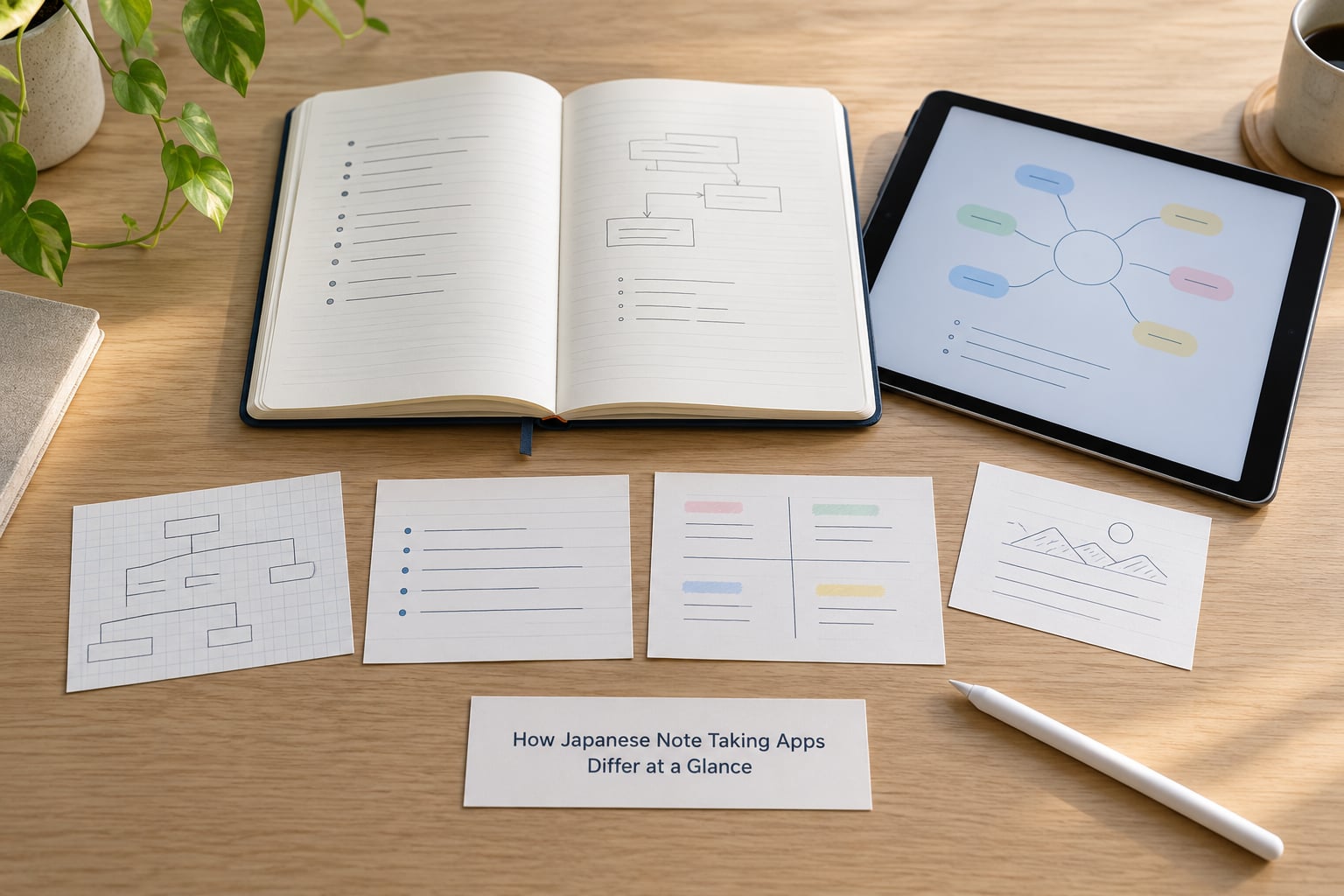
Before the details, here is the short version. Handwriting-first apps are built for people who write Japanese by hand with a stylus. Visual and canvas apps are built for mind maps and layout-heavy notes. Typed knowledge-management apps are date-first but built around links and databases. Hybrid apps are the compromise most people end up on. Names and exact features change with every platform and version, so treat the categories as the stable part.
| App type | Best for | Primary input | How notes are organized | Handwriting support | Search | Sharing | Offline use | Learning curve |
|---|---|---|---|---|---|---|---|---|
| Handwriting-first | Lecture notes, kanji practice, sketching | Stylus or finger ink | One page per day, chronological | Core feature, pressure and tilt aware | Keyword on typed layers only | Mostly personal, export to image or PDF | Strong on tablet | Very low |
| Visual canvas | Mind maps, mood boards, project boards | Drag, drop, ink, text boxes | Whiteboards and tagged boards | Strong, often infinite canvas | Board and tag search | Shareable boards with permissions | Good, varies by app | Low |
| Typed knowledge management | Research notes, references, team wikis | Keyboard | Backlinks, tags, databases | Weak or absent by design | Full-text with filters and views | Built for shared workspaces | Usually needs the desktop app or caching | High |
| Hybrid daily journal | Everyday journaling plus searchable notes | Typing with occasional ink | Date-first with tags on top | Present but secondary | Full-text across typed and recognized ink | Personal archive, link sharing | Varies widely by app | Medium |
One row in that table matters more than the others for most readers. The learning curve column explains why the same app gets a glowing review from one person and a complaint from the next. Someone who writes by hand finds a handwriting-first app almost frictionless. Someone who wants to pull a fact out of four years of notes finds it close to useless, because ink is a picture, not text.
Handwriting and Text Entry
The single biggest difference is which input method the app assumes. Western note apps generally assume a keyboard. Japanese-market apps split into two camps: those that assume a stylus and those that assume a keyboard, with the handwriting group usually winning the student market.
How Japanese Note Taking Apps Handle Ink
Handwriting-first apps treat ink as the primary medium. The page is blank until you draw on it, pressure and tilt change the line weight, and erasers behave the way a real eraser behaves rather than the way an undo button does. This is what makes them feel different from a typing app with a pen tool bolted on.
Character handling is the other half. A Japanese handwriting app lets you draw kanji and kana cell by cell, and the grid matters. Manuscript paper, called genkouyoushi (原稿用紙), is divided into boxes known as koma (コマ). The grid is a writing format, not an organizing system, and apps that ship with a genkouyoushi template are using it exactly that way: to keep characters the right size and aligned.
Typed Japanese input works differently from Latin typing. Most apps rely on the system keyboard and its kana-to-kanji conversion, which means the conversion quality belongs to the operating system rather than the note app. Some Japanese apps add their own conversion, dictionary lookup, or furigana support for reading aids. That is a real feature difference, not a cosmetic one, but it is also the feature that matters least if you are writing in English.
Visual and canvas apps sit in between. They accept ink anywhere on an infinite surface, which is excellent for diagrams and terrible for a page of plain notes, because there is no linear page to scroll through.
Typed knowledge-management apps usually have no handwriting support at all, or a very thin drawing layer bolted on. If your notes are mostly links, tables and paragraphs, that is a fair trade.
Organization Methods: Folders, Visual Maps, and Tags
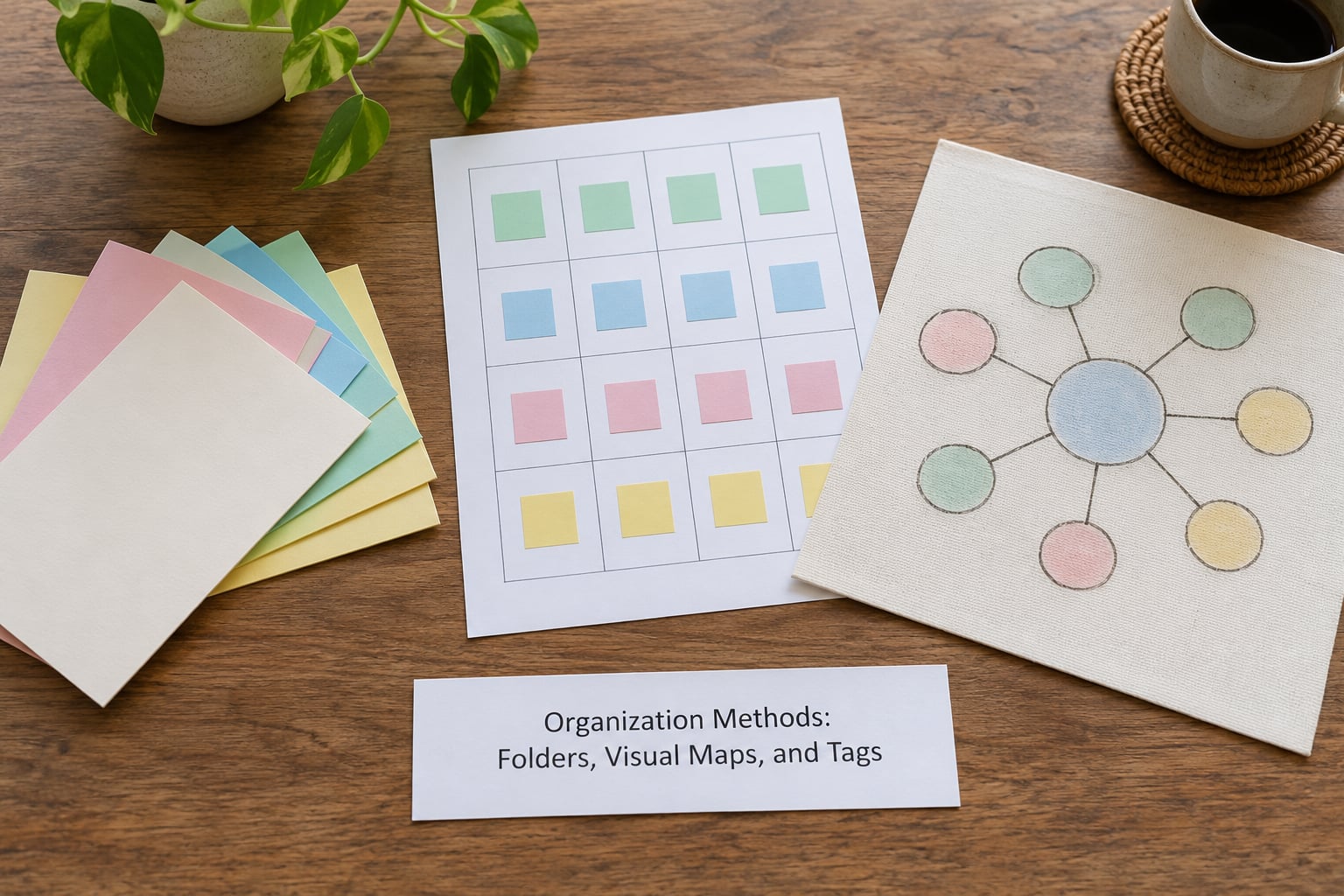
Organization is where Japanese apps genuinely part company with Western ones. The popular Japanese pattern is date-first: the app opens to today, everything lives in order, and structure comes from the calendar rather than from you deciding where a note belongs at the moment you write it.
That sounds like a small thing until you consider the failure it prevents. In a folder-based app, every new note forces a decision about the folder tree before you have written a word. Date-first apps delete that decision. The cost is retrieval: finding a note from two years ago means remembering roughly when you wrote it, not what it was called.
Visual apps organize by space. Notes live on boards, and moving something next to something else is how you express a relationship. Two pages about a supplier sitting side by side on one board communicates something that a folder tree cannot.
Typed knowledge-management apps organize by connection. Notes link to each other, backlinks show what references a given note, and tags plus database views let you slice the same material several ways at once. A researcher with two hundred source notes lives here, because retrieval beats capture.
Daily journal hybrids add tags on top of the calendar. The date still decides where a note is filed, and tags give you a second axis to find it later.
For a student, the daily journal usually wins because the lecture schedule is the organizing principle. For an office user, tags and search usually win because nobody thinks in terms of when they wrote a meeting note.
How Japanese Note Taking Apps Search and Sort Information
Search is where the handwriting-versus-typing split stops being a preference and becomes a practical limit. If you wrote in ink, the app has a picture of your words. Unless it runs handwriting recognition, that picture cannot be searched, copied or quoted.
How Japanese Note Taking Apps Differ on Search Quality
Some handwriting apps bundle OCR that reads Japanese and Chinese alongside English, which means a scanned receipt or a handwritten list can become text you can search later. The recognition is imperfect on messy handwriting and reliable on printed documents. That is usually exactly what you want: printed documents in, searchable notes out.
Typed apps offer full-text search with filters, saved searches, sorting and view options. Search quality there is a solved problem, and the real question becomes how well the app organizes results.
Visual apps search by board, tag and object type. They are good at finding a diagram and poor at finding a sentence inside one.
Some newer apps add AI-assisted retrieval that answers a question in plain language across years of notes. The promise is retrieval without remembering keywords. In practice, the answer quality tracks how much of your archive is actually text, which circles back to the same problem.
There is a wider lesson here about capture versus retrieval. Apps optimized for capture make writing frictionless and leave sorting to later. Apps optimized for retrieval make you work a little harder up front so that searching stays fast. Very few people want both from one app, which is why the note-app forums are full of people switching tools every few months and never adopting a system.
Sharing, Collaboration, and Device Sync
Most Japanese note apps are built for a private archive. One person, one device or a small set of trusted devices, and very little sharing beyond exporting a page as an image. That is a deliberate design choice, and it is not a limitation for a personal journal.
Typed knowledge-management apps go the other way. Shared workspaces, per-page permissions, comments and team wikis are the point. If you need colleagues to edit the same notes, this category is far ahead.
Canvas apps sit in the middle with shareable boards, which is a good fit for a project that needs a shared visual space rather than a shared document.
Sync and offline behavior deserve their own attention because this is where portability breaks down. A handwriting-heavy app that stores ink as images inside its own database format is easy to use and hard to move. An app that stores plain text files in a folder you control is less convenient and much easier to leave behind.
Before committing, open the export settings and actually run an export. Look at what comes out, whether ink survives as ink, whether dates and tags survive, and whether the file opens in anything else. Five minutes here prevents years of being stuck.
If you keep notes in several apps by design, which is more common than people admit, sync matters more than any single feature. A daily journal on a tablet and a typed reference app on a laptop that never talk to each other will not agree on what happened last Tuesday.
Which Type of Japanese Note Taking App Should You Choose?
Handwritten lecture notes: pick a handwriting-first app. If your notes come from classes, seminars or meetings where the pace is set by someone else, writing by hand is not a nostalgia choice, it is the only realistic one. Test that the app handles the page size your tablet actually has.
Exam preparation: pick a typed app with backlinks and tags, and use handwriting only for diagrams. Revision means revisiting material, and revision means retrieval speed.
Personal journaling: pick a date-first daily journal. You write when you write, you stop worrying about structure, and the calendar keeps order for you.
Team knowledge bases: pick a typed knowledge-management app. Shared permissions and views matter more here than ink, and the Japanese-market apps rarely offer the collaborative layer.
Multilingual notes, including reading Japanese but writing in English: pick whichever app has the better OCR and the better English keyboard behaviour. Do not adopt a Japanese interface to store English sentences.
A short decision checklist helps more than any feature table. How often do you write in a hurry? How far back do you need to search? Do you need a second person inside your notes? Do you need to leave the app later without losing anything? Can you write without a network connection? Answer those five and the category picks itself.
One honest caveat about naming specific winners: app names, prices and features shift with every update, and several apps I know are region-locked or pull features by store. Verify the current state before you commit, and test with the language you actually write in.
Frequently Asked Questions
What is a techo and why do so many Japanese note apps copy it?
A techo (手帳) is a daily planner and journal, the format most Japanese students and office workers use for scheduling and to-do lists. Apps borrow its structure because the calendar already solves the organization problem: one page per day, everything in chronological order, no folders to design. Apps like the Hobonichi Techo app exist to give the same page format on a tablet.
Can I use a Japanese note taking app if I do not read Japanese?
You can, but you should check the interface language first. Many Japanese-market apps ship a Japanese-only interface, and a few rely on the system keyboard for kana-to-kanji conversion. If you write in English, the handwriting and character features add nothing, so a typed app with better English search will serve you better. Buy nothing until you have seen the real interface.
Which Japanese note taking app is best for learning kanji?
Look for one with a genkouyoushi grid and stroke-order guidance. The grid, made of boxes called koma, keeps characters the right size and aligned while you write, which is how Japanese children are taught to write. Apps that only accept freehand ink without structure practice teach shape but not discipline. If you already read Japanese, the character tools matter more than the grid.
Do Japanese note taking apps work offline?
Most tablet-first apps do, because they assume you will write on a train or a plane and they cache pages locally. Cloud-backed typed apps often need a connection the first time you open a note, though they cache afterward. Offline behaviour is a real differentiator between handwriting apps and team knowledge bases, so test it with your actual device rather than trusting a feature list.
Is a Japanese journal app better than Notion or Obsidian?
Only for a narrow set of tasks. A date-first Japanese journal wins when you write daily and do not want to make filing decisions. Notion wins when you need shared team databases, and Obsidian wins when you want your notes as plain text files you control. If your notes are mostly links and references rather than a daily record, the global tools are the better fit.
How do I move notes out of a Japanese app without losing formatting?
Export early and inspect the result before you have thousands of notes. Ink-heavy apps often export as images or PDF, which means your handwriting survives but stops being searchable. Typed apps with plain-text or Markdown export move cleanly. Check that dates, tags and links survive the round trip, and keep the original app installed until you have opened the export somewhere else.
Conclusion
Japanese note taking apps differ in four ways that matter: they open by date rather than by folder, they lead with handwriting rather than the keyboard, they use fixed page formats instead of blank canvases, and they treat Japanese characters as a first-class input rather than an afterthought. Everything else in these apps is variation on those four choices.
So pick the type that matches your main task, then check two things before you commit. Run an export and open it somewhere else to see what actually survives. Then turn off your network for an afternoon and write a full day of notes. Those two tests will tell you more than any feature list, and they take less time than the week most people lose to switching apps.