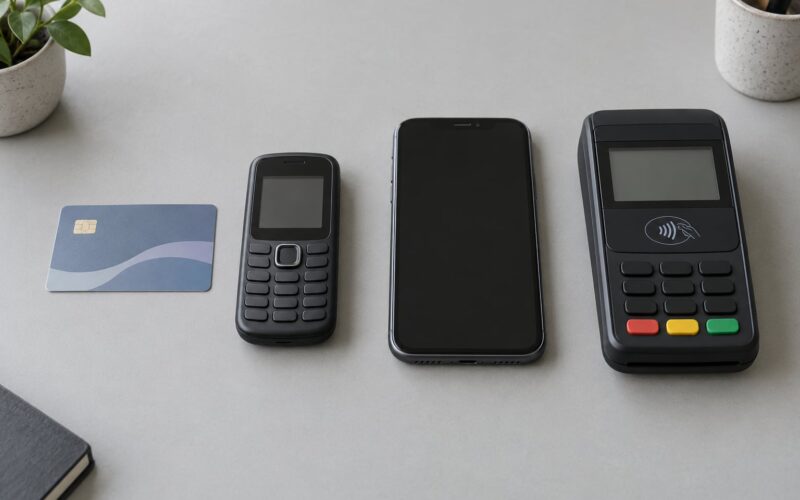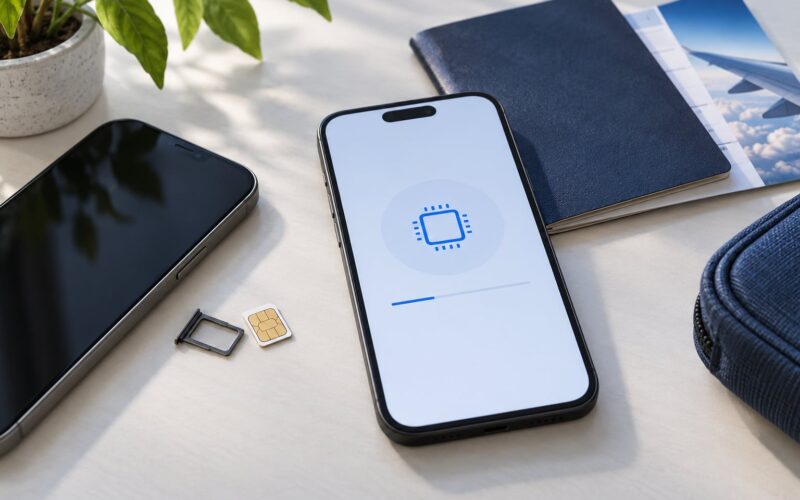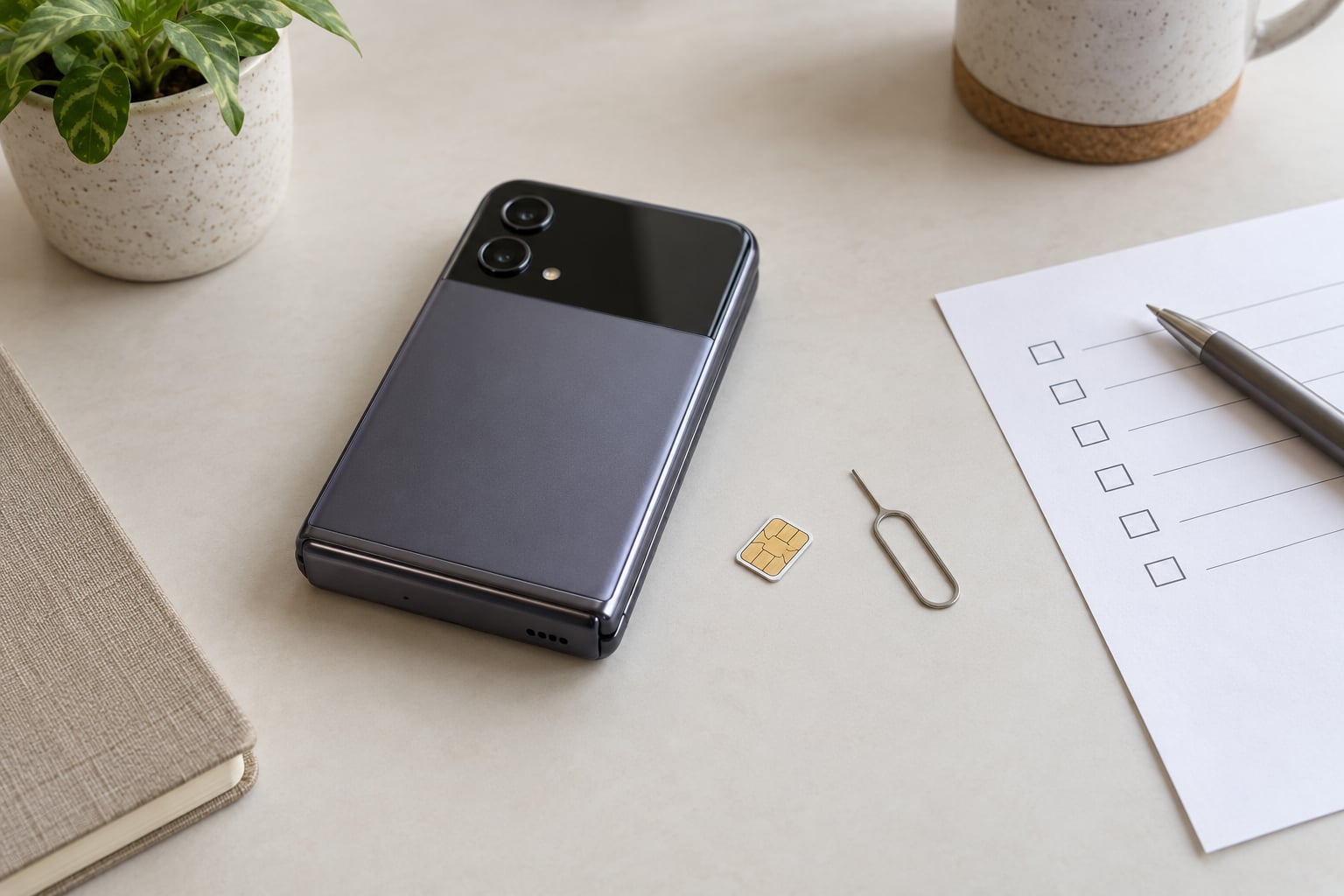
Two separate things decide whether a Japanese handset works on an American network, and only one of them can be fixed. The SIM lock can be lifted through the original carrier. The frequency bands are baked into the firmware, so no unlock code ever adds a missing one. Check the bands first, unlock second, APN third.
I have watched too many secondhand purchases become paperweights because the buyer paid for an unlock code before ever asking whether the model could talk to a US tower. The order of operations is the whole trick.
Table of Contents
- 1What You Need to Unlock a Japanese Phone for US Networks
- 2Step-by-Step
- 31. Identify the Japanese Carrier and SIM Lock
- 42. Check Whether the Phone Can Use US Networks
- 53. Request an Official Carrier Unlock
- 64. Insert the US SIM and Run Network Settings
- 75. Confirm the Unlock Actually Worked
- 86. Troubleshoot the Lock or Activation Failure
- 9Common Mistakes to Avoid
- 10Frequently Asked Questions
- 11Can I unlock any Japanese phone for use in the United States?
- 12How long does a Japanese carrier take to unlock a phone?
- 13Does carrier unlocking guarantee that a Japanese phone will work on a US network?
- 14Can I use a new Japanese phone with a US SIM without unlocking it?
- 15What happens to Japanese-only features after the phone is unlocked?
- 16Conclusion: Start With the Carrier and Model Number
What You Need to Unlock a Japanese Phone for US Networks
You need the original Japanese carrier’s name, the IMEI, and either an active line or the account credentials for the number it was bought on. Without one of those, the official unlock route is closed to you.
- The Japanese carrier — NTT Docomo, SoftBank, KDDI au or Rakuten Mobile. A Japanese-market handset sold without an operator contract is usually already SIM-free, so check before you assume you have a problem.
- The IMEI — the 15-digit device identifier every carrier uses for unlock eligibility. Dial
*#06#on most handsets, or find it under About in settings. - The account PIN, password or the phone number itself — Docomo uses a dAccount, au uses an au ID, and SoftBank asks for the original owner’s details.
- The device passcode — required to confirm the request and, on Android, to reach some carrier menus.
- A compatible US SIM — physical or eSIM, from the carrier whose bands you verified.
One distinction to keep straight: a carrier-locked phone refuses other SIMs until the code is entered. A band-incompatible phone accepts the SIM happily and then finds no network. The first is a settings problem, the second is a hardware and firmware fact you cannot change.
Step-by-Step
1. Identify the Japanese Carrier and SIM Lock
Start by reading what the phone thinks its network is. On iPhone, open Settings, tap General, then About, and scroll to Carrier for the network name and to IMEI for the identifier. On Android, the path varies by maker: Samsung keeps it under About phone, Status info, while Pixel and most stock builds use Settings, About phone, then Status.
If the phone has never been in a Japanese SIM, the About screen may simply read SIM not inserted rather than naming a carrier. Look instead at the model number — the string in Settings, About, or printed on the back — because that is what tells you which bands exist in the hardware. Note that the brand name tells you very little. Sharp and Kyocera handsets sold in Japan differ substantially from the same brands sold elsewhere.
2. Check Whether the Phone Can Use US Networks
An unlocked phone is not the same as a compatible one, and this is where most guides quietly go wrong. Before you spend anything, compare the exact model’s band list against the US bands your carrier transmits on.
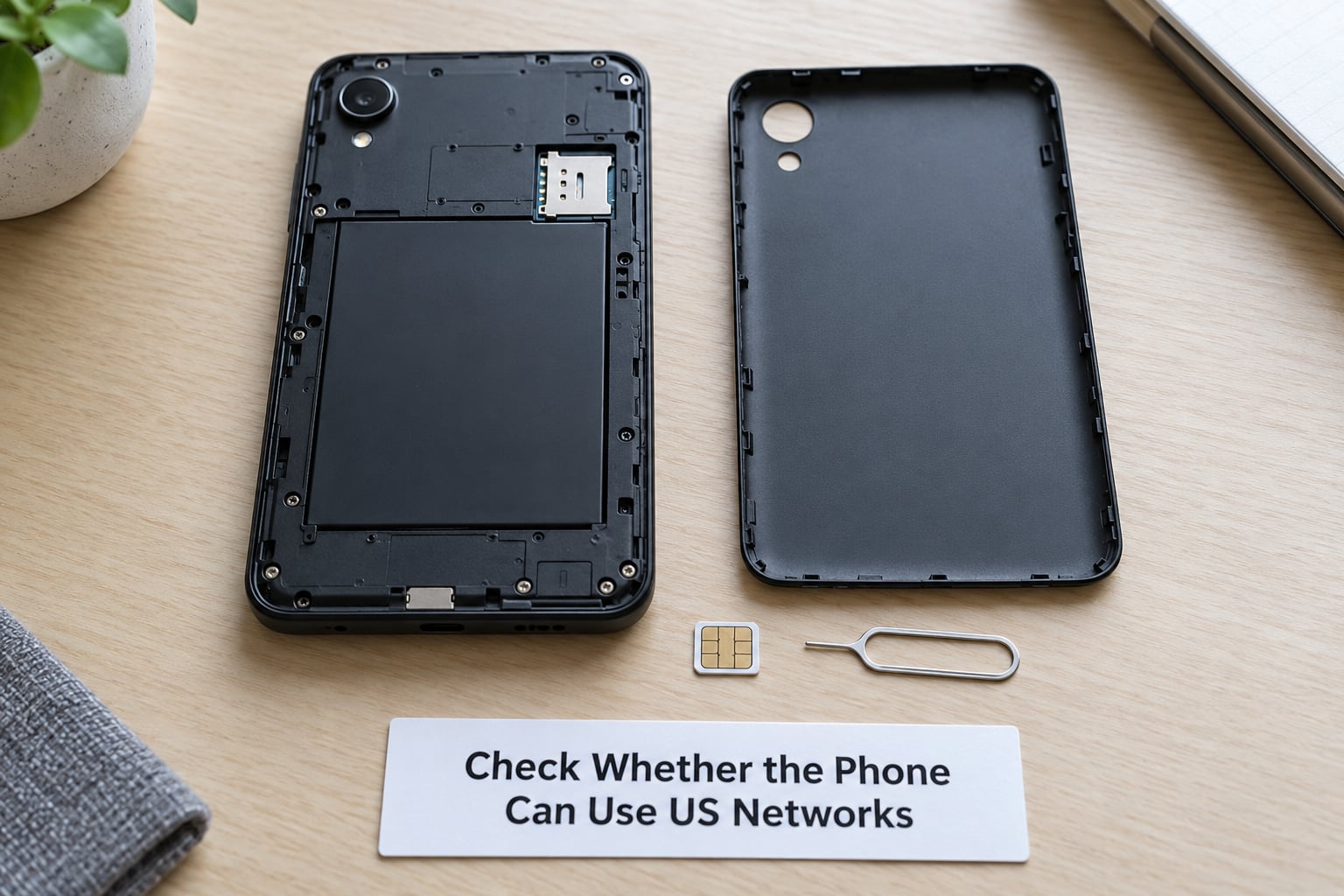
The US side of the equation runs on a specific set of LTE bands, and they differ by carrier:
| US carrier | Key LTE bands a handset should support | 5G bands in common use |
|---|---|---|
| T-Mobile | 2, 4, 5, 12, 66, 71 | n41, n71 |
| AT&T | 2, 4, 5, 12, 14, 17, 66 | n5, n77 |
| Verizon | 2, 4, 5, 13, 14, 66 | n5, n77, n78 |
| US Cellular | 2, 4, 5, 12, 13, 66 | n71 |
| Tello (runs on T-Mobile) | 2, 4, 5, 12, 66, 71 | n41, n71 |
| Visible (runs on Verizon) | 2, 4, 5, 13, 14, 66 | n5, n77 |
Japanese handsets typically carry bands 1, 3, 8, 11, 18, 19, 21, 28 and 41, plus 5G on n77, n78 and n79. Overlap is thin. The overlap that does exist is why T-Mobile comes up so often in owner reports: its 2.5 GHz band 41 was also used inside Japan, so more Japanese models shipped with it. People on r/dumbphones report a Kyocera KY-42C picking up service in the US on a Tello plan, which is a T-Mobile network, and the same community consistently steers imported oddities toward T-Mobile rather than Verizon or AT&T.
Band 71 and band 12 coverage is the part Japanese models usually miss, and that is where your building gets weak signal while the city street works fine. Since Japan completed its 3G shutdown, a Japanese handset with no US 3G fallback also depends entirely on VoLTE certification, so check whether the US carrier certifies that exact model. Band lists alone will not tell you.
Enter the model number into the manufacturer support page and read the full band table rather than a marketing summary. Engineer menus on Japanese Android builds sometimes show greyed-out bands, and that is firmware, not a mistake you can undo. Flashing regional firmware to chase them risks bricking the handset and can wipe the IMEI.
3. Request an Official Carrier Unlock
Request the unlock through the original carrier’s own channel, and expect the carrier to want proof you are the account holder. The three big networks differ more than most people expect.
Docomo publishes an IMEI-based unlock path on its official site and allows second-hand buyers to use it once the device satisfies network-use and account conditions. Au permits unlock requests from the original purchaser once payment is complete, with the device registered to an au ID. SoftBank is the strictest: reports describe it requiring the original owner, an active contract, and roughly one unlock per 100 days. Detailed carrier-by-carrier breakdowns in the reader comments under Japan Today’s smartphone guide spell out the same pattern.
If you never had the Japanese line and never will, you have three honest options: ask the seller to complete the unlock before shipping, buy a handset that the listing already describes as SIM-free or unlocked, or use a third-party broker. The third option works often enough that people keep doing it, and it carries the risk profile that implies — you hand over an IMEI that identifies a device permanently, to a stranger with no obligation and no recourse if the code never arrives.
Two warnings. Any site imitating a carrier’s branding or asking you to sign in through a link it emailed you is a phishing page, not a carrier. And no legitimate service can add a frequency band, so any seller promising to make your Japanese phone work on Verizon is describing something that does not exist.
4. Insert the US SIM and Run Network Settings
Power down, pull the tray, seat the SIM, and restart. Japanese Android builds rarely guess the right settings for a foreign network, so plan on entering them by hand.
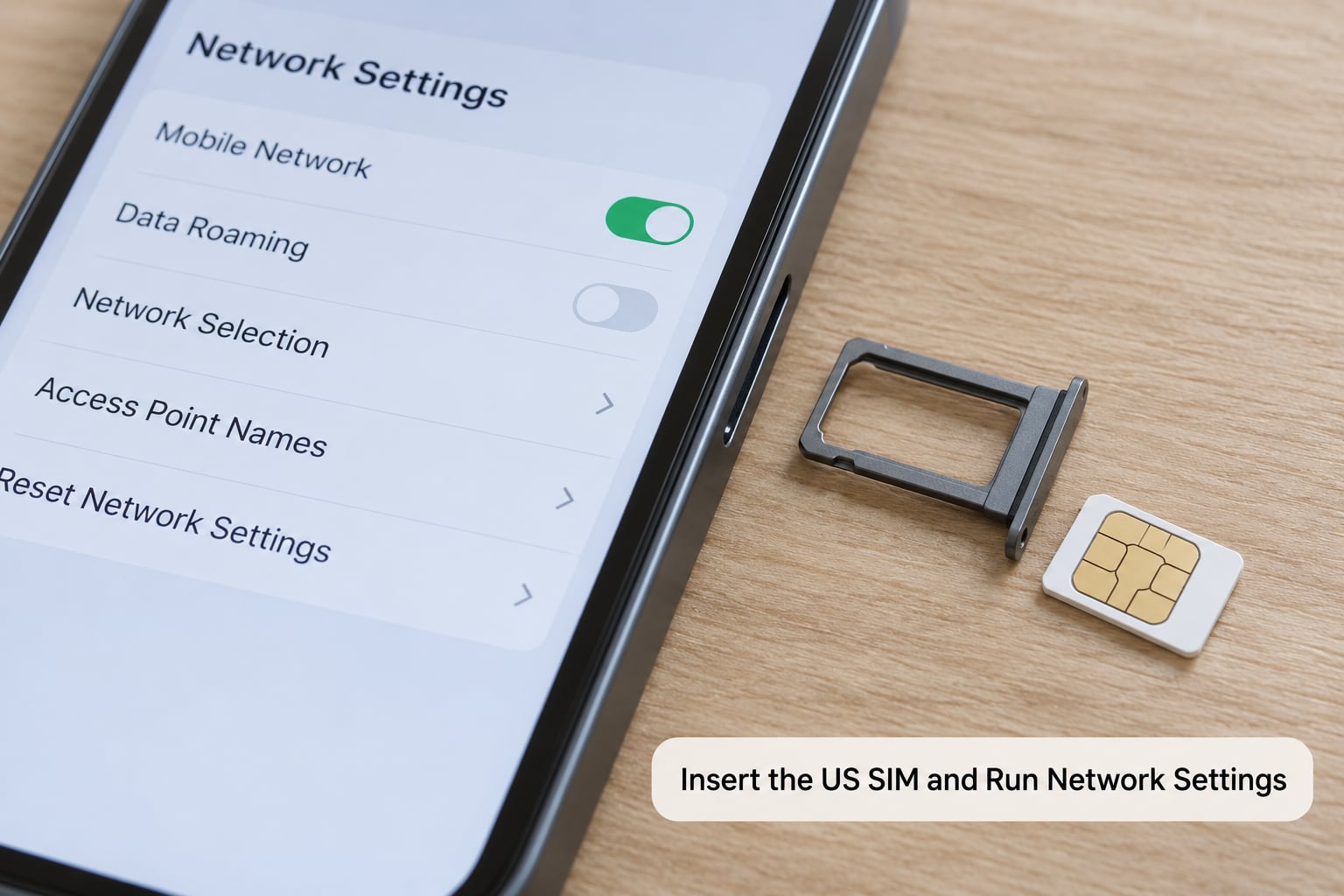
On iPhone, Settings, Cellular shows the SIM label and an On This iPhone toggle for cellular data, Wi-Fi calling sits under Cellular, Cellular Data Network holds the APN fields, and Network Selection sits under Cellular, Cellular Data Network. On Android 13 and later, open Settings, Network and internet, SIMs, then tap the active SIM and choose Access Point Names to edit the profile.
These are the APN values US carriers expect:
- T-Mobile — APN
nta, no username or password, MMSChttp://mms.t-mobile.com. - AT&T — APN
phone, blank username and password, MMSChttp://mms.att.com. - Verizon — APN
vzwinternet, username[email protected], passwordverizon, MMSChttp://mms.vtext.com/servlets/mms.
If the APN field is greyed out and your carrier refuses to save it, you are looking at the access-point-name block Japanese Android builds sometimes impose on imported SIMs. The community workaround is to copy a working APN profile from another handset, which is device-specific and unofficial. Set your network selection mode to automatic rather than searching manually, and remember that Japanese provisioning can leave you with working LTE and calls but no mobile data, which is an APN problem and not a lock problem.
5. Confirm the Unlock Actually Worked
Watch for the carrier name to appear at the top of the status bar instead of Emergency Calls Only. Then run four separate tests, because a phone can pass some and fail others.
Place a call, send a text, load a page over mobile data with Wi-Fi turned off, and check whether Wi-Fi calling activates indoors. Location services failing while data works usually means the APN profile is missing an allowed-protocol setting for that particular plan.
Exact on-screen strings tell you what went wrong:
| What you see | What it means | What to do |
|---|---|---|
| Please enter unlock code / Network locked | The SIM lock is still on | Enter the carrier-provided code. If the code is rejected, it was generated for a different IMEI. |
| Invalid SIM | The SIM is not seated, is the wrong size, or the handset rejects it | Reseat the SIM, confirm nano-SIM size, then re-check the lock state. |
| Emergency Calls Only | No compatible network found | Almost always missing US bands. Verify the model number against your carrier’s band list. |
| No service after activation timeout | Provisioning failed | Toggle airplane mode for 30 seconds, power cycle, and retry once. Then call the US carrier with the IMEI. |
| Carrier checker says not supported | IMEI absent from the carrier’s whitelist database | Activate in store or by phone. The bands may be fine even when the online checker refuses. |
That last row deserves its own note. Online compatibility checkers consult approved-device databases, and an imported handset is often missing from that list even when every required band is present. The checker is telling you about paperwork, not radio hardware.
6. Troubleshoot the Lock or Activation Failure
Work from the simplest cause outward. Re-enter the IMEI character by character, because a single mistyped digit is the most common reason a genuine code fails.
Then reset the radio with airplane mode, power cycle, and one restart of the whole device. Check that network mode is set to 5G auto or LTE rather than 3G-only, since a handset that expects a 3G network will refuse to camp on LTE in some markets. For dual-SIM models, confirm the US SIM sits in the primary slot and that data is enabled for that line specifically.
Two situations need a phone call. If the unlock is soft-locked by the Japanese carrier and you are not the account holder, the carrier can tell you whether the device is already eligible. If activation fails on a network you verified as compatible, the US carrier can confirm whether the IMEI was flagged during porting or provisioning.
What not to do: flash firmware to add bands, use a service that offers to bypass activation or factory reset protection, or keep paying for unlock codes from new sellers. Once you have tried the official route and one reputable broker, a fourth attempt is a habit, not a fix.
Common Mistakes to Avoid
Buying before checking the model number. The listing says unlocked, the carrier lock was never the problem, and the handset still shows Emergency Calls Only. Fix: read the model number and its published band table before you pay anyone, not after the phone lands.
Treating an unlock as a compatibility fix. An unlock code removes a restriction. It adds no radio hardware and no firmware. Fix: run the band comparison first, every time.
Assuming the brand tells you the model. Two Kyocera phones sold in Japan can have completely different band sets. Fix: work from the model number string, which starts with a manufacturer code such as KYF, SHG or QG.
Entering the IMEI by hand with a typo. Fix: dial *#06# and copy rather than retype.
Skipping the APN step. The phone calls fine, so the reader concludes the job is done, then discovers no mobile data. Fix: test data with Wi-Fi off before you pack the phone away.
Using a paid broker when the official route is open. Fix: check whether you can unlock through the original carrier first. If you must use a broker, use one with a stated refund policy and send nothing beyond the IMEI.
Trusting pages that imitate a carrier. Fix: type the carrier’s address yourself instead of following a link from an email or an unlock ad.
A short pre-travel routine covers most of this: confirm the model number and its band table, ask the seller in writing whether the phone is SIM-free, keep the purchase receipt and IMEI record, and test a local SIM before you leave the country. Five minutes in a shop beats a returned handset.
Frequently Asked Questions
Can I unlock any Japanese phone for use in the United States?
No. You can only remove the SIM lock, and only if the original Japanese carrier or an authorized service will release it. If the handset lacks US LTE bands such as 2, 4, 5, 12, 14, 17 or 66, no unlock will make it work here. Check the model number’s band list first; that answer cannot be changed later.
How long does a Japanese carrier take to unlock a phone?
Once your account meets the carrier’s conditions, remote unlocks often clear the same day and the code arrives by email. Hardware models that need the code typed in are immediate. Devices tied to a contract or awaiting an eligibility window can take longer, and Docomo and au both require a network-use period. If you do not hold the account, expect to wait as long as shipping and communication with the seller.
Does carrier unlocking guarantee that a Japanese phone will work on a US network?
It guarantees the phone will accept a US SIM. It says nothing about radio compatibility. Japanese handsets usually carry bands 1, 3, 8, 18, 19 and 28, which overlap only partly with US bands. T-Mobile comes up most often in owner reports because its band 41 also existed inside Japan. Verify the exact model’s band list before you spend anything.
Can I use a new Japanese phone with a US SIM without unlocking it?
Yes, if it was sold without an operator contract. SIM-free handsets from Docomo, au and SoftBank retail stores, and most used devices sold as unlocked, accept a foreign SIM as soon as one is inserted. What those phones may still need is manual APN entry, and their model may still lack the US bands your carrier depends on.
What happens to Japanese-only features after the phone is unlocked?
Unlocking changes how the phone connects to a network. It does not add features. FeliCa and Osaifu-Keitai payment functions depend on a supported Japanese carrier and typically stop working without one. Japanese TV and radio reception also depends on regional tuning. Features that run locally, such as the camera, offline maps and Android apps, are unaffected.
Conclusion: Start With the Carrier and Model Number
Find the exact model number first, then identify the Japanese carrier it was sold on. If it is carrier-locked and you hold the account, request the official unlock. If it is SIM-free, insert your US SIM and set the APN by hand. Either way, confirm the US bands before you activate anything, because that is the one check that cannot be fixed later.