Japanese banks handle online transfers through the Zengin System (全銀システム), the nationwide clearing network that links nearly every bank in the country. You enter the recipient’s bank, branch, account number and katakana name, authorise the payment with a password or one-time code, and the money is usually credited the same business day or the next one.
This guide walks through that process end to end: what each stage means, when the money actually lands, what the bank checks on the way, what it costs, and what happens when something goes wrong. It is written for foreign residents, freelancers and small businesses who hold a Japanese account and need to move money without queueing at a counter.
Table of Contents
- 1What Is an Online Transfer in Japan?
- 2How Japanese Banks Handle Domestic Online Transfers
- 3Can You Transfer Money Immediately?
- 4What Security Checks Do Japanese Banks Use?
- 5How Do International Online Transfers Work?
- 6How Much Do Japanese Bank Transfers Cost?
- 7What Can Make an Online Transfer Fail?
- 8How to Check a Transfer and Protect Yourself
- 9Frequently Asked Questions
- 10How long does a bank transfer take in Japan?
- 11Why was my furikomi rejected?
- 12How do I raise my online transfer limit in a Japanese bank?
- 13Do Japanese banks use Zelle?
- 14How much does a furikomi fee cost, and does the receiving bank charge anything?
- 15Can I make a bank transfer without a Japanese bank account?
- 16Conclusion
What Is an Online Transfer in Japan?
An online transfer in Japan is a payment instruction you submit through a bank’s internet banking site or smartphone app, moving yen from your account to another person’s account at any Japanese bank. The everyday word for it is furikomi (振込), literally “to transfer by sending.”
Japan runs several payment types that all look similar in an app but work in completely different ways. Knowing which one you need saves a lot of confusion later.
| Payment type | Japanese term | How it moves the money | Typical use |
|---|---|---|---|
| Bank transfer (furikomi) | 振込 | You push money from your account to the recipient’s account through the Zengin System | Rent, supplier invoices, sending money to family or friends |
| Direct debit | 口座振替 (kouza furikae) | The biller pulls money from your account on a set date, with your standing permission | Utilities, insurance, mobile phone plans, subscription fees |
| Convenience-store payment | コンビニ払い | You pay a barcode or code at a convenience store, often in cash | Bills that do not suit a bank account |
| App-based payment | コード決済・電子マネー | You scan a QR code with an app; the money moves from a stored balance or card | Splitting a restaurant bill, small everyday payments |
| Card payment | クレジットカード | The merchant charges your card; the bank pays out later | Online shopping, subscriptions, business software |
| International remittance | 海外送金 | Money crosses borders through a correspondent banking network | Sending money to or receiving money from outside Japan |
Two more Japanese terms turn up constantly. An ordinary savings-style account is 普通 (futsuu) and a business checking account is 当座 (touza); picking the wrong one is one of the most common reasons a transfer gets bounced. The account holder’s name field is 受取人名 (uketorininmei) and it must be typed in katakana.
Most people living here end up using three of these at once: furikomi for outgoing one-off payments, direct debit for recurring bills, and an app or card for everyday spending. They serve different purposes and none of them replaces the others.
How Japanese Banks Handle Domestic Online Transfers
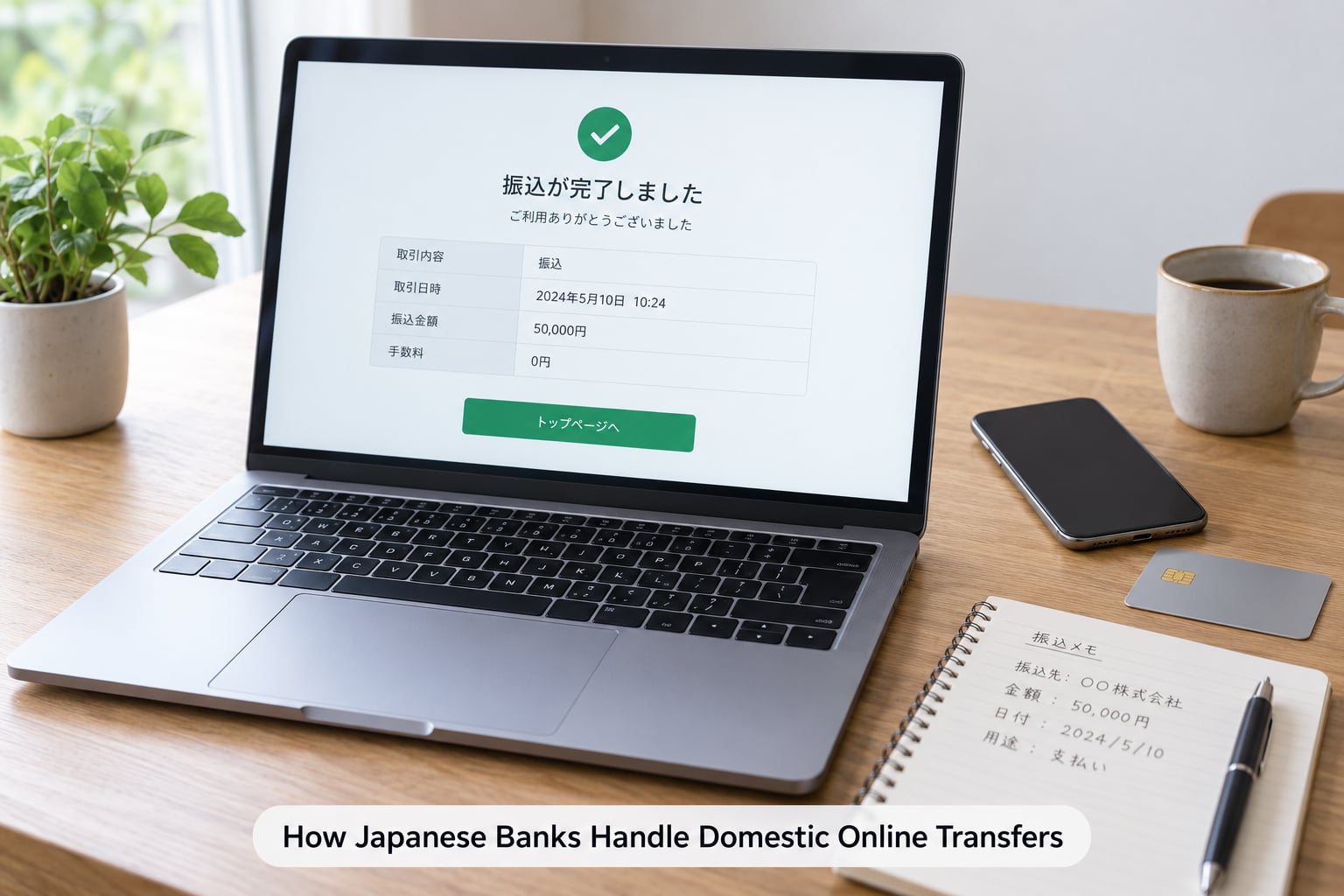
How Japanese banks handle online transfers comes down to six stages, and the same six stages apply whether you tap the transfer button in an app, use an ATM, or hand a slip to a teller. Understanding them makes a delayed payment feel far less mysterious.
- Initiation. You open the transfer screen and choose the recipient — either from a stored address book the bank keeps for you, or by entering the details fresh. Banks deliberately make new payees slower than saved ones for exactly this reason.
- Fee display. The app shows the transfer fee and, often, the total debit before you commit anything. This is the moment to check the number if you thought the transfer would be free.
- Authorization. You confirm with your login password plus a one-time passcode sent to your phone or registered device, or with biometric confirmation. Some banks still use a physical security token for larger sums.
- Transfer instruction. The bank formats the instruction with your account details, the recipient’s details, the amount and the date, then checks your available balance and your per-transfer and daily limits.
- Clearing and collection. If both accounts sit at the same bank, the money moves internally within seconds. Across banks, the instruction travels through the Zengin System, operated by the Zengin System Operating Bank, which connects the institutions and settles between them. The system was extended to around-the-clock operation in 2018.
- Confirmation. The receiving bank credits the account after checking that the recipient’s name matches. Both sides receive a confirmation: a receipt screen for you, and an SMS, email or app alert to the person receiving the money.
The Zengin System is the piece almost every explanation leaves out. It is not a payment method you choose, and you never interact with it directly — but it is the rail underneath every interbank furikomi in Japan, and the reason a transfer to any domestic bank takes a day rather than a week.
Within the same bank, transfers usually complete almost instantly because there is no interbank settlement step at all. This is why transferring between two accounts at one institution is both faster and usually free.
Can You Transfer Money Immediately?
Yes, usually — but only if you submit before your bank’s cut-off time on a business day. Most Japanese banks set a same-day deadline between about 3:00 PM and 3:30 PM, and each channel has its own deadline, which is often earlier than the bank’s headline time.
| Channel | Same-day cut-off | If you miss it |
|---|---|---|
| Online banking or app | Typically mid-to-late afternoon, around 3:00-3:30 PM | Processed the next business day |
| Bank ATM | Earlier than online in most cases, bank by bank | Processed the next business day |
| Bank counter | Late in the afternoon, often later than online | Processed the next business day |
| Scheduled / future-dated transfer | You choose the value date, up to a month ahead | Settles on the date you picked |
Weekends and Japanese public holidays are the other half of the puzzle. The Zengin System settles only on business days recognised in Japan, so a transfer submitted on a Saturday evening normally credits on Monday. A long holiday weekend such as Golden Week or New Year’s turns a one-day delay into four or five.
Sender and recipient also see different timestamps. Your confirmation shows when the instruction was accepted, while the recipient’s bank posts the credit during its own processing window, which may be later the same day. A transfer accepted at 2:50 PM can show as received at 8:00 PM, and nothing went wrong.
Japanese holidays shift annually, so if a payment matters, schedule it a day or two early rather than assuming the calendar matches yours.
What Security Checks Do Japanese Banks Use?
Japanese banks layer several checks between you logging in and the money leaving. Most are invisible unless something looks unusual, but knowing they exist helps when a payment is held for review.
- Login authentication. A user ID and password, layered with a one-time passcode pushed to a registered smartphone or generated on a physical token. Some major banks now support fingerprint or face recognition on the app.
- Device registration. The app or browser is tied to a device the bank recognises. A first-time login from a new phone or a new network triggers an extra verification step.
- Confirmation of payee. Before sending to a new recipient, many banks show the name registered at the receiving bank so you can confirm it is the right person. This is a nationwide anti-fraud control, not a quirk of one app.
- Name matching. If the katakana name on the instruction does not match the receiving account, the credit is refused and the money is returned. This catches mistyped recipients and, more importantly, impersonation.
- Transaction limits. Per-transfer, per-day and annual ceilings sit on top of the money in your account, and unusual patterns trigger a confirmation call from the bank.
- Encrypted sessions and alerts. Banking sessions run over TLS, and every completed payment triggers an SMS or email notification, which is your fastest way to spot a transfer you did not make.
Your side of the bargain matters just as much. No bank will ever ask for your PIN, your one-time passcode, or your full account number over the phone, by email or in a chat message. Foreign residents are targeted with exactly that script, often in fluent English and sometimes in Japanese, and it works precisely because the call feels official.
Japan’s banks operate under the Financial Services Agency’s supervision and the Payment Services Act, which is why identity verification at account opening and transfer screening are handled the way they are. If a call claims to be your bank, hang up and call the number printed on the back of your card.
How Do International Online Transfers Work?
An international transfer leaves Japan’s banking system entirely. Your bank sends the instruction through the SWIFT network to a correspondent bank abroad, that correspondent passes it to the receiving bank, and the receiving bank credits the account. Each hop can add a day and a charge.
That chain is why an international transfer is slower and costlier than a furikomi. It also means you need the recipient’s bank SWIFT or BIC code, their account number in the format that bank expects, and the account holder’s name exactly as it appears on the account, in Latin characters rather than katakana.
| Bank | SWIFT / BIC code |
|---|---|
| Mitsubishi UFJ Bank | BOTKJPJT |
| Sumitomo Mitsui Banking (SMBC) | SMBCJPJT |
| Mizuho Bank | MHCBJPJT |
| Japan Post Bank (Yucho) | JPPSJPJ2 |
Codes change. Japan Post Bank revised its SWIFT code in recent years, so confirm the code on your bank’s own remittance page rather than trusting a list, including this one, that was written months earlier.
Two costs sit on top of the sending bank’s fee. The first is the intermediary or receiving bank charge, which is usually passed on separately. The second is the exchange-rate spread: your bank rarely offers the mid-market rate, and on a large sum that spread is often the larger of the two costs. People sending big amounts overseas regularly compare a bank wire against services like Wise, where the rate is closer to the mid-market and the fee is stated in the local currency.
Recipients in some countries receive SWIFT transfers through a different system entirely, and a few banks do not accept them at all. Ask the receiving bank what it accepts before you send, because a rejected international transfer is slow and expensive to reverse.
How Much Do Japanese Bank Transfers Cost?
Domestic furikomi is cheap by international standards, and the receiving bank charges nothing to receive it. There is no “incoming fee” on a Japanese account for a domestic bank transfer, which surprises people used to banks that take a cut.
The sending side is where the money goes, and the amount depends almost entirely on which channel you use. The pattern is consistent across the major banks — Mitsubishi UFJ, SMBC, Mizuho and Japan Post Bank — as well as the online-only banks such as Rakuten Bank, SBI Sumishin Net Bank, Sony Bank and PRESTIA.
| Channel | Typical domestic fee | Notes |
|---|---|---|
| App or online banking, same bank | Often free | No interbank settlement involved |
| App or online banking, other bank | Lowest tier, often free or a small flat fee | Routed through the Zengin System |
| ATM | Low tier, and some ATMs charge extra per use | Cash deposit for a transfer is capped at 100,000 yen |
| Bank counter | Highest tier | Staff-issued receipt, useful for large or unusual payments |
| Convenience-store payment | Store handling fee per payment | Not a furikomi; the biller receives the money instead |
Almost every bank uses a two-tier fee structure: a lower price for transfers of up to 30,000 yen and a higher price above that. The gap between tiers is what surprises people most, particularly when a rent payment or an invoice crosses the threshold.
Online-only banks attack this differently. They count every transfer you make in a month, and once you pass a threshold of transactions or a total value, the rest of that month is free. For someone paying a dozen bills a month, the effective cost per transfer can approach zero, and it beats the flat fee at a megabank.
For international transfers the picture changes. A Japanese bank wire typically costs a few thousand yen, the correspondent bank adds its own charge, and the exchange-rate spread applies on top. Remittance specialists are often cheaper above roughly a million yen, which is where the fixed fee stops mattering and the rate does all the work.
Fees change. Check the transfer-fee page of your own bank before a large payment, and treat any figure you read — including the ranges here — as a starting point rather than a quote.
What Can Make an Online Transfer Fail?
Most failed Japanese transfers trace back to a small number of causes, and each one has a straightforward fix. Here they are in rough order of how often they come up.
- The account is closed or the recipient has left the bank. The credit is refused and the money returns to your account. Nothing is lost, and the returning bank may keep a handling charge.
- The katakana name does not match. This is the single most common complaint in online forums. The receiving account’s registered name must match the instruction exactly, including how long vowels are written. Ask the recipient to read it from their app rather than from a written message.
- Japan Post Bank accounts use a different format. Yucho passbooks show a kigo (記号) and bangou (番号) instead of a branch code and account number. Those two numbers have to be converted into the standard account format before another bank can send money, and many senders get this wrong. Japan Post Bank provides a conversion tool, and using it saves a bounced payment.
- Wrong account type. Entering an ordinary account number where a checking account is required, or vice versa, causes an immediate rejection.
- You hit a limit. Per-transfer and daily ceilings commonly sit at 500,000 yen in many apps, and the ATM cash cap for funding a transfer from cash is 100,000 yen. That cap exists for identity verification under Japan’s anti-money-laundering rules, not as a quirk of a particular bank.
- Insufficient available balance. The fee is taken on top of the amount, so the account has to hold both.
- You missed the cut-off. The instruction was accepted but queued for the next business day, which is a delay rather than a failure.
- Scheduled maintenance. Banks take systems offline in the early morning and late evening for batch processing. Transfers attempted in that window may be rejected outright.
- The bank suspects fraud. A large transfer to a brand-new payee, or an unusual pattern of activity, can freeze the payment for manual review and trigger a call from the bank.
When a transfer comes back, the money reappears in your account, sometimes within a day and sometimes after the return travels through the Zengin System. The sending bank usually cannot cancel a transfer that has already cleared — think of it as the electronic equivalent of trying to un-present a cheque. Verify the recipient before you authorise, not after.
How to Check a Transfer and Protect Yourself
Before you tap confirm, run through this short check. It takes about thirty seconds and catches nearly every problem that would otherwise cost days.
- Confirm the name first. Ask the recipient for their registered name exactly as the bank holds it, in katakana. If the account is at Japan Post Bank, ask for the converted account format.
- Check the account type. 普通 (futsuu) for ordinary accounts, 当座 (touza) for business checking.
- Re-read the fee and the total. The amount shown after the fee line is what leaves your account. If the transfer crosses 30,000 yen, the tier changes and the fee may jump too.
- Check the value date and the cut-off. If you need it today, confirm you are inside your bank’s deadline. If not, schedule it rather than hoping the weekend is short.
- Save the receipt. Screenshot the confirmation screen and download the receipt PDF if the app offers one. It carries the receipt number, the value date and the accepted timestamp, which is exactly what a bank asks for when something goes wrong.
Afterwards, watch your balance rather than waiting for the notification. Some apps send alerts only for completed payments and stay quiet for rejected ones, so a transfer that never leaves your account can look like a transfer that is simply slow.
If something looks wrong, contact the sending bank first using the number on your card or in the app, and ask for the transfer’s status and receipt number. For an international transfer, ask your bank to trace the correspondent chain, since the payment company abroad cannot see your bank’s leg of the journey.
And on fraud, keep it simple: your bank will never ask for a one-time passcode. Neither will PayPay, au PAY, or any convenience-store chain asking you to “confirm” a transfer over the phone. If money is being moved under pressure, that pressure is the tell.
Frequently Asked Questions
How long does a bank transfer take in Japan?
A domestic furikomi submitted before your bank’s cut-off on a business day is normally credited the same day. Miss the cut-off, submit on a weekend or on a Japanese public holiday, and it lands the next business day. Transfers between accounts at the same bank usually complete within minutes because no interbank clearing is involved. International transfers take several business days because they pass through correspondent banks.
Why was my furikomi rejected?
The usual causes are a closed recipient account, a mismatch between the katakana name on the instruction and the name registered at the receiving bank, the wrong account type such as ordinary instead of checking, an incorrect account number, insufficient balance once the fee is added, or a per-transfer or daily limit. Money that comes back returns to your account, but recovering it can take a day or more.
How do I raise my online transfer limit in a Japanese bank?
Open your bank’s app or internet banking, find the transfer limit or daily payment settings under account settings or security, and either raise the ceiling or submit a request to change it. Many banks require in-person identity verification at a branch for higher limits, and a few will ask you to bring identification and a reason. Default per-transfer ceilings commonly sit around 500,000 yen, so check yours before a large payment.
Do Japanese banks use Zelle?
No. Japanese banks do not use Zelle or any equivalent domestic instant-payment scheme, and there is no US-style person-to-person transfer network operating in Japan. Instant-ish transfers here come from same-bank transfers, which clear in minutes, or from app balances such as PayPay and au PAY. For moving money abroad, Japanese banks offer SWIFT wires, while remittance services such as Wise are often cheaper on large amounts.
How much does a furikomi fee cost, and does the receiving bank charge anything?
The receiving bank charges nothing to receive a domestic transfer. The sender pays, and the amount depends on the channel: an app or online transfer to another bank is the cheapest, an ATM sits in the middle, and a counter transfer is the most expensive. Most banks use two tiers, with a higher fee above 30,000 yen. Online-only banks often make transfers free once you pass a monthly transaction threshold.
Can I make a bank transfer without a Japanese bank account?
Not a furikomi, since that needs a sending account at a Japanese bank. You can still pay bills with a foreign-issued card through services that act as a payment intermediary, or in cash at a convenience store, or at a post office counter using the account details printed on the bill. To receive money from abroad you need a Japanese account and your bank’s SWIFT or BIC code for the sender.
Conclusion
Japan’s online transfer system is predictable once you know the shape of it. Confirm the recipient’s katakana name, pick the right account type, check your bank’s cut-off before you authorise, look at the fee on screen rather than assuming it is free, and keep the receipt.
Turn on SMS or app notifications the same day you open the account. That single setting catches a duplicate payment, a rejected transfer and a fraudulent one, which is most of what can go wrong with furikomi.
Fees, limits and cut-off times differ by bank and change over time, so check your bank’s own fee page before a large or time-sensitive payment.