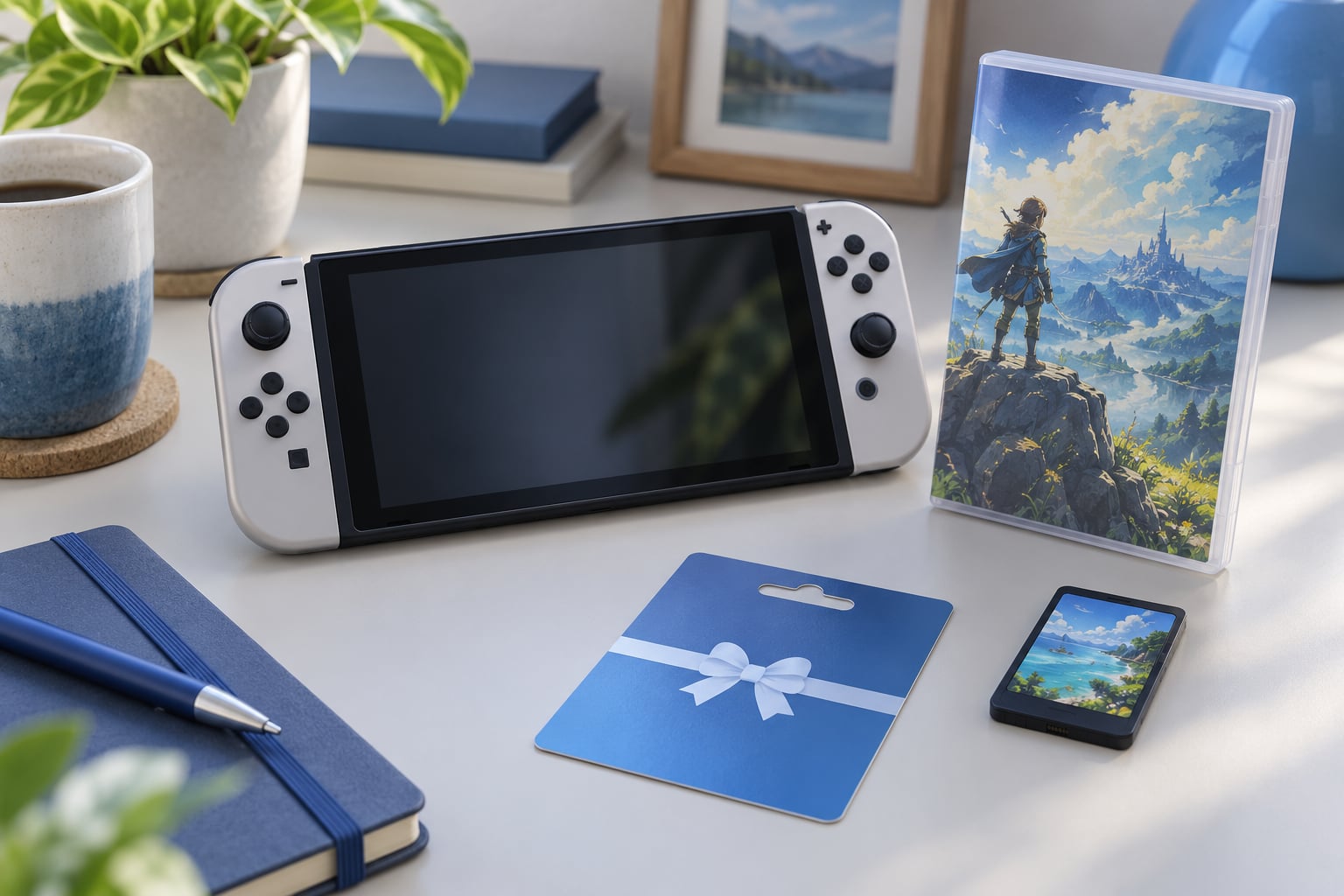
You can play Japanese Nintendo Switch games on a US console. Both the Switch and the Switch 2 are region-free consoles, so a Japanese game card inserts into an American console and plays normally, and the digital route works too: link a Japanese Nintendo Account to a user profile on your US system and buy straight from the Japanese eShop. The real hurdles are Japanese-only text, region-locked online features, and getting the right version of the game.
That direct answer surprises people who tried the same trick on an N64 or a 3DS and hit a wall. Those systems had hardware region locks. Switch hardware never had one. What follows is the working process, step by step, plus the parts people usually get wrong on the first attempt.
Table of Contents
- 1What You Need
- 2Step-by-Step: How to Play Japanese Switch Games on a US Console
- 3Step 1: Check Which Version of the Game You Own
- 4Step 2: Create a Japanese Nintendo Account
- 5Step 3: Use the Japanese EShop on Your US Console
- 6Step 4: Download and Play the Game
- 7Step 5: Handle a Region-Locked Physical Game
- 8Common Mistakes
- 9Common Mistakes to Avoid
- 10Frequently Asked Questions
- 11Can I play a Japanese Nintendo Switch game on a US console?
- 12Do I have to change my US Switch to the Japan region?
- 13Do I need a Japanese Nintendo Account to buy Japanese Switch games?
- 14Can I use a Japanese eShop gift card on a US Switch?
- 15Can I change my Switch region back to the US after playing Japanese games?
What You Need
Four things, and only two of them are purchases you might not own yet:
- An original Nintendo Switch, Switch OLED, or Switch 2 purchased in any region
- A Japanese-region Nintendo Account with a verified email address
- A steady internet connection for account creation and game downloads
- Free console storage equal to the download size of your game, plus room to install updates
- The game’s own region information, either from the packaging or the store page
You do not need a Japanese cartridge if you plan to buy digitally, and you do not need modded firmware, imported custom firmware, or any account bypass. Official Nintendo accounts and official purchase channels are enough for everything described in this guide.
One clarification before the steps. If a search result told you to change your console to the Japan region in the system settings, that guide was written for the Nintendo 3DS. The 3DS had a Region Format option. The Switch and Switch 2 have no such menu, and no console setting can unlock a game that its publisher restricted to one region.
Step-by-Step: How to Play Japanese Switch Games on a US Console
Step 1: Check Which Version of the Game You Own
Start by identifying the version, because the answer changes what happens next. Turn the box over or look at the listing and find the region field. Japan, USA, Europe and other regions appear there, and a small globe or language icon tells you how many languages the release supports.
Three outcomes matter. A game marked region-free, or one listing Japan and the USA together, plays anywhere with no extra work. A game listed as region-locked to Japan will not run on a US console, and no purchase method changes that. A game marked Japan only on the Japanese eShop is a normal digital purchase from a Japanese account, which the rest of these steps cover.
Do not assume a Japanese label alone is the answer. Plenty of Japanese Switch releases are digital-only, and plenty of physical Japanese cards are region-free. Some Japanese Switch 2 titles also come as game-key cards, which are physical cards that install a download; check the packaging for the game-key card marking.
How you know it worked: you have a region name and a language count in front of you before you spend anything. A single-language Japanese release with one icon is your signal that this is an import job, not a normal purchase.
Step 2: Create a Japanese Nintendo Account
Open the Nintendo Account website, select register, and fill in the form with Japan as the country of residence. The country dropdown is the one decision in the whole process you cannot take back, so pause on it and pick Japan rather than the United States.
Enter an email address, choose a password, and set your date of birth. Nintendo sends a verification code to that address, and some sign-ups also ask for a second confirmation step tied to the email domain. Complete all of it before you close the tab.
How you know it worked: you can sign in to the account on any browser and the profile page lists Japan as the country. If it lists the United States, the account is wrong for Japanese eShop purchases and you will need to register a new one.
There is no menu anywhere in Nintendo Account to change the country later. People search for one and find nothing. If you picked the wrong country, the only supported route is deleting the account and creating a new one, which means losing anything already tied to it.
Step 3: Use the Japanese EShop on Your US Console
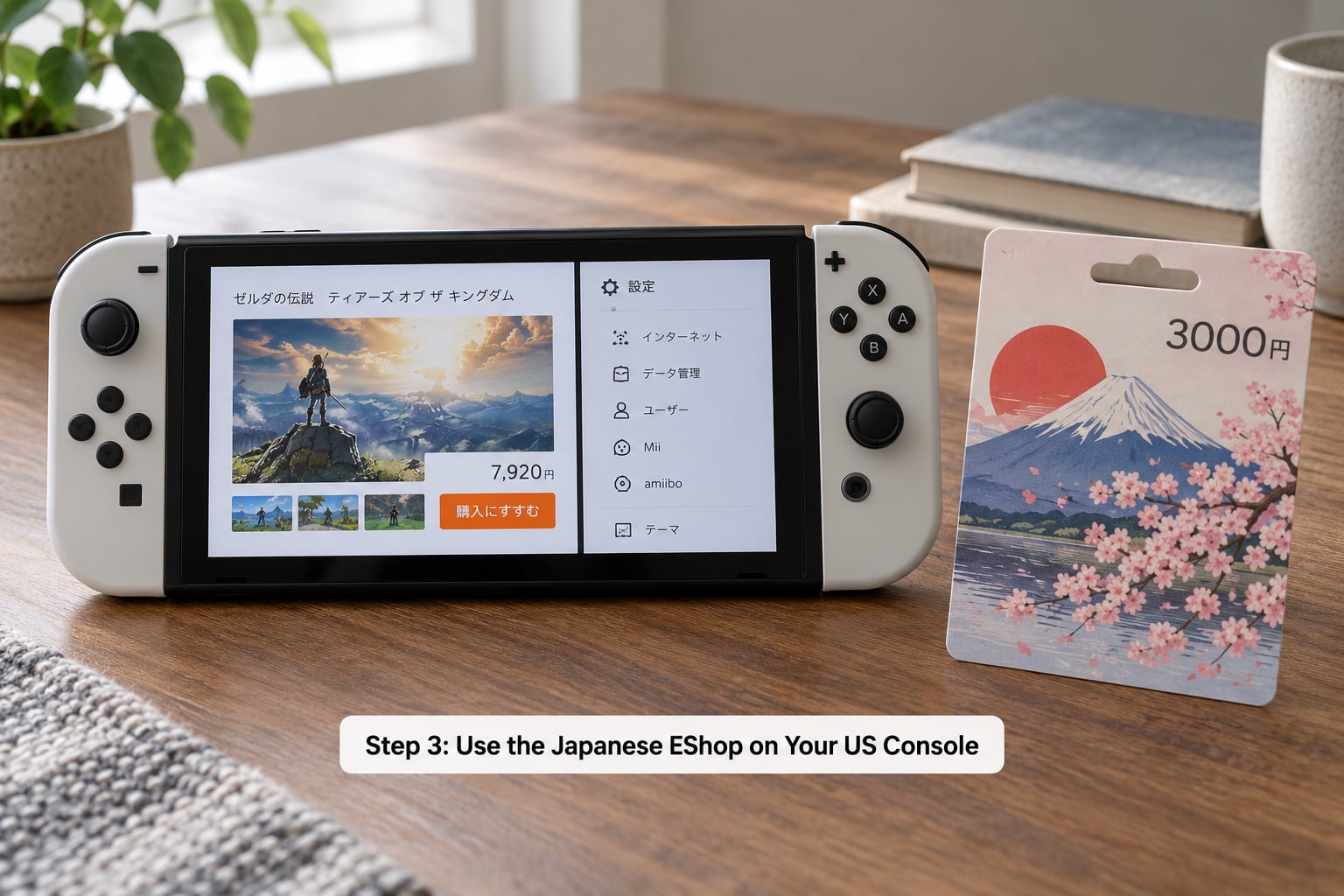
On the console, open System Settings, choose Users, and select the profile you want to use for Japanese purchases. From there, enter Nintendo Account, sign in with the Japanese account you just made, and follow the prompts to verify the email code.
The linked account inherits the Japanese eShop. You can now browse the Japanese storefront from inside Nintendo eShop on the Switch, and purchases are charged in yen. Many players keep their US account as the main profile and add the Japanese one as a secondary profile, which keeps the two libraries separate and stops accidental purchases on the wrong storefront.
Payment is where the digital route gets fiddly. The Japanese eShop does not reliably accept cards issued outside Japan, so the common approach is buying a Japanese Nintendo eShop gift card and applying the balance to the account. Buying one is straightforward, and applying it is simple: redeem the code, and the yen amount lands on the account balance.
Two extras worth knowing. The Japanese eShop carries demo and free trial versions of many retail games, and those are a cheap way to test a Japanese release before committing to the full price. Nintendo Switch Online subscriptions are also sold through the Japanese eShop for players already inside Japan, and subscribing there keeps that account region-consistent.
How you know it worked: the eShop page shows Japanese yen prices and Japanese-language product names, and the account balance screen accepts a Japanese gift card code.
Step 4: Download and Play the Game
Find the title in the eShop, buy it, and let the download run. On Switch, the software installs to the console rather than to a profile, so anyone on the system can launch it once it finishes, though some games check the linked account before starting.
Check the Home menu for the new icon, and launch it from the profile that has the Japanese account linked if the game asks for verification. Games that support multiple save slots will prompt you to choose where to store data on first run. Pick a slot deliberately, because save data lives with the profile on that console and is not automatically shared with your US profile.
Running low on space is the most common reason a download stalls. Clear unused games first, and keep in mind that patches arrive afterward and can be several gigabytes on their own. Software updates sometimes need to finish before a game will launch, so let the console complete its update when prompted rather than forcing the power button.
How you know it worked: the title appears on your Home menu and starts without an error message.
Step 5: Handle a Region-Locked Physical Game
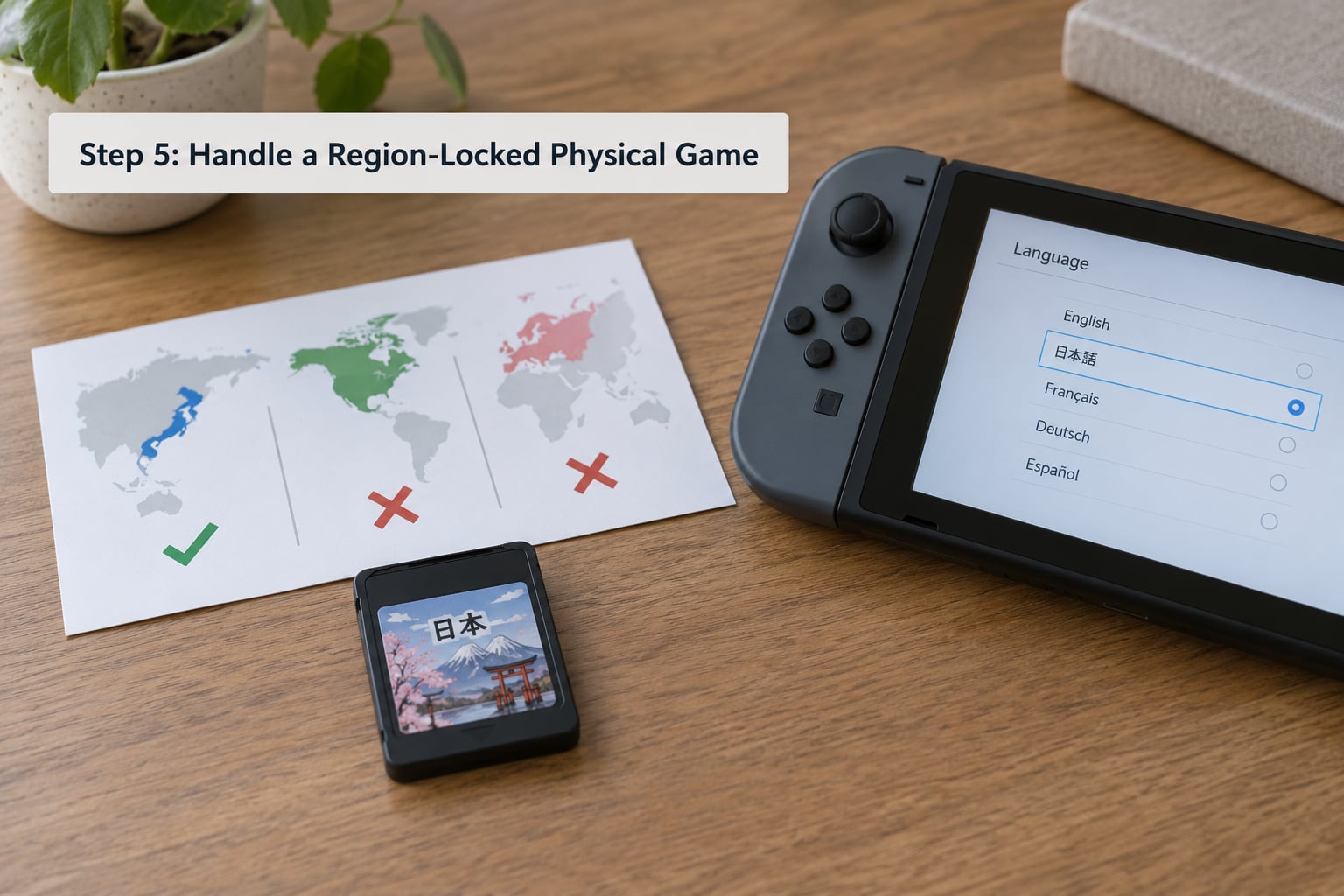
If a physical Japanese cartridge refuses to launch, the cause is almost always the game, not the console. Publishers who region-lock a release printed that restriction on the box, and hardware is designed to respect it.
So there is no menu path to fix this on Switch. The Region Format setting that old forum posts describe belongs to the Nintendo 3DS family. On Switch and Switch 2, confirm the cartridge’s supported regions on the packaging, and if Japan is the only one, put it aside and look for another copy.
What you can control instead is the system language, and it is worth understanding what that setting does. System Settings, then System, then Language changes the console’s own menus. It does not translate in-game text. Game text follows whatever languages the release shipped with, which is why a Japanese-only cartridge stays Japanese no matter which language your console runs in.
Buying from a specialist import retailer helps here, because listings there usually spell out whether a title is a physical cartridge or a game-key card, and whether it is region-locked. A Japan-region console, meanwhile, is a separate question entirely: Japanese consoles work outside Japan without a different power adapter, and what varies is only the eShop account region.
How you know it worked: the game starts on first launch, or it fails every time regardless of the profile you use, which points to the release rather than the account.
Common Mistakes
Most problems trace back to six repeating causes. Each has a fix and a way to verify it.
Account created in the wrong country. The eShop shows US dollars, and the account page lists the United States. Delete the account and re-register with Japan as the country of residence, then re-verify the email. Verify by checking the profile page shows Japan.
No eShop access on a US console. The eShop icon is missing, greyed out, or the store opens in English with US pricing. The store region comes from the linked account, not the console. Open System Settings, choose Users, select the profile, and link the Japanese Nintendo Account there. Verify by reloading the eShop.
Purchases refused or a balance requirement you did not expect. Cards issued outside Japan are not reliably accepted. Redeem a Japanese eShop gift card and retry with the balance. Verify by checking that yen appears as a usable balance.
A Japanese cartridge that will not launch. The release is region-locked to Japan and the console is correctly behaving. Check the packaging’s region list, confirm there is no language icon showing multiple languages, and look for a region-free copy. Verify by testing any other Japanese card you own on the same console.
Download runs out of space mid-way. Delete unused software and download again, then reserve room for the update. Verify by watching the console report free space above the download size plus several gigabytes.
Save or update errors. Save data belongs to the profile, so a game launched under a different profile looks empty. Finish pending system updates first, and back up your save before linking a new account. Verify by starting a new game and saving twice in the same profile.
Common Mistakes to Avoid
The expensive errors all come from doing things out of order. These are the ones worth avoiding.
Searching for a country-change option in Nintendo Account. There isn’t one. The country is fixed at registration, and correcting a mistake means deleting the account.
Looking for a Region Format menu on Switch. It does not exist on Switch or Switch 2. Anyone telling you to change it is describing 3DS-era instructions.
Buying before checking compatibility. Five minutes reading the region and language fields on the listing saves a return.
Assuming any Japanese cartridge works. A Japanese label tells you where the game was sold, not whether the release is locked. Look for the supported-region list.
Ignoring save data and firmware. Updates often gate the first launch, and profile mixing looks like lost progress. Finish updates and keep one profile per game library.
Reaching for modding to translate a game. Fan translation patches exist, but applying them requires custom firmware, and modified software breaks the rules of online play. Weigh that against simply waiting for an official English release or using a translation overlay on a phone beside the screen.
Before you buy anything, run this check: region list includes your console, language list includes English or you accept a Japanese-only UI, you know which profile will hold the save data, and the account region matches the storefront. If the game has an announced English release, waiting is usually the better trade.
Frequently Asked Questions
Can I play a Japanese Nintendo Switch game on a US console?
Yes, for most titles. Both Switch models and the Switch 2 are region-free, so a Japanese game card inserted into a US console runs normally. The card must not be a release its publisher restricted to Japan, and a Japanese-only release will still be in Japanese unless it supports multiple languages. Online features can also be server-locked by region.
Do I have to change my US Switch to the Japan region?
No, and there is no setting to change. The Switch and Switch 2 have no Region Format menu; that option existed on the Nintendo 3DS family. Region-free hardware means a Japanese card simply runs. If a specific game is region-locked to Japan, no console setting changes that, and you need a different copy of the title.
Do I need a Japanese Nintendo Account to buy Japanese Switch games?
Only for digital purchases. The eShop region follows the linked Nintendo Account, so buying from the Japanese storefront requires an account registered with Japan as its country of residence. That country is chosen once during registration and cannot be edited later, so double-check it before you finish signing up.
Can I use a Japanese eShop gift card on a US Switch?
Yes. A Japanese Nintendo eShop gift card redeems on any console, in any region, as long as the account it is applied to is registered to Japan. Gift card balance is a reliable payment route because cards issued outside Japan are not consistently accepted by the Japanese eShop. The yen amount stays on the account until you spend it.
Can I change my Switch region back to the US after playing Japanese games?
Nothing needs changing, because your console was never set to a region. A US console stays exactly as it is while running a Japanese game. Only the Nintendo Account holds a country, and that is fixed at registration. If you later want the US eShop again, switch to your US account in the user profile and the storefront changes with it.
For most readers, the safe route is digital: confirm the title is region-free, register a Japanese Nintendo Account, and buy from the Japanese eShop with gift card balance. Reach for a physical Japanese card only when the listing shows Japan among the supported regions, and remember that the console itself never needs changing.