A Japanese eShop account is simply a Nintendo Account with its country/region of residence set to Japan. That single field decides which storefront, prices, payment methods and DLC you see, and it has nothing to do with which console you own — a US Switch or Switch 2 runs a Japan account without trouble. Games and game cards are not region-locked; accounts, payment and DLC are. Here is Japanese eShop account setup for US players, from a blank inbox to a funded account, with the residency rules most guides skip.
Budget about 25 minutes for the account work, plus whatever you spend thinking about funding. No secret route gets around the payment wall, and anyone promising one is selling something.
Table of Contents
- 1What You Need
- 2Step-by-Step
- 3Japanese eShop account setup for US players: check regional eligibility
- 4Create the Account with Accurate Information
- 5Complete Any Identity or Age Verification
- 6Set the Correct Region, Language, and Currency
- 7Add a Payment Method the Store Accepts
- 8Confirm Shipping and Delivery Options
- 9Place a Small Test Purchase
- 10Common Mistakes
- 11What is actually region-locked
- 12Common Mistakes and Quick Fixes
- 13Frequently Asked Questions
- 14Can a US player open any Japanese e-shop account they want?
- 15Why does a VPN or proxy not guarantee Japanese eShop access?
- 16Does a Japanese eShop gift card work on a US account?
- 17How do shipping and customs differ from a normal US purchase?
- 18What should I do when the eShop asks me to verify my account?
- 19Conclusion
What You Need
Four things, and one of them is a decision rather than an object.
- A fresh email address. Nintendo ties one Nintendo Account to one email, so use an alias or a separate inbox rather than reusing your main US account. Mixing your play history and region into one account is how people end up unable to change country later.
- A second user profile on the console. System Settings > Users > Add User creates a local profile, and that profile is what links to the Japan Nintendo Account. Your existing profile stays untouched.
- A way to pay in yen that the storefront accepts. In practice this means a Japan-region eShop or Nintendo prepaid card code, redeemed as 16 characters. US-issued Visa and Mastercard and non-Japan PayPal accounts get declined at checkout.
- Zero yen in your existing balance. Nintendo will not let you change an account’s country while any eShop balance sits in the wallet. Spend it first.
That last item matters more than it sounds. Any prepaid yen you add is forfeited if you later switch the account back to the US — it does not convert and it does not follow you. Treat the balance as spent, not stored.
One warning before you start. Nintendo’s terms require the country on your account to match your actual country of residence. Plenty of US players set Japan anyway and get away with it, but repeated region flipping is the pattern that draws account reviews. If you actually live in Japan, this is all routine. If you don’t, know that you’re outside the stated rules.
Step-by-Step
Japanese eShop account setup for US players: check regional eligibility
First decide what you actually want: a Japanese storefront for region-only titles, DLC and demos, or nothing more complicated than that. Physical game cards bought on a Japan trip already work on any console, and they don’t need any of this.
What does need it is the storefront. Japan’s catalogue carries exclusives and visual novels that never reach the US store, and several Japan-only releases run weeks or months ahead of Western launch. If that’s your reason, you’re in the right place.
For the current rules, read the platform’s own pages: the Nintendo Account country/region support article, the eShop terms, and the shipping page for anything physical. Support is the authority here, not a gift-card reseller blog.
Create the Account with Accurate Information
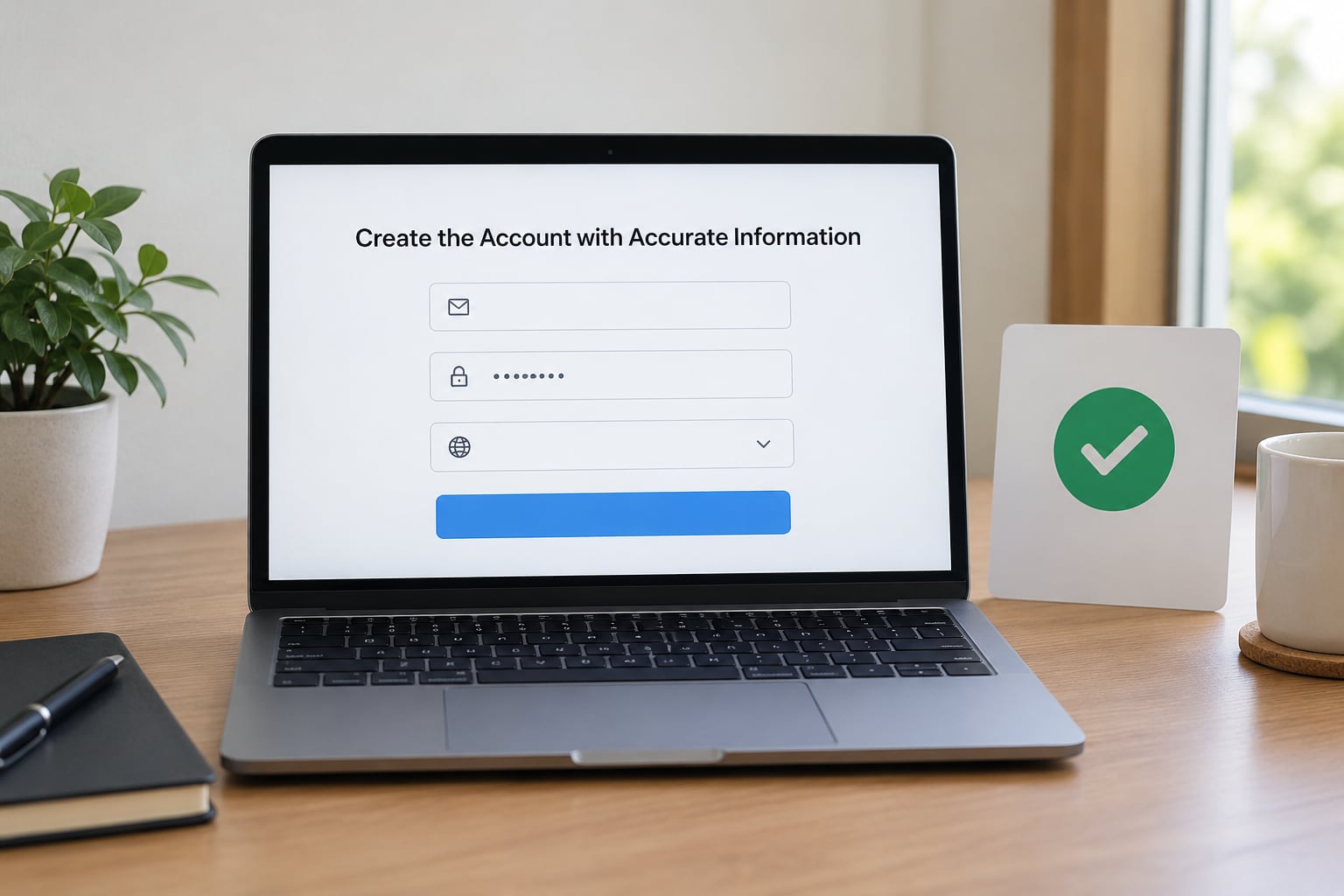
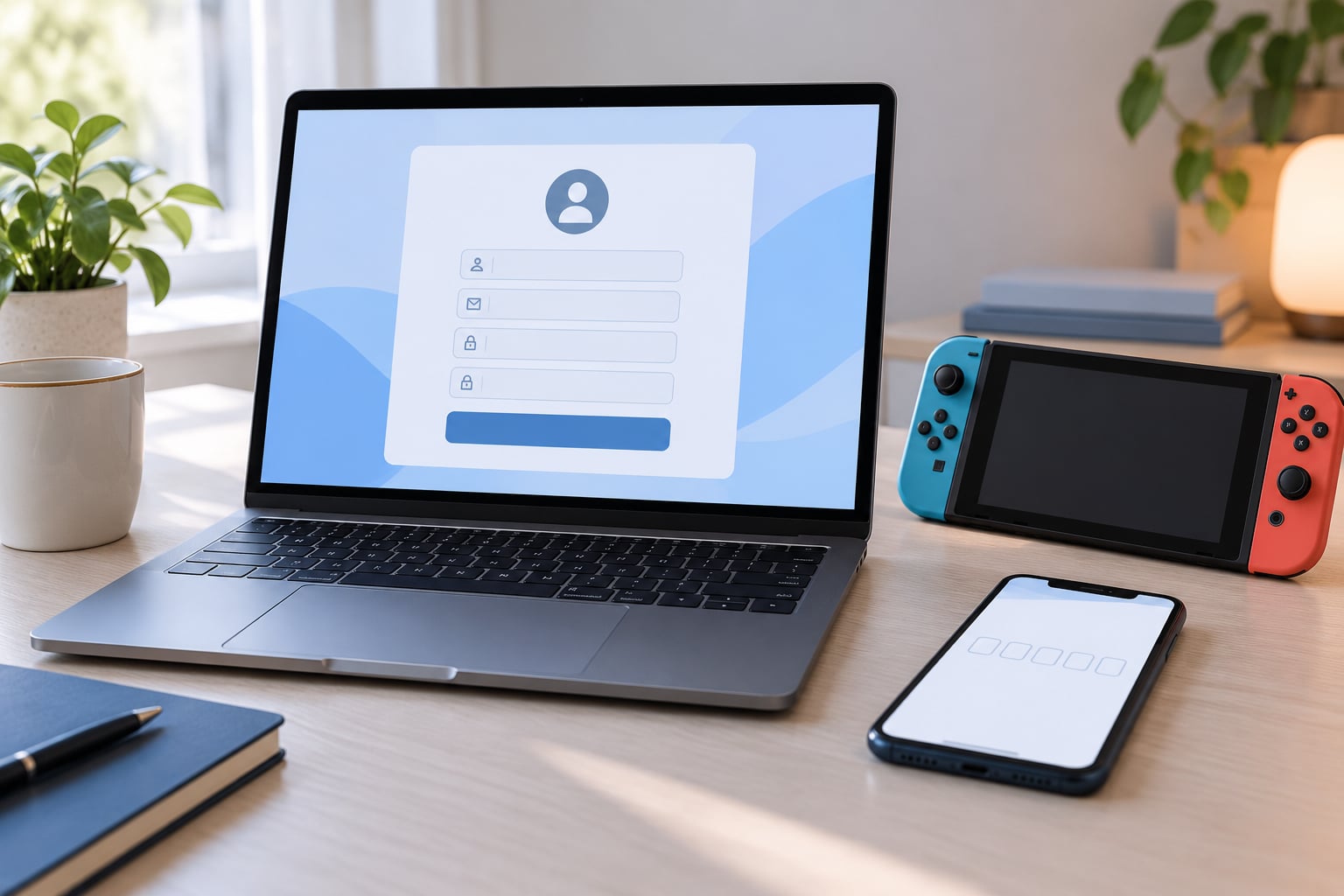
Go to accounts.nintendo.com, select registration, and create the new account with your alternate email. Set the date of birth to an adult value — some content is age-gated and won’t appear otherwise.
The country/region field is the whole ballgame. Choose Japan, and finish the email verification before you close the tab. Note that Nintendo can lock a country change behind a waiting period once an account has been active, so creating the account correctly from day one saves a lot of waiting later.
Success looks like this: you can sign in at accounts.nintendo.com, open your profile, and see Japan in the country/region field.
Complete Any Identity or Age Verification
Some accounts get asked for more than an email, particularly ones flagged by region changes or automated anti-fraud checks. You may be asked for a phone number, a date-of-birth confirmation, or a photograph of an ID document.
Use your genuine details. If a document request fails, check that the name on the document matches the name on the account, that the document is current, and that the image is sharp with all four corners visible. Support handles these cases, but only through the official contact form on Nintendo’s own site.
Never upload identity documents to a Discord server, a marketplace seller, or a reseller’s support chat. No legitimate code seller needs your passport.
Set the Correct Region, Language, and Currency
Sign in at accounts.nintendo.com and open Profile > Edit to confirm your country/region reads Japan. The console’s own settings under System Settings > Users > the new profile control which Nintendo Account is linked, not which storefront appears.
Currency follows the account, so listings show in yen regardless of your console’s language setting. Interface language is separate, and the Japanese eShop UI is almost entirely in Japanese. If you need to read it, translate the page in your browser rather than guessing from the icons.
Four labels cover most of what you’ll click: 番号の入力 (enter number, for codes), 残高を追加する (add funds), ニンテンドープリペイドカード (Nintendo Prepaid Card), and JPEG/PNG on the confirmation screen.
Changing region settings later does not convert prices, does not carry balance over, and does not move purchases you already made. Set it once, correctly.
Add a Payment Method the Store Accepts
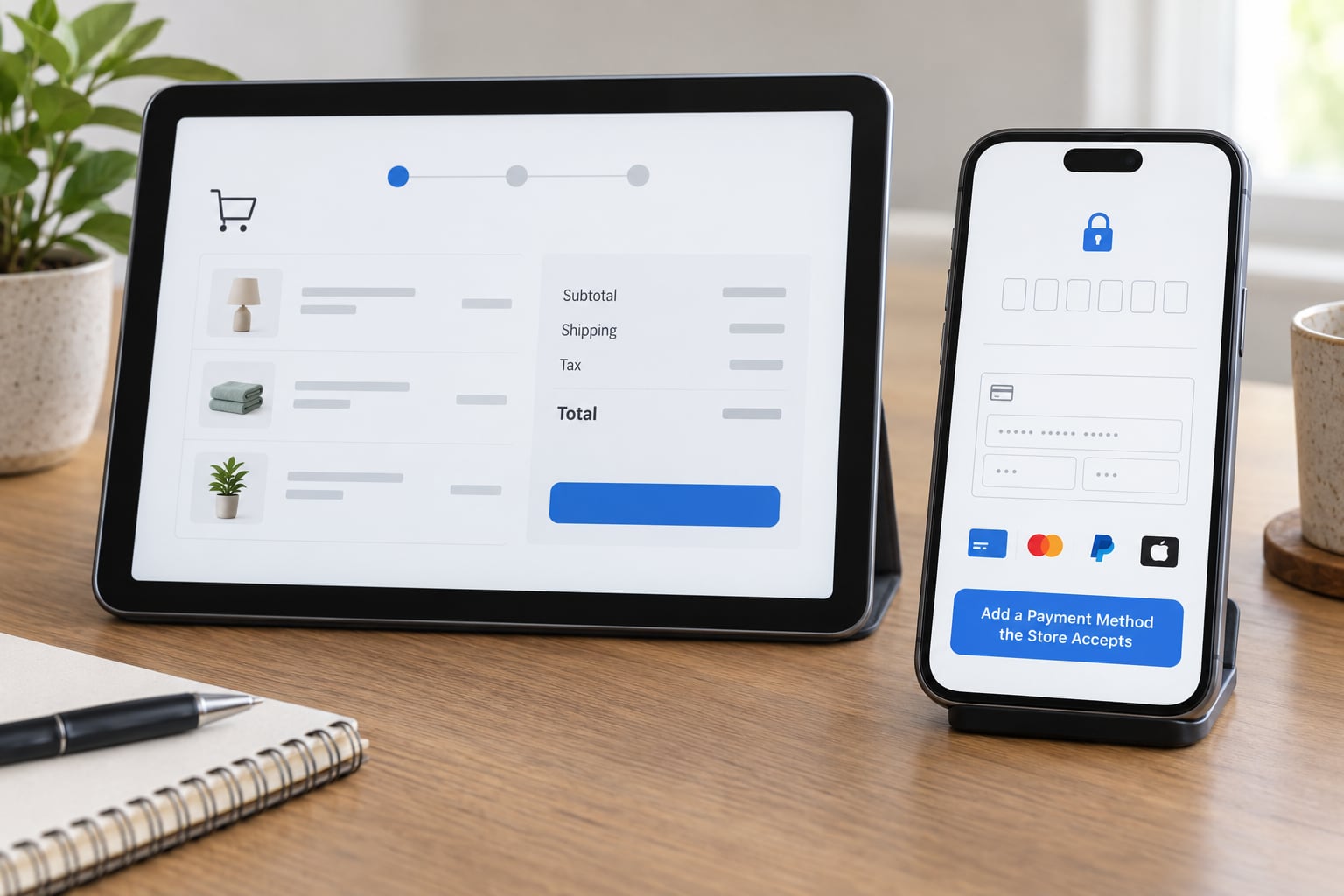
This is where most US players hit the wall, and it is worth saying plainly: the Japanese eShop declines US-issued Visa and Mastercard, and it declines PayPal accounts outside Japan. The card issuer has to be Japanese.
That leaves two working paths. One is a Japan-region Nintendo eShop card or Nintendo Prepaid Card bought through an authorised retailer, redeemed as a 16-character code. The other is a legitimate Japanese payment service the retailer itself offers. Everything else — gift cards for other regions, “global” codes, third-party wallet top-ups with no Japanese issuer behind them — either fails at redemption or gets the account reviewed.
Before you enter anything, check four things:
- The card or code region is Japan, matching your account.
- The billing address matches what the payment provider has on file, character for character.
- Your bank is not adding a currency-conversion fee on top of the yen charge.
- No unexpected authorisation prompt appears from a payment provider you never signed up with.
On a purchase in yen, your bank decides the exchange rate, and Nintendo’s price is not the rate you pay. Check the card issuer’s foreign transaction fee before you redeem anything.
Confirm Shipping and Delivery Options
If everything you want is digital, skip this section — downloads never leave Japan. Physical goods are a different story: the Japanese domestic eShop generally does not ship to United States addresses, and a physical redemption code is issued in a Japanese format that may not map cleanly onto a US billing address.
Enter your real US delivery address anyway, including the ZIP code and state, and read the shipping options and any import or customs charges shown before you pay. Save the order confirmation email. For anything shipped internationally, allow for customs inspection and the paperwork that comes with it, and keep the receipt until the item clears.
If a physical item shows no shipping option to the US, that is the storefront’s rule working as intended, not a checkout glitch. Buy a code instead.
Place a Small Test Purchase
When a small order is possible, make the first one small. A cheap digital title, a demo, or a low-value DLC tells you three things at once: whether the storefront loads, whether your yen balance is accepted, and whether the download completes on the linked console profile.
Before you confirm, read the final total in yen, the seller or marketplace status, the delivery estimate if it is physical, the return terms, and which email address the receipt goes to. After it completes, open the eShop on the linked profile and confirm the receipt and the library both updated.
Skip the test order when the item is high-value, regulated, time-sensitive or impossible to return. There, review everything twice and use a payment method you trust rather than one you are testing.
Common Mistakes
Six errors account for nearly every failed setup, and each has a simple fix.
- Wrong country at signup. You picked the US, then tried to buy yen codes. Fix: set the account to Japan before adding any balance, because a change request can be held for weeks.
- US card at checkout. The issuer isn’t Japanese, so the payment is declined. Fix: fund with a Japan-region eShop or prepaid card code.
- Wrong-region code. “This code cannot be redeemed in your region” means the card’s region and the account’s region disagree. Fix: match them.
- Non-zero balance before a region change. Nintendo blocks the change outright. Fix: spend the yen down to zero first.
- Automatic renewal still running. An active Nintendo Switch Online subscription, or an unreleased pre-order, can block a country change. Fix: turn off automatic renewal and clear pending pre-orders before editing the country field.
- A lookalike website. Fake Nintendo sign-in pages built to capture credentials are common in this search space. Fix: type accounts.nintendo.com yourself and check the padlock and domain before typing anything.
What is actually region-locked
This is the question the forums argue about most, and the answer is narrower than people assume.
- Not locked: digital games, physical game cards, and updates. Anything you buy on the Japan eShop installs and plays on any Switch or Switch 2 anywhere in the world.
- Region-bound: the account’s country, payment methods, eShop balance cards, Nintendo Switch Online tiers, and downloadable content. DLC must match the region of the game it belongs to, or the download fails.
- Hardware quirk: the Japan-only Switch 2 model is Japanese-language and sold for domestic use. It is not the same product as the international model, and it does not change anything about your account.
For downloads, the practical pattern is a second console user profile linked to the Japan account, and a launch ritual: pick the right profile, then open the eShop. Owners who flip regions on one account instead avoid the extra profile prompt but lose the ability to hold US and Japan libraries side by side.
Common Mistakes and Quick Fixes
Use this when something has already gone wrong. Match the on-screen wording, then apply the fix.
- “This code cannot be redeemed in your region” — the code is from a different region. Check the card’s printed region against the country/region field on your account.
- “You are not eligible to purchase” — the linked account’s country does not match the storefront you’re browsing, or the content is age-gated. Confirm which Nintendo Account is linked to that console user.
- Payment declined at checkout — the card issuer is not Japanese, or the billing address does not match. Use a Japan-region code instead.
- Country/region field greyed out — a balance, an active automatic-renewal subscription, or an unreleased pre-order. Clear all three, then try again.
- DLC will not download — the DLC region does not match the base game. Buy the content on the storefront where the base game was purchased.
- Storefront shows no physical shipping option — the domestic eShop does not ship to the US. Buy a download or a code.
- Balance gone after a region change — yen does not convert or transfer. This is the expected behaviour, not a bug.
- Code rejected as already used — usually a reseller problem. Never share a code with anyone, and never accept one through a direct message.
Two safety habits cover most of the rest. Never redeem a code on a console that isn’t yours, because the library follows the account and can be transferred. And buy codes from an authorised retailer with a Japanese billing entity, never from a stranger’s Discord server or a marketplace listing with no return policy.
Frequently Asked Questions
Can a US player open any Japanese e-shop account they want?
No. The country on a Nintendo Account should match where you actually live, and each storefront has its own terms about who may hold an account in its region. US players do create Japan-region accounts and many keep working without incident, but it sits outside the stated rules. Check the current terms and support pages for the specific store before you commit, and keep a US-region account intact for your existing library.
Why does a VPN or proxy not guarantee Japanese eShop access?
Because a VPN changes your network location, not your account country. The storefront you see, the currency you are charged, and the payment methods offered all come from the country/region field on the Nintendo Account linked to that console profile. A VPN also conflicts with the terms of most stores and can trip fraud checks. Set the account correctly instead, and treat any guide promising VPN access as outdated or dishonest.
Does a Japanese eShop gift card work on a US account?
No. eShop and Nintendo Prepaid Card codes are tied to the region printed on the card, and redeeming a Japan code on a US account fails with a region error. The reverse works the same way. Match the card region to the account’s country/region field before you buy, and buy from an authorised Japanese retailer so an invalid or already-used code can be replaced.
How do shipping and customs differ from a normal US purchase?
The Japanese domestic eShop generally does not ship to United States addresses at all, so physical goods are usually a code rather than a parcel. Anything that does ship internationally arrives through a courier, may be opened for inspection, and can carry import charges or duty that the retailer collects on delivery. Those are separate from the item price and are not always disclosed up front. Save your order confirmation either way.
What should I do when the eShop asks me to verify my account?
Answer through Nintendo’s own site or the official support form, using genuine details, and expect a phone, date-of-birth, or ID document check after a region change. Make sure the name on the document matches the account and that all four corners of the image are visible. Never upload identity documents to a reseller, marketplace seller, or Discord chat. Verification requests come and go with automated fraud checks and are not a sign your account is being closed.
For the authoritative version of any step here, Nintendo’s own support page on changing an account’s country/region beats any blog, including this one.
Conclusion
Start by confirming the specific eShop serves US customers and that the reason you want it is digital content. Create a Nintendo Account with a fresh email and set the country/region to Japan before you add a single yen, because that field is expensive to change later.
Then link it to a fresh console user profile, fund it with a Japan-region code from an authorised retailer, and place one small test purchase before committing to anything expensive. Read the shipping terms and any import charges before you pay, keep your US account untouched, and re-check the store’s official support pages each time, since these rules shift with system updates.