LINE is a free messaging app from Japan that bundles text chat, voice and video calls, a huge sticker library, and a set of extra services like news, manga and payments into one app. Americans can use almost all of it with a normal US phone number — but a handful of those extra services only work inside Japan, and that is where most newcomers get stuck.
This guide walks through what each LINE app feature actually does, where to find it on an iPhone or Android, and which parts you can realistically use from the United States. Menu paths differ slightly between the two platforms, so it is worth checking the steps on the phone you actually own.
Table of Contents
- 1What Is the LINE App and Why Is It Popular?
- 2LINE App Features Explained for US Users at a Glance
- 3How do I set up LINE safely on iPhone and Android?
- 4What Are the Most Useful LINE Features for Everyday Users?
- 5How Do Stickers, Emoji, and Custom Profiles Work?
- 6Can US Users Send LINE Gifts or Make Payments?
- 7How Do LINE Bots, Official Accounts, and Mini Apps Work?
- 8What Privacy Settings Should US Users Check First?
- 9Why Does LINE Need My Phone Number or a Japanese Phone Number?
- 10Troubleshooting Common LINE Problems for US Users
- 11Frequently Asked Questions
- 12Can I use LINE in the US without a Japanese phone number?
- 13Is LINE safer and better than WhatsApp for US users?
- 14Which LINE features are available outside Japan?
- 15Can I transfer my WhatsApp or SMS conversations to LINE?
- 16Do I need a Japanese phone number to use LINE Gifts or payments?
- 17Conclusion
What Is the LINE App and Why Is It Popular?
LINE launched in 2011, a few months after the Great East Japan Earthquake, as a way for people to check in with each other when the regular phone network was down. That origin explains a lot about the design. It treats a contact list less like a phone book and more like a social feed.
Today it is Japan’s dominant messaging platform, with large populations in Taiwan, Thailand and Indonesia. The company sits under LY Corporation, which is owned by SoftBank and Naver. The app is free for the core messaging and calling features.
It is not an SMS replacement in the way people sometimes assume. Chats, calls and file transfers all run over your data connection, not your carrier’s minutes or message allowance. That single fact is why calling a friend in Tokyo from Seattle often costs nothing at all.
Nor is it really a social network. LINE is closer to WhatsApp than to Instagram: you talk to specific people, and the graph of who knows whom comes from phone contacts. What makes it feel different from WhatsApp is the sticker culture, the huge group chats, and the pile of region-locked services hiding in the More tab.
LINE App Features Explained for US Users at a Glance
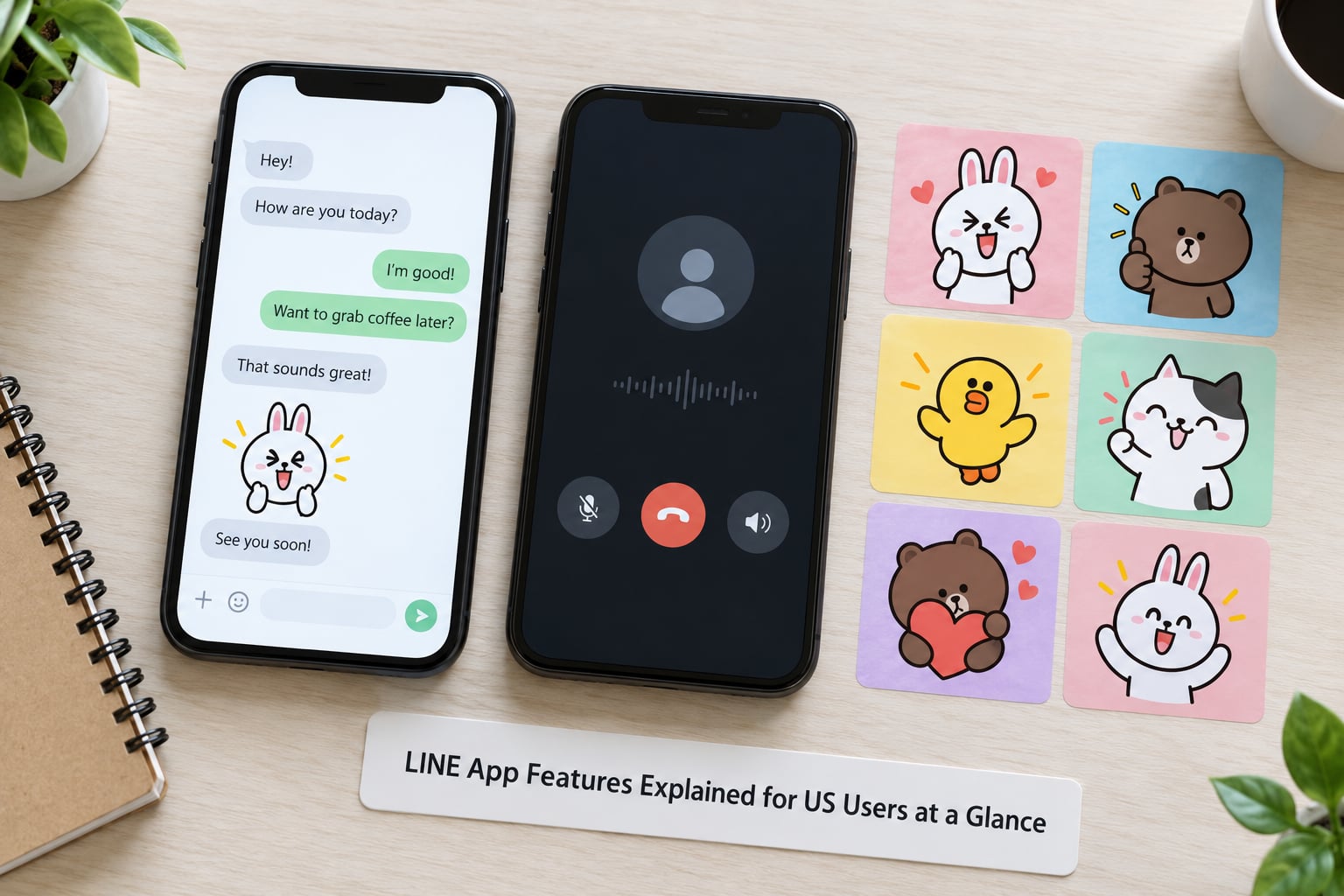
This table is the quick version. Menu paths are for the current iOS and Android releases; LINE shuffles labels between versions fairly often, so treat them as close rather than exact.
| Feature | What it does | Where to find it | Works with a US number |
|---|---|---|---|
| 1:1 and group chat | Text, photos, video, files; groups hold up to 500 people | Friends tab, then the pencil icon | Yes |
| Voice and video messages | Record a clip to send instead of typing | Mic icon in the chat window | Yes |
| Free voice and video calls | Internet calling, one to one or group | Phone icon in the chat | Yes |
| Stickers and themes | Large illustrated images, animated emoji, phone themes | Sticker icon, or the Sticker Shop | Yes |
| Keep memos | Saves text, photos, files and links for yourself | More tab, then Keep | Yes |
| Hidden Chat | A conversation that wipes its own history on a timer | Chat menu, then Hidden Chat | Yes |
| Linked devices | Sign in on a laptop, tablet or Chromebook | More tab, Settings, Devices | Yes |
| Official Accounts | Verified businesses, media and public figures | Friends tab, then the search icon | Mostly yes |
| LINE Pay and LINE Gift | Mobile payments and gift cards | More tab | No — Japan only |
| LINE Today and LINE Manga | News feed, comics and webtoons | More tab | Content varies by region |
How do I set up LINE safely on iPhone and Android?
Install the app from the official App Store or Google Play listing, then tap the green LINE button to start. The first thing it asks for is your mobile number, and it will send a four-digit code by SMS. On Android you may instead be offered a Google passkey sign-in flow, which usually registers the account without needing the SMS code at all.
Next comes your display name and profile image, then your LINE ID. The LINE ID is a separate handle in the format of a word followed by four digits or underscores. Set it early. It is the only way a Japanese friend can find you without knowing your number, and changing it later is fussy.
After that LINE asks to sync your contacts. Say yes if you want Japanese friends who already have your number to find you, which is the common case. After that come notification permissions and two-step verification, which pins a code to your main device so nobody else can register with your number.
On iPhone the toggles live under LINE, then Settings. On Android they sit under the three-dot menu in the top right, which some releases call the More tab. LINE has been reshuffling these two menus across versions, so if a label is missing, search Settings rather than hunting through menus.
What Are the Most Useful LINE Features for Everyday Users?
Text chat is the obvious one and works the way you expect, including photos, video and files up to about 1GB. Group chats hold up to 500 people, which sounds absurd until you get added to a family or work group that uses all of it.
Voice messages are more useful than they sound. You hold the mic button, record, and drag your finger up before sending to cancel. You can play long recordings back at double speed, which matters when your aunt sends a four-minute voice note about her garden.
Calls run over the internet rather than your cellular minutes, so both voice and video calls to Japan are effectively free. Video calls work one to one or in groups of up to about 200. Quality depends far more on the connection at each end than on which app you picked.
Location sharing lets you send your current position or a pinned spot on a map, useful for meeting up in Shibuya or handing someone directions. It is off by default per conversation, which is worth knowing before you tap it.
Then there is the layer most people never open. Keep stores text, links and files you want to remember. Albums groups photos by event instead of by chat. Polls let a group settle a question without forty replies. Hidden Chat is the one to know about: start a chat inside an existing conversation, set a timer, and both sides see messages that erase themselves afterward. Nothing anyone sends you can be forwarded out of it.
These all work from a US number without any regional condition. Location is the only one that needs a deliberate tap each time.
How Do Stickers, Emoji, and Custom Profiles Work?
Stickers are the defining feature of LINE and the biggest reason English speakers find the app strange at first. They are large illustrated images — characters, animals, celebrities, seasonal sets — with text baked in, and many are animated. Tap the sticker icon above the keyboard and a full-screen picker opens, with a shop button in the corner for more.
Most sticker sets are free, some are paid, and there is a subscription service for regular releases. Buy nothing until you have seen how the free ones work, because a new user with a full library rarely buys another set.
Emoji works normally, but LINE also has a separate range of animated emoji that animate in the chat window. Themes change the colour of the app itself: bubble colours, background images, and icon layouts for the home screen. Themes come free with LINE and more from the Theme Shop.
Profile customisation is in Settings, then Profile. You get an image, a display name, a status message and a cover photo. The cover photo is the one people overlook, and it is the easiest way for a new account to look like a real person rather than a blank rectangle.
One piece of etiquette saves a lot of confusion. Replying with a sticker instead of words is normal, not rude, and in a Japanese group chat it is closer to how a conversation actually flows than a wall of text is. If someone sends a sticker and you answer with a paragraph, the mismatch feels strange to them.
Can US Users Send LINE Gifts or Make Payments?
Short answer: no, not in the way you probably want. Messaging, calls and stickers are global, but the money features are not.
LINE Pay requires a Japanese bank account, Japanese mobile number and a Japanese address, and it operates through the LINE Wallet. There is no US version you can sign up for from a US account, and the app simply greys out or hides those menu items rather than letting you try and fail at checkout.
LINE Gift works the same way. You send a gift card to a Japanese phone number, and the recipient claims it in their own LINE account. It is genuinely popular for birthdays and small thanks in Japan, but it needs a Japanese number on the sending side too.
Other services are less absolute. LINE Shopping and LINE Manga are storefronts whose inventory and payment options follow your region, so browsing works from the US while buying anything physical does not. LINE Today, the news feed, mixes Japanese domestic stories with international ones depending on where the account is registered. LINE Taxi, the ride-hailing service, was discontinued in 2018, so if a blog tells you to use it in 2026, the blog is out of date.
The practical consequence: do not build a plan around LINE for payments or gifts if you are in the US. If someone is sending you a LINE Gift, you can claim it — the sender is the one with the regional requirement.
How Do LINE Bots, Official Accounts, and Mini Apps Work?
These three get lumped together but behave differently, and knowing which is which explains a lot of messages you will receive.
An official account is a verified business, media outlet, public figure or local government. You subscribe to it the way you would follow a shop on social media, and it can send you coupons, announcements and menu updates. News outlets in Japan run almost entirely on this. From the US you can subscribe fine; you will just get fewer region-relevant offers.
A bot is an automated responder inside a chat. You add it like a contact and it replies to keywords, sends confirmations, or gives back menus. Some are run by companies, some by community groups. A bot cannot see your other chats, which is the main thing to understand.
Mini apps are small services that open inside LINE — a ride quote, a food order, a loyalty card, a web checkout. They live in the More tab and, again, most of the useful ones are built for the Japanese market.
For someone messaging a partner or family in Japan, none of this matters much, and that is fine. Bots and official accounts are useful for convenience, not connection. The one thing to watch is volume: a Japanese group chat can push a steady stream of official-account posts, and you can block them from the chat menu.
What Privacy Settings Should US Users Check First?
LINE identifies your account by phone number, so the first setting worth changing is who gets to see that number. In Settings, then Privacy, you can control profile visibility, whether your number appears on your profile, who can add you by ID, and who can see your online status. Set these before you add friends, not after.
Second is contact syncing. If you synced your address book, anyone in it who also has LINE can add you. That is usually what you want, but it is not what you want if you are using LINE only for a single Japanese friend group and would rather be reachable by ID alone.
Third, chat history. LINE keeps messages on your device and, if you turn on backup, also in the cloud. Check the backup setting in Settings, then Chat, and know where your history goes before you lose a phone.
About encryption, be precise. Letter Sealing is LINE’s own end-to-end encryption and it covers one-to-one text chats and voice calls. It does not blanket-cover everything the app does, and it is not a blanket guarantee for group chats, official accounts or mini apps.
Owners of the app should also know the company history. LINE is operated by LY Corporation, which is owned by SoftBank and Naver. There have been documented access incidents: in 2021 a contractor in Shanghai accessed data, and in 2023 a Naver subcontractor incident affected records on the order of 520,000, which led Japanese authorities in 2024 to order the separation of data systems. None of this makes LINE unusable for ordinary messaging, but it is fair context when you decide how much personal detail to type into it.
One more thing worth keeping in mind: activation itself is rarely the problem. Signing up through a Google passkey on Chrome for Windows generally works without trouble. The friction almost always comes later, in settings nobody opened.
Why Does LINE Need My Phone Number or a Japanese Phone Number?
Your number is the account key. LINE sends it a verification code and then ties the account to it, so the phone number is how other people find you and how you recover access.
A US number and a Japanese number behave differently. With a US number you can message, call, use stickers, bots and official accounts normally. You also will not see Japan-only menus like LINE Pay or LINE Gift, and a Japanese friend cannot find you by number unless they already have it — which is exactly why the LINE ID exists.
Japanese-specific services add their own conditions beyond the number. Some want a Japanese bank account on file, some want a verified address in Japan, and some open only once the account shows local usage history. There is no setting you can flip to unlock them from Boston.
Be careful about a grey area here. There are resellers who will sell you a Japanese number for sign-up. That does not reliably unlock anything, it hands your account to a stranger who can receive recovery codes, and using one to misrepresent where you live can put you in breach of a service’s terms. If a feature needs a Japanese number, the honest answer is that it is a Japan feature.
Troubleshooting Common LINE Problems for US Users
The verification code never arrives. Check that you entered the number with the country code and no leading zero, then wait a few minutes before requesting another code, since rapid retries delay it further. On Android, the Google passkey flow often bypasses SMS entirely.
Your Japanese contact cannot find you. Almost always a LINE ID problem. Ask them to add you by ID instead, which you set under Settings, then Profile, then Basic settings.
You were added to a group and cannot get in. The group has a join link. Ask the person who added you to open the chat, tap the group name at the top, and share the invitation link. There is no search for groups.
Calls will not connect. Check whether the other side is blocking your number first, since a block looks identical to a failure. Then test on Wi-Fi instead of cellular, and make sure the app is allowed to use mobile data in your phone’s settings.
Media will not download. Automatic download is often disabled by default on mobile data. Open the file and tap download manually, or change it in the chat’s media settings.
No notifications. Check per-chat mute settings first, then the phone’s own permission for LINE. On iOS, Background App Refresh being off can delay message delivery until you open the app.
You lost or replaced your phone. Sign in on the new device and use the four-digit code from your main device, or a recovery method you set up earlier. Messages still on the old device can be backed up from Settings, then Chat, before you wipe it.
Frequently Asked Questions
Can I use LINE in the US without a Japanese phone number?
Yes. A US number is all you need to register and to use messaging, group chats, voice and video calls, stickers, Keep, Hidden Chat and linked devices. What a Japanese number adds is access to region-bound services like LINE Pay and LINE Gift, which also require a Japanese bank account and address. Changing your number will not unlock them.
Is LINE safer and better than WhatsApp for US users?
It depends on who you are talking to. For calls into Japan, LINE is often the smoother option because it is what your contacts already have and what Japanese networks are built around. On privacy, neither app is a blank slate: both rely on the operator of the service and on metadata that encryption does not always cover. Most people end up keeping both.
Which LINE features are available outside Japan?
Chat, group chats, voice and video messages, free voice and video calls, location sharing, stickers, themes, Keep, Albums, Polls, Hidden Chat, linked devices and most official accounts all work normally from the US. LINE Pay, LINE Gift and physical purchases through LINE Shopping do not, because they depend on Japanese accounts, addresses and banking. LINE Today content varies by region.
Can I transfer my WhatsApp or SMS conversations to LINE?
Not in the way people usually mean. LINE does not import WhatsApp history, and it cannot read your SMS threads because iOS and Android both restrict that. What you can do is screenshot or export the few threads you actually need and share the files, or ask the other person to resend anything important into the LINE chat.
Do I need a Japanese phone number to use LINE Gifts or payments?
To send a LINE Gift or set up LINE Pay from the US, yes, in practice. Sending requires a Japanese number and a Japanese LINE Wallet with local banking set up. Receiving a gift is different: if a Japanese sender sends one to your account, you can claim it from the US, because the regional requirement sits with whoever sent it.
Conclusion
Start small. Install the official app, register with your real US number, then set your LINE ID and tighten the privacy controls before you add anyone. Send one message to a Japanese contact and make one call to confirm both work before you get pulled into a 40-person family group.
Everything you actually need from this app is already in your hands. The money services will still be greyed out, and honestly, that is the least interesting thing about it.