Japanese smartphones have emoji built in because Japan’s mobile carriers invented them. NTT DoCoMo commissioned a set of roughly 176 pictographs in 1999 for its i-mode messaging service, and every Japanese handset has carried an emoji keyboard ever since. The feature outlived the network that created it and ended up in the Unicode standard, which is why the rest of the world uses symbols Japan designed.
I still meet people who assume emoji are a Western export that happened to look cute. They are not. The word itself is Japanese, the first catalogue was Japanese, and several symbols now used worldwide came straight out of a SoftBank or DoCoMo design sheet.
Table of Contents
- 1What Does It Mean for a Japanese Smartphone to Have Emoji Built In?
- 2Why Are Emoji So Common in Japanese Digital Communication?
- 3How Does Unicode Make Emoji Work on Smartphones?
- 4Why Japanese Smartphones Have Emoji Built In
- 5Which Emoji Features Are Standard and Which Are Japanese-Specific?
- 6How Do You Use Emoji on a Japanese-Speaking Smartphone?
- 7Why Japanese Smartphones Have Emoji Built In on Android as Well
- 8Are Emoji on Japanese Phones More Expressive Than on Other Phones?
- 9Frequently Asked Questions
- 10Are emoji built only into Japanese smartphones?
- 11Why do some emoji look different on Japanese and non-Japanese phones?
- 12Do I need a Japanese SIM card to use emoji while visiting Japan?
- 13Are emoji important for communicating politely in Japan?
- 14Why do Japanese people use the sweat-drop emoji so often?
- 15What does the circled face emoji mean?
- 16Conclusion
What Does It Mean for a Japanese Smartphone to Have Emoji Built In?
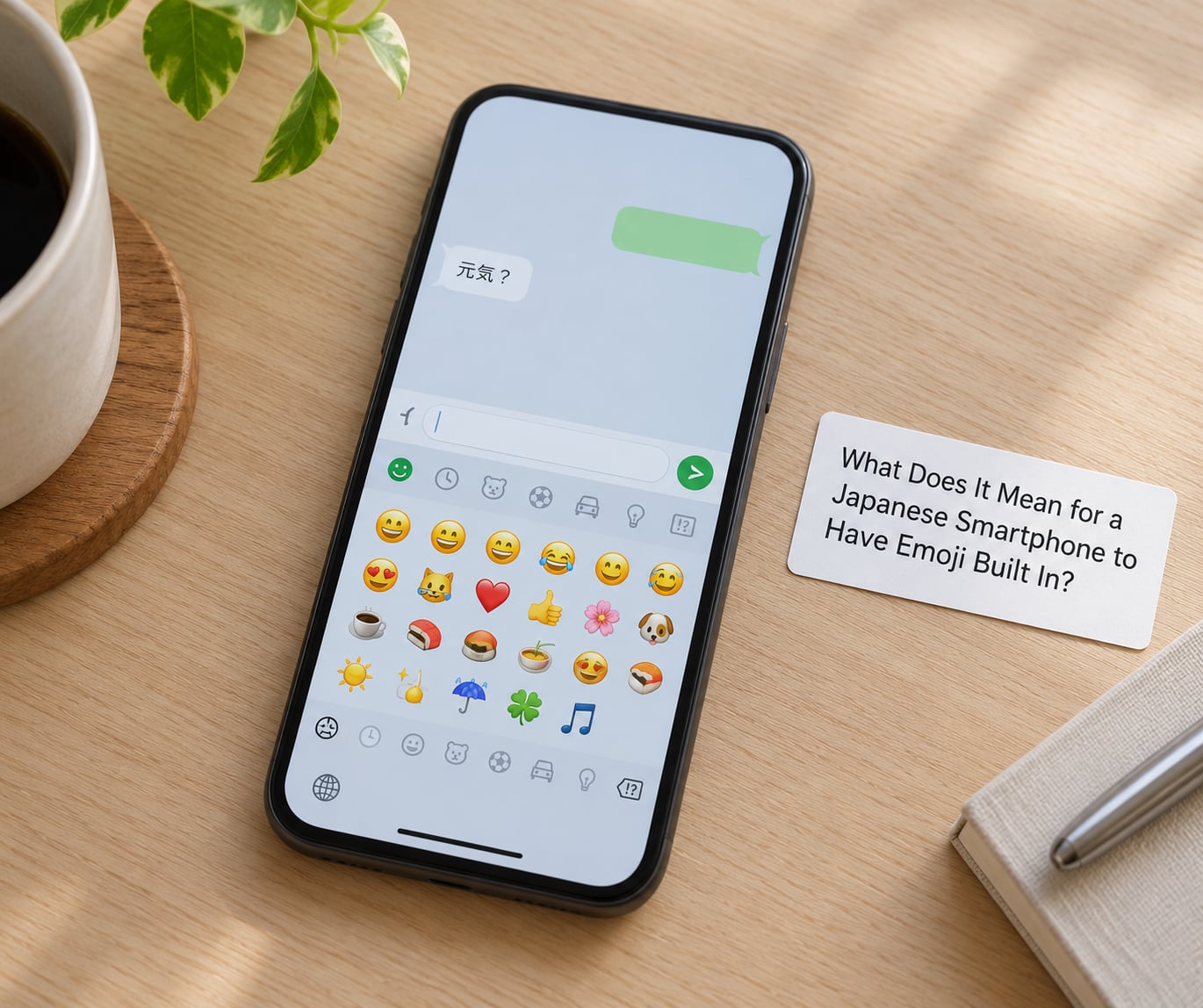
Built in means the emoji picker ships with the operating system and keyboard, not that you downloaded an app. You open the keyboard, tap the emoji key, and the characters are there with no install step and no account.
The word breaks down simply: e is picture, mo is character, ji is character. An emoji is a picture that stands in for a character or a word.
It helps to separate three layers, because people mix them up constantly. The first is the operating system and its emoji font, which every modern phone has. The second is the text-entry keyboard, which adds categories, kaomoji and Japanese-language handling. The third is carrier services: sticker packs, animated characters and seasonal sets that come from the mobile operator’s app rather than from the handset.
Only the first two layers are built into the phone. If someone screenshots a pile of glossy illustrated stickers and tells you that is what a Japanese phone does out of the box, they are describing the third layer.
Why Are Emoji So Common in Japanese Digital Communication?
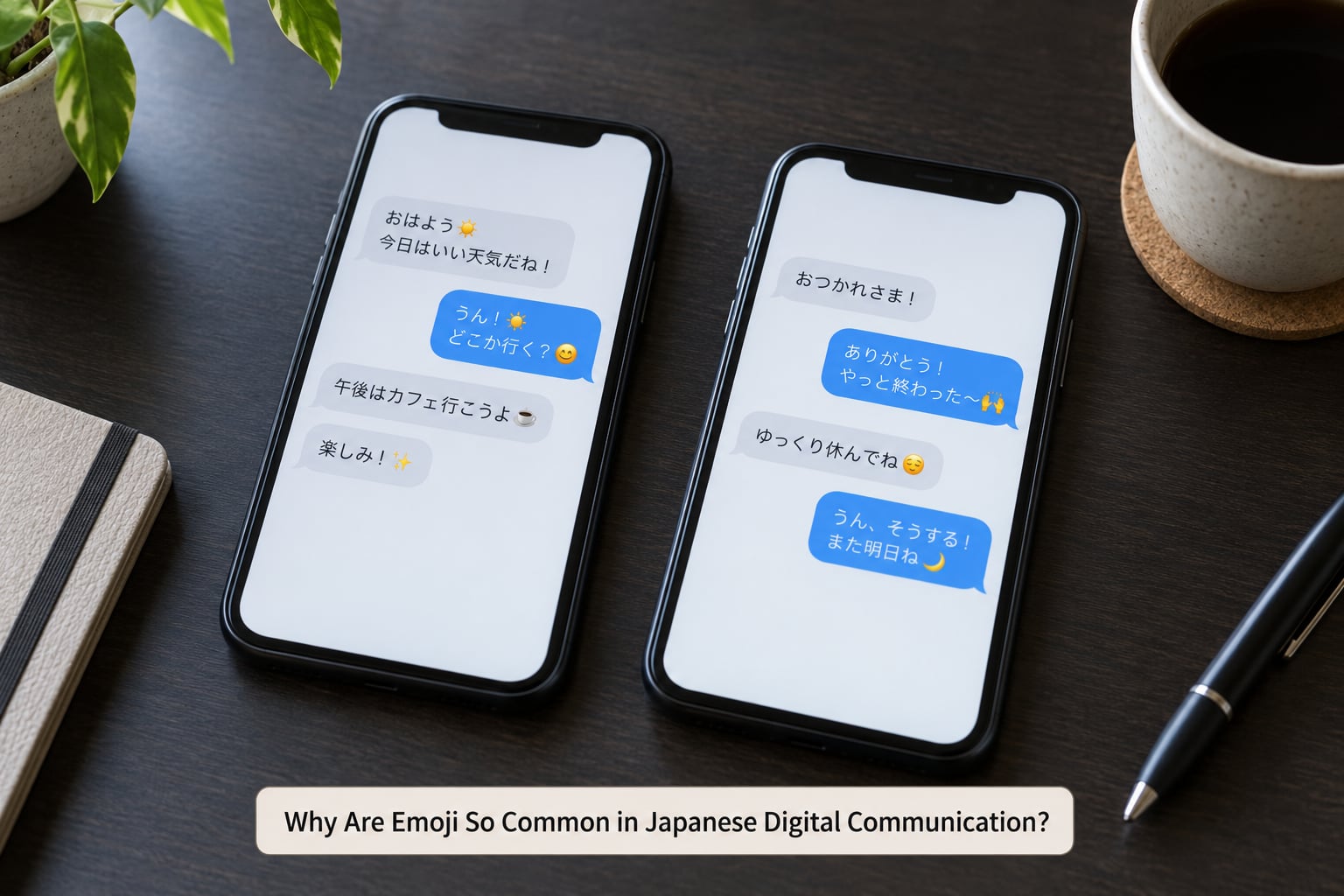
Japanese writing is dense and multi-script. A single sentence can mix kanji, hiragana, katakana and Latin letters, and converting typed kana into the right kanji takes a tap every few characters. On a physical keypad in the late 1990s that friction was severe.
Emoji solved a narrow problem: they carried tone without typing more. A face at the end of a sentence tells the reader whether the message is a joke or a complaint, and it costs one keystroke instead of a paragraph.
That matters more in Japan than in most places because written communication carries so much relational weight. Text is not treated as neutral information; how you phrase something signals how you feel about the person receiving it. When the medium strips out vocal tone, a small picture fills part of the gap.
The behaviour shows up mostly in close relationships and among colleagues, not everywhere. Plenty of Japanese users write plain text without a single emoji, and older users and formal external communication tend to skip them.
How Does Unicode Make Emoji Work on Smartphones?
An emoji is a Unicode character with a code point, the same way the letter A has one. Your phone stores that code point in the message, and the operating system draws a picture for it using its own emoji font.
That last part explains the thing that confuses people most. The code point is universal, but the drawing is not. Apple, Google and each other platform supply their own artwork, so the same character looks different on an iPhone and on an Android handset, and the same character may look different again inside a messaging app.
Before Unicode there was no shared catalogue. Each Japanese carrier invented its own set and encoded it in its own proprietary way. Send an au symbol to a DoCoMo phone and it could not be displayed, so phones showed a blank placeholder box instead. Anyone who used Japanese messaging in the 2000s remembers that box.
The fix took a decade of argument. Google and Apple filed a joint proposal with the Unicode Consortium, and the standardised set arrived in Unicode 6.0 in 2010. From then on the code point travelled, even though the artwork still varied by platform.
Why Japanese Smartphones Have Emoji Built In
- The carriers built them first, in 1999. NTT DoCoMo commissioned Shigetaka Kurita to design a pictograph set for i-mode. The initial run was about 176 symbols and they went straight into the phone’s keypad.
- Japanese text input was slow and tiring on small keypads. Multi-script conversion ate time, and a single picture added tone in one keystroke.
- Messages were long and the screens were tiny. Pager-style devices gave very little room, so compact symbols carried more meaning per character than a sentence of text.
- It was a competitive weapon. Emoji were one of the few visible differences between carrier services. KDDI under the au brand and SoftBank each built their own overlapping sets, and the incompatibility between them was a direct consequence.
- Japanese writing runs vertically. Traditional text is set top to bottom, in columns that read from the right, which is one reason so many emoji faces are drawn looking sideways rather than straight at the viewer.
- Unicode 6.0 in 2010 made them universal, and the iPhone made them unavoidable. The iPhone launched in Japan in 2007 without an emoji keyboard at all. Public reaction was loud enough that Apple shipped one globally shortly after, and Japan went from having the only emoji to having the same ones as everyone plus the leftovers nobody else took.
Point four is worth expanding. The three original carrier sets were not identical. DoCoMo’s catalogue, au’s and SoftBank’s overlapped heavily but differed in hundreds of symbols. When Unicode consolidated them in 2010, a large share of the standard is a direct import of SoftBank’s drawings, which is why so many globally familiar emoji have an unmistakably Japanese look.
Which Emoji Features Are Standard and Which Are Japanese-Specific?
This is the table people usually want. The left column is what a Japan-market handset keyboard offers; the right is a typical Western-market keyboard on the same phone.
| Keyboard feature | Japan-market phone | Western-market phone |
|---|---|---|
| Core emoji set | Full Unicode set plus Japan-origin pictographs | Full Unicode set |
| Japanese-only pictographs | Present in dedicated categories, for example the map of Japan, the yen banknote, sushi, the shrine gate, the paper lantern and the dolls | Not offered |
| Kaomoji section | Included in the symbol panel | Usually absent or hidden in a symbols menu |
| Text entry modes | Kana to kanji conversion, full-width and half-width Latin, one-handed romaji | Direct Latin entry with optional kana input |
| Regional indicator pairs | Available for country flags | Available, though some platforms display plain letter tiles instead of flags |
| Carrier stickers and animation | Commonly offered by the operator through its own app | Rarely offered by the carrier |
Two caveats matter here. The exact pictographs in the Japan-only categories vary by device model, operating system version and carrier, so treat any list you find as a guide rather than a specification. And the standard set is still being extended; new symbols arrive with each Unicode release, so what an older handset shows is not quite what a current one shows.
That last point trips people up. When a new pictograph is approved, older handsets that do not have a drawing for it show a blank square, and the reader assumes the sender’s phone is broken. It usually is not. The character is valid; the phone simply does not know how to draw it yet.
How Do You Use Emoji on a Japanese-Speaking Smartphone?
On a current iPhone, open any app with a text field, tap the field, then tap the globe key to the right of the return key until the emoji panel appears. Swipe the panel left to move between categories. Long-pressing a single pictograph brings up skin tone and gender variants where they exist. These paths are specific to recent iOS releases and Apple renames and moves things regularly.
On current Android, tap the emoji key in the bottom row of the Gboard or the keyboard you have installed. Categories are arranged in a scrollable strip, and long-press again on a category opens its variants.
If you want the Japanese-only pictographs, you generally need two things. First, add Japanese as a keyboard language: on iOS this is Settings, then General, then Keyboard, then Keyboards, then Add New Keyboard, then Japanese. Second, on a handset sold in Japan the Japan-market symbols may already be present; on a device set to another region they may not be.
Adding the Japanese keyboard also gives you kana to kanji conversion and the full symbol panel, including kaomoji. Those are typed from ordinary characters rather than inserted as emoji. A string like a star and a face built from brackets can be typed on any keyboard in the world, which is exactly why kaomoji outlived every carrier.
One practical warning. If a device is too old or its region settings are unusual, an unsupported graphic may appear as an empty box. That is a missing glyph, not a corrupted message, and the text underneath is fine.
Why Japanese Smartphones Have Emoji Built In on Android as Well
Worth stating plainly: this is not an Apple or iOS thing, and it is not a Japan-exclusive feature either. Android handsets sold in Japan carry the same Japan-origin categories, and Japanese-market iPhones have them for the same reason. The difference is regional content and carrier services layered on top of an identical Unicode foundation.
Are Emoji on Japanese Phones More Expressive Than on Other Phones?
The underlying characters are the same. What differs is the surrounding material: local stickers, seasonal designs, animations and text combinations, plus the habits of the people typing.
Some Japanese pictographs also carry a tone function rather than a literal meaning, which trips up people who learn them from a translation app. The sweat-drop is the classic case. It can read as relief, nervousness or something else entirely depending on the sentence around it, and translating it word for word produces nonsense. The circled face is stranger still. It is a reserved code point with no official assigned meaning, and Japanese users deploy it as a deliberately blank reaction.
That is the honest answer to whether Japanese emoji are more expressive. The symbols are not more powerful. What differs is how much work the surrounding culture asks them to do, and how much ambiguity the reader is expected to tolerate.
Nor is emoji automatically more polite. Wording, timing and the relationship between the two people still carry that job. A carefully placed bow or a plain, direct sentence will do more for you than any pictograph.
Frequently Asked Questions
Are emoji built only into Japanese smartphones?
No. Emoji are supported internationally as Unicode characters on modern iPhones, Android devices, desktop systems and messaging apps. What is more visible in Japan is regional content layered on top: Japan-origin pictographs, kaomoji panels and carrier sticker services. A Japanese-market handset has extras, not a different version of the feature.
Why do some emoji look different on Japanese and non-Japanese phones?
The underlying Unicode character is usually identical, but each platform supplies its own illustrated font. Apple, Google and other vendors each draw their own artwork for the same code point, so one symbol can look noticeably different across devices. A carrier or messaging app may also substitute a branded sticker. That difference is by design, not a fault.
Do I need a Japanese SIM card to use emoji while visiting Japan?
Usually, no. A smartphone on Wi-Fi or an international roaming plan can use the standard emoji included in its operating system and keyboard. Access to carrier-specific sticker packs, animated sets or Japan-market categories usually depends on the SIM, the plan and the settings on the device, so those extras may not appear on a travel SIM even though ordinary emoji work fine.
Are emoji important for communicating politely in Japan?
They can help. A well-chosen pictograph softens a short message and closes a message warmly, especially among friends and colleagues. But politeness still depends mainly on the wording, the timing and who is reading it. Very formal external communication in Japan still favours plain text, and a wall of emoji reads as casual rather than respectful.
Why do Japanese people use the sweat-drop emoji so often?
Because it marks tone rather than a physical object. Depending on the sentence it can signal relief, nerves, embarrassment or exasperation, and the surrounding words decide which. Translated literally it looks like a stray drop of water, which is why visitors read it as a mistake. It is a punctuation mark with a face, and one of the highest-volume questions people search about it.
What does the circled face emoji mean?
The circled-ideograph-graphs face is a reserved Unicode code point with no officially assigned meaning, so no translation of it is correct. In Japanese messaging it is used as a deliberately flat reaction, something like a silent stare or a blank response. It works as tone rather than as a symbol, which means context matters more than usual.
Conclusion
Emoji are built into Japanese smartphones because Japan invented them and never gave up the habit. Open the standard emoji picker first, expect Japan-origin pictographs and kaomoji on a Japanese-market device, and treat carrier sticker apps as a separate thing that may need installing. If a symbol renders as a box, the phone is simply too old to draw it yet.