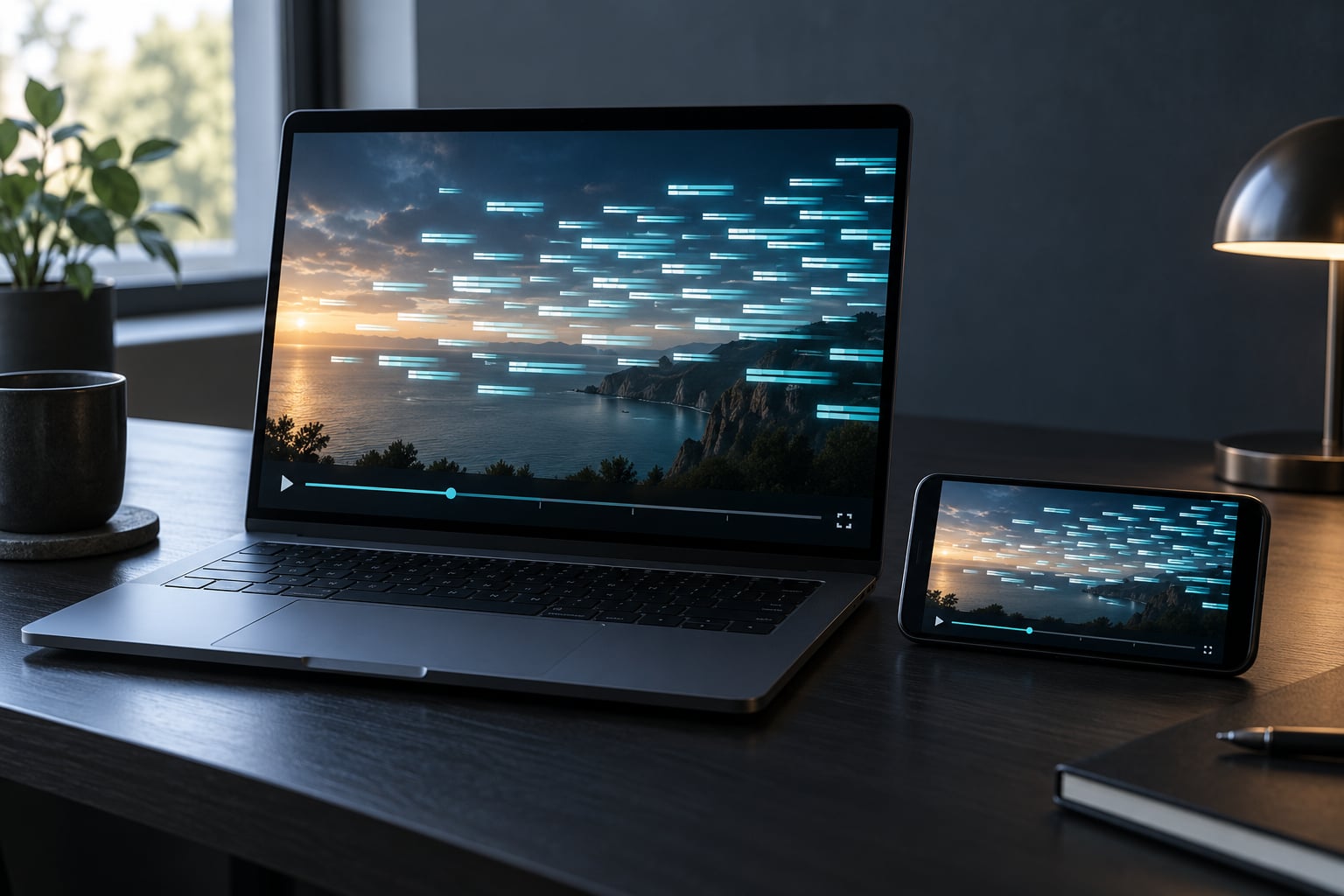
Niconico comments scroll over the video because each one is a danmaku, or bullet comment, saved against an exact second of the video and replayed as it passes. They fly right to left across the frame so hundreds of viewers can react to the same instant at once, and you can still see the footage underneath.
If you have ever watched a Japanese anime clip, a Vocaloid video or a Bilibili stream and wondered why the screen is full of text nobody is saying aloud, this is the answer. The words are not subtitles, and they are not drawn into the video file. They are an overlay drawn by the player, in time with the footage, out of messages that other people left behind.
That distinction matters, because it explains the awkward parts too. You cannot scrub the comments away, you cannot turn them off with the subtitle button, and a video with fifty thousand comments looks nothing like the same video a day later. Details below were last checked in 2026 against how the platform currently behaves, because most explanations of this feature online were written a decade ago and describe an older player.
Table of Contents
- 1What Are Niconico Comments?
- 2Why Do Niconico Comments Scroll Over the Video?
- 3How Does a Comment Know When to Appear?
- 4Why Niconico Comments Scroll Over the Video at the Same Second Every Time
- 5Which Niconico Players Show Scrolling Comments?
- 6How Did the Feature Work on Games and TV Devices?
- 7Can You Turn Niconico Comments Off?
- 8What Can You Do If Comments Obscure Important Video?
- 9Frequently Asked Questions
- 10Are Niconico scrolling comments part of the uploaded video?
- 11What is Niconico video?
- 12Can I turn off Niconico comments without turning off subtitles?
- 13Why do some Niconico comments cover the main subject?
- 14Why might I see late comments when watching a Niconico video?
- 15Do Niconico comments work the same way on every device?
- 16Conclusion: Start with the Player’s Comment Controls
What Are Niconico Comments?
Niconico comments are short text messages attached to a position on the timeline rather than to the bottom of a page. Write one at 0:42 and it appears at 0:42 for every viewer who plays the video afterwards, whether that person watched the original broadcast or arrives five years later.
That is the whole difference from a normal comment section. On most video sites a comment is attached to the video, and only sometimes to a moment someone typed in. On Niconico the moment is the point. You open the video, press play, and the comments play back in sync with the content, which is why they move.
Movement is right to left because that is the reading direction the feature settled on. Text enters at the right edge, crosses the frame, and exits on the left. Viewers read Japanese and English in that direction, so a comment travelling left to right would have to be read against its own motion.
The English word for the system is danmaku, the Japanese is 弾幕 or 弾幕動画, and on Bilibili it is usually called danmu (弹幕). The characters mean bullet curtain, and the image comes from shoot-em-up games, where so many bullets fill the screen that the playfield looks like a curtain of fire. Nobody involved describes the feature as intentional design at that level, but the metaphor stuck.
Comments are also not subtitles. Subtitles translate or transcribe audio and belong to the video. Comments are reactions, and they belong to the audience. Conflating the two is the single most common misunderstanding people arrive with, and it is why the controls for the two are in different places.
One more distinction matters: comments sit in layers. Scrolling comments cross the frame. Top comments are pinned near the top of the player for a moment, and bottom comments are pinned along the lower edge. If you are trying to read a still image and nothing settles, you may be looking at a pinned layer rather than a moving one.
The strings themselves look alien until you learn a handful. These are the ones you will meet constantly on older videos.
| What you see | Literal meaning | What it actually signals |
|---|---|---|
| w / ww / wawawa | Laugh, short for warai | Laughing out loud; the reply chain multiplies the same second |
| 888 | Eight eight eight | Clapping, because 8 sounds like ya or ha in Japanese |
| 88888888 | Long clap | A big reaction, or padding the screen for a laugh |
| kusa (草) | Grass | Laughing so hard, internet slang for lol |
| pon (ポン) / kita (orah) | Sound effect or a call-out | A countdown or reveal landing exactly on time |
| Point and blank text | Nothing | Deliberate empty comments, a comment on comments themselves |
Why Do Niconico Comments Scroll Over the Video?
The answer is reaction, not transcription. A comment is only useful if it lands on the moment that caused it, and scrolling is the most efficient way to put a lot of text near that moment without hiding the picture or taking away playback control.
Consider a ten-minute video. A stacked comment feed under the player gives you one conversation about the whole thing. Time-synced comments give you hundreds of tiny conversations, one per second, and a viewer who pauses at the twist gets exactly the reactions to that twist. Scrolling is what makes that volume readable.
It is also an intentional player overlay. Nothing is baked into the video file, nothing is tracked frame by frame in the export, and the uploader did not draw these words. The player loads the comment data separately, matches each entry to the playhead, and draws it as an overlay while the video plays underneath.
The practical benefit is that you never stop watching. Pausing to read a sidebar thread means missing the next line. A comment that arrives at the right second carries the reaction with it, the way a laugh in a room carries the joke.
Long-time users tend to describe the effect as close to addictive, and the same users tend to describe turning it off as watching alone. Both reactions are common, and neither is wrong. The comment layer is divisive on purpose: it optimises for shared viewing rather than for clean playback.
How Does a Comment Know When to Appear?
Each comment is stored with a timecode in seconds. When you play, the player reads that number, waits until the playhead reaches it, and renders the text. Speed changes and pausing do not break anything, because the trigger is the playhead position, not a fixed clock.
Worked example: an uploader posts a video at 12:00. At 3:14 a joke lands. Three viewers type 8888 at that moment, and a fourth types kusa at 3:15. When anyone replays the video, the clapping appears at 3:14 and the laugh at 3:15, exactly as recorded, even if that viewer is watching on a phone in a different year.
That is why the same comments reappear every time. Nothing is live, and nothing is a chat log that fills up while you watch. You are watching a recording of a reaction layer, and the second you see is the second somebody else reacted.
Why Niconico Comments Scroll Over the Video at the Same Second Every Time
Because the sync is the feature, and sync has a cost. If you arrive late, you miss everything written before your current position, and the video reads as emptier than it is. Play a popular clip from the middle and it can look almost clean.
Stacking happens for the same reason. Ten people reacting inside the same five-second window produce ten overlapping comments, and the player assigns them lanes and colours to reduce collisions, but it cannot invent space that does not exist. Dense moments look like a wall of text because they were dense.
Reversing is also common. A viewer who disagrees with a line posts a rebuttal at the same second, and the original poster answers that, and the exchange stacks into a vertical thread moving across the screen. Those chains are readable if you follow one colour and unreadable if you try to read everything.
Comment placement is also gated by iki, a Japanese word meaning squeamish. On anime episodes, comments containing iki are hidden by default so that sexual innuendo does not spoil the scene. Turn the setting on when you want the full comment track and off when you want the animation unfiltered.
Which Niconico Players Show Scrolling Comments?
Availability and controls are not identical everywhere. The player you get depends on where you started the video and whether you are signed in.
| Where you are watching | Scrolling comments | How to change it |
|---|---|---|
| Niconico in a desktop browser | On by default | A comment display toggle sits with the other player options, alongside subtitle and quality controls |
| Niconico while signed in | On, and your own posted comments are marked | Same player toggle; per-video settings for iki and for the display area apply here too |
| Niconico mobile apps | On by default | A comment switch in the playback options, though the exact label varies by app version |
| Embedded or linked viewing | Depends on the embed | Some embeds carry the overlay through and some suppress it |
| YouTube, for comparison | No scrolling overlay | Comments live below the video; the player button only hides that panel |
Treat that table as orientation rather than a menu map. Niconico changes its player regularly, and the label you need may be rendered in Japanese or moved between the settings gear and the comment panel. If the toggle is not where you expect, look for a speech-bubble icon before digging further into account settings.
How Did the Feature Work on Games and TV Devices?
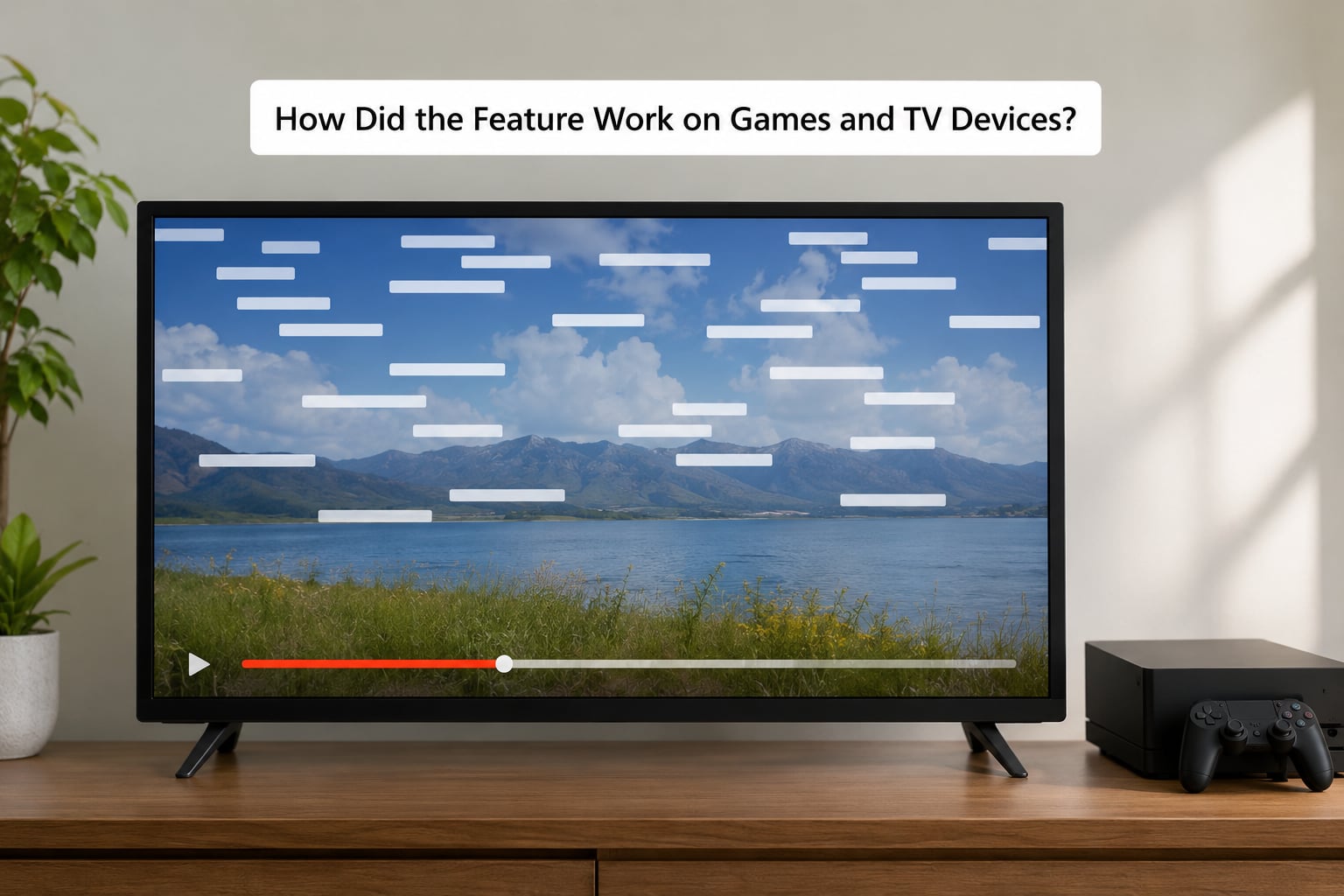
The comment overlay came from a client platform rather than from television, and that origin explains why it behaves the way it does. Niconico grew out of Dwango’s casual gaming and chat software, where a shared screen and a shared text channel were already the norm. Moving the text onto the video itself was a small change in that world.
Through the late 2000s and early 2010s the feature travelled to handheld and console clients and to living-room device software, where the same time-synced comments appeared over video and, in some cases, over game footage being played back on that device. The Flash-based browser player, which is what most people picture, was one of several places the overlay ran.
Some of those device clients added a game-oriented layer, letting creators mark moments worth commenting on so viewers had a natural prompt for a reaction. That is part of why certain videos still have obvious clusters of comments at scripted reveals: someone was pointing at the moment on purpose.
None of that history applies to a desktop or phone browser today. If you meet a screenshot of a television with text flying across it, that is an archived era of the platform, not a hidden setting you failed to find in your current player.
Can You Turn Niconico Comments Off?
Yes, and it does not affect subtitles. Subtitles are a separate layer with a separate control in every Niconico player, so disabling the comment overlay leaves translation and captions untouched. This is the fix most people land on after searching for why text keeps covering the shot they care about.
On the desktop web player, open the player options and look for the comment display switch. It sits with the other viewing controls, near the subtitle and audio settings. Turning it off hides the overlay for that session and usually for that video on your next visit.
On the mobile apps, the same job is done from the playback options sheet while a video is open. The exact wording changes between versions, and on Android the control is often buried one level deeper than on iOS. Look for a comment label, not a settings label.
Two related settings are worth knowing about. The iki filter hides comments containing a specific phrase rather than hiding everything, and the display area setting narrows the band of the screen comments are allowed to cross, which is a gentler option if the comments themselves are the point.
If you came here from YouTube, that platform has never had a comment overlay. Its player button hides the comment panel under the video and nothing else, so scrolling text there means you are almost certainly watching an embed or a clip with a fan re-upload.
What Can You Do If Comments Obscure Important Video?
Use the comment toggle first. It is a one-click change and it does not alter subtitles or audio, which makes it the right default for anyone who finds the overlay distracting rather than entertaining.
Second option, and underrated: narrow the display area instead of switching comments off entirely. The picture stays clear in the middle while the reaction layer keeps running along an edge, which works well on anime clips where the comments are part of the atmosphere.
Third, slow the moment down. Pausing freezes the overlay, so a single frame can be read in peace. Many viewers scrub back a second or two as well, because comments fade in shortly after their timecode rather than appearing instantly.
Fourth, check who controls the density. The uploader can limit or moderate comments, and on older videos a very large comment layer usually means a very large audience that spent years piling messages onto the same second. A new upload from a small channel looks sparse by comparison, so a cluttered screen is a property of that video, not of your settings.
Finally, use the iki filter when the problem is one specific category of comment rather than all of them. It is the targeted version of the same idea and it solves spoilers without emptying the screen.
Frequently Asked Questions
Are Niconico scrolling comments part of the uploaded video?
No. The words are stored separately from the video file, along with the second each one was written for. The player downloads that comment data and draws it over the picture while playback runs, which is why the same overlay reappears on every viewing and disappears entirely when you switch comments off. Nothing is burned into the export.
What is Niconico video?
Niconico is a Japanese video-sharing platform run by Dwango, launched after the company’s earlier chat and gaming software. What made it distinct is its comment system: messages are pinned to a moment in time and fly across the screen as danmaku, bullet comments, so many viewers react at once without stopping the video. That idea later spread to Bilibili as danmu.
Can I turn off Niconico comments without turning off subtitles?
Yes. Subtitles and comments are separate layers with separate controls in every Niconico player. Switch off the comment display option in the player menu, or narrow the comment display area so the overlay stays along an edge, and any subtitles or captions you have enabled remain exactly as they were. Your own posted comments also stay on the video.
Why do some Niconico comments cover the main subject?
Because there is no reserved screen space. Comments are drawn wherever the text is longest and least likely to collide with other comments, and a close shot gives the player nowhere better to put them. If the frame is busy, dense clusters land on faces, and turning on the iki filter only helps when the problem is one category of comment rather than all of them.
Why might I see late comments when watching a Niconico video?
Because the trigger is your playhead, not a clock. Comments appear when playback reaches the second they were saved at, so a comment written today shows up for viewers who reach that point today, and a comment written three years ago still shows up at that same moment. A comment for a scene you have already passed stays hidden until you rewind.
Do Niconico comments work the same way on every device?
The overlay works the same way, but availability and controls differ. Desktop browsers, the mobile apps and some embedded players all carry the comment layer, while other embeds suppress it. The label for the toggle changes between the web player and the mobile apps, so look for a comment control in playback options rather than assuming one fixed menu path.
Conclusion: Start with the Player’s Comment Controls
Short version: Niconico comments scroll over the video so a reaction can land on the exact second that caused it, without stopping playback or hiding the picture. That one design choice explains why niconico comments scroll over the video in every direction you have seen them, and why the answer to a crowded frame is a setting rather than a complaint.
If they bother you, the comment display toggle in the player options is the first place to look, and it leaves subtitles alone. Narrowing the display area is the gentler version of the same fix when you would rather keep the reaction layer along one edge.
Keeping comments on is a legitimate preference too. Long-time Niconico viewers treat that overlay as the reason the platform feels like a room rather than a broadcast, and no amount of explaining the timestamp mechanism will change that for them.