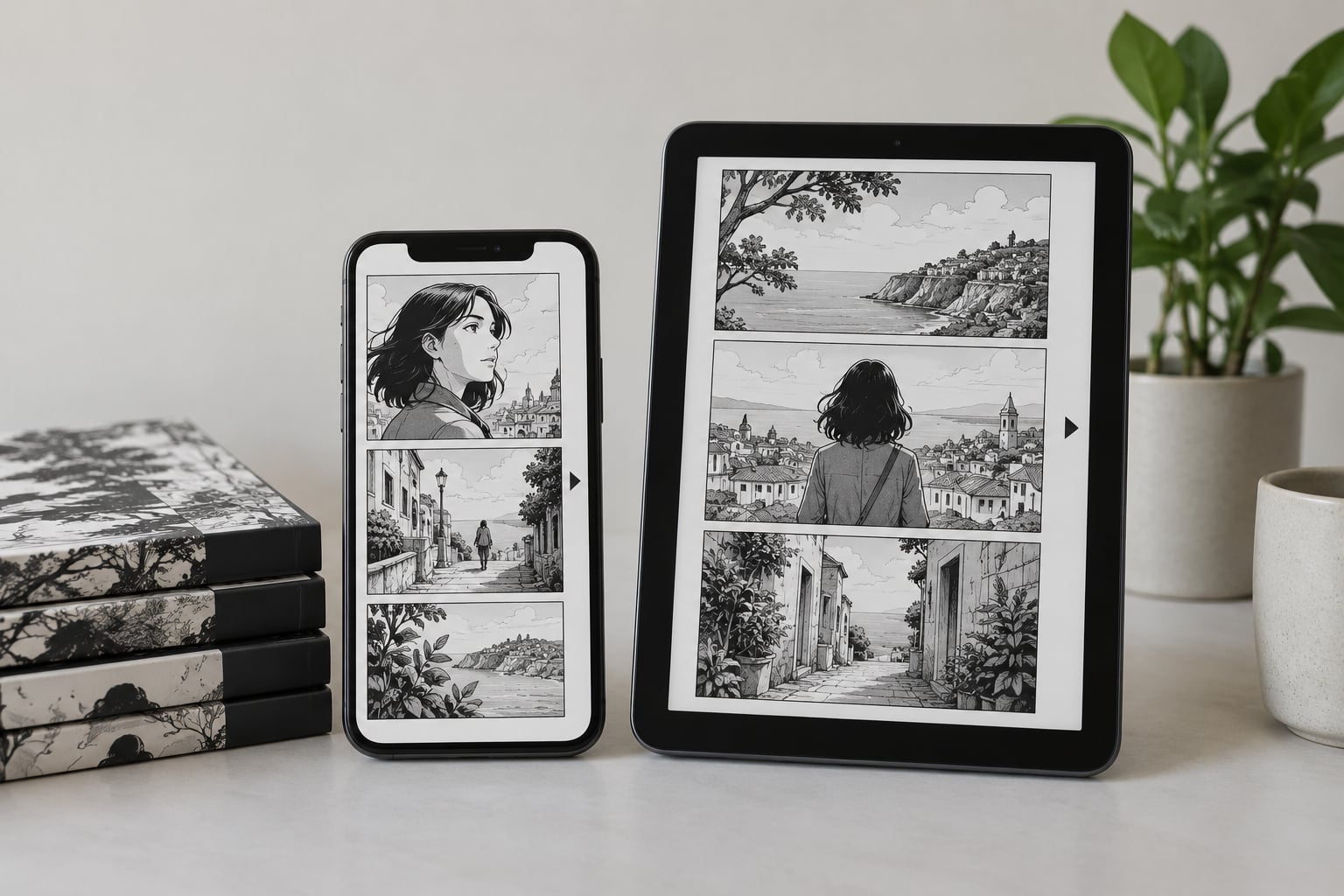
Japanese digital comics are manga read on a phone, tablet, e-reader or browser instead of on paper. The artwork is the same as the printed edition, but the pages display right to left and top to bottom, in the same order as the Japanese language itself. Most services also let you switch the direction if your reader defaults to the Western setting.
So how Japanese digital comics are read comes down to two things: page direction and delivery format. Get both right and the content gets out of your way; get them wrong and you spend your time fighting the app instead of reading the story.
That is the whole short answer. The longer version is that there are three very different reading experiences hiding under the word “manga” — fixed-page manga apps, vertically scrolling webtoon services, and digital tankōbon editions that behave like books — and picking the wrong one is why some beginners give up in the first ten pages.
I have watched the same thing happen over and over on reading forums. Someone downloads a title, opens chapter one, starts at the top-left of the first panel because that is what every other comic they have ever read taught them, and then spends twenty minutes wondering why the character keeps introducing themselves to people they already met.
Updated for 2026. Platforms change names, merge, and change region rules fairly often, so check the current details before you pay for anything.
Table of Contents
- 1How Japanese Digital Comics Are Read Today
- 2What Counts as a Japanese Digital Comic?
- 3Which Japanese Manga Platforms Should Readers Know?
- 4How Does Manga App Reading Work?
- 5How Japanese Digital Comics Are Read on a Phone
- 6How to set the reading direction before chapter one
- 7What Is the Difference Between Manga Apps, Webtoons, and Digital Books?
- 8Can You Read Japanese Digital Comics Outside Japan?
- 9Are Japanese Digital Comics Free?
- 10What Features Help Readers Read More Comfortably?
- 11Frequently Asked Questions
- 12What does “how Japanese digital comics are read” include?
- 13Do Japanese manga apps scroll vertically or turn pages right to left?
- 14Can an international reader use Japanese manga apps?
- 15Are English-language manga available through official Japanese services?
- 16What is the best way to read digital manga on a phone?
- 17Are fan-translated manga the same as official digital releases?
- 18Start With a Reader That Matches the Comic
How Japanese Digital Comics Are Read Today
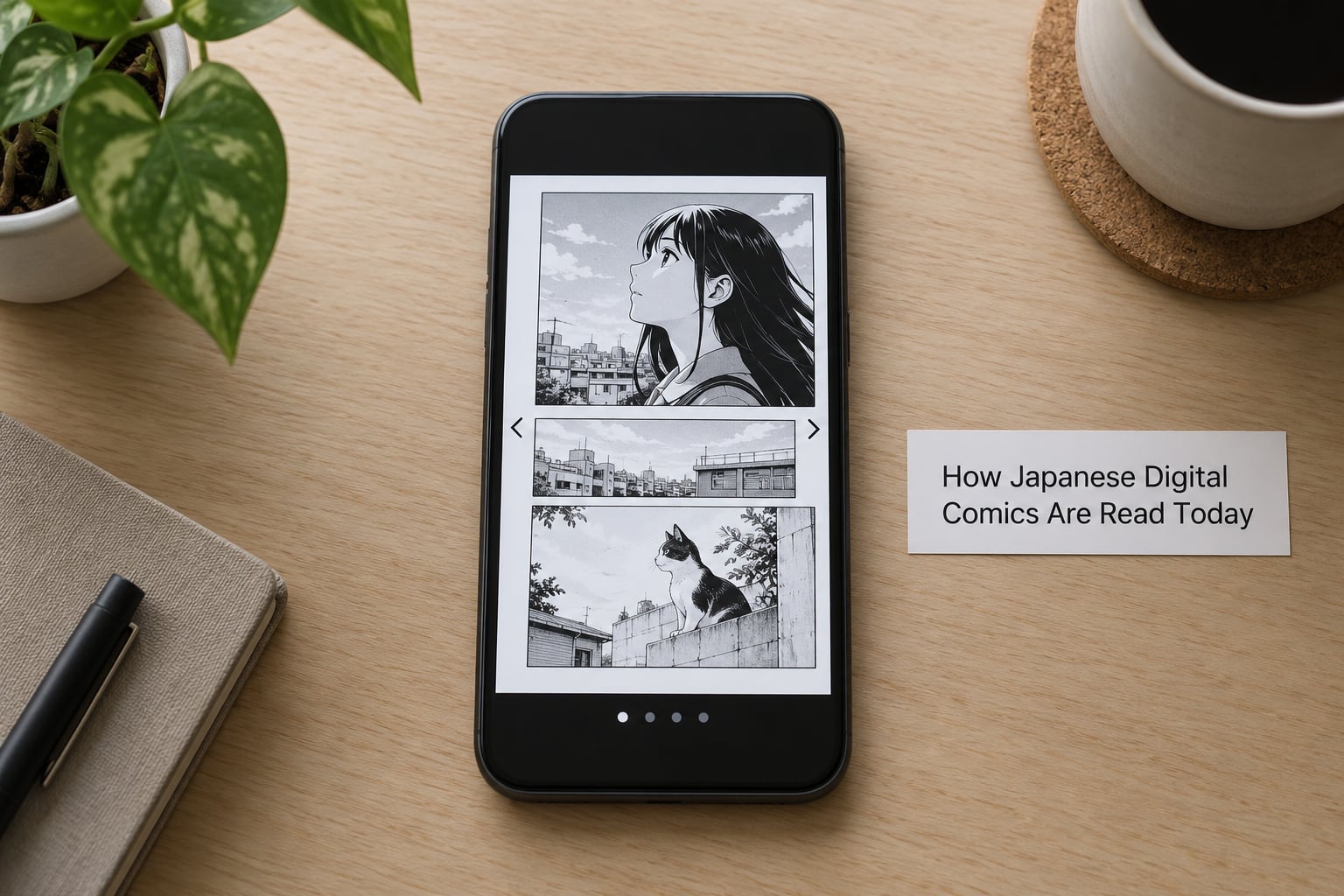
Most readers use a manga app or a web service and read by tapping or swiping through portrait pages from right to left, while webtoon-style services scroll continuously downward instead. Some platforms also offer a panel-by-panel guide mode or a book-style view that reproduces a printed spread.
Beyond direction, the mechanics are simple. You open an app or a browser tab, tap a series, tap the chapter, and read. Everything else — zoom, brightness, downloads, bookmarks, history — is a setting layered on top of that same basic loop.
What changes from service to service is the delivery format. Some hand you scanned page images in a fixed order. Some reflow the art into long vertical strips so it never ends mid-page. Some sell you a whole collected volume with a spine and a table of contents.
Those differences are not cosmetic. They decide how your thumb moves, whether you can read one-handed on a commute, and whether the same title looks like a book or like a phone screen.
What Counts as a Japanese Digital Comic?
“Japanese digital comic” covers several formats, and readers use the phrase for all of them. Knowing which one you are holding saves a lot of confusion later.
- Phone-first manga apps — fixed portrait pages, chapter lists, tap-to-advance. This is the format most people mean.
- Browser-based manga sites — same page format, no install, useful on a school or work Chromebook.
- Digital tankōbon editions — the collected volume, bought as a book and often reflowed or paginated by the store you bought it from.
- Webtoon and manhwa services — continuous vertical scroll, built for phones, originating in Korea and increasingly carrying Japanese work too.
- Web-original series — comics written for the screen first, often released chapter by chapter rather than in volumes.
- Scanlations and raw Japanese — fan translations and untranslated original pages, which carry their own legal and quality problems discussed below.
The access model travels with the format. A digital comic might be free with advertising, free for the first and latest chapters, unlocked by a daily ticket or by waiting, available through a subscription, borrowed through a library card, or sold one volume at a time.
Which Japanese Manga Platforms Should Readers Know?
There are five useful categories rather than a single best app, and readers who understand the categories stop chasing recommendations. Here is how the main ones compare.
| Platform type | Reading style | Access model | Language strengths | Best suited to |
|---|---|---|---|---|
| Publisher serialization apps (for example Shonen Jump+, Magazine Pocket, Comic Walker, Comic DAYS) | Fixed portrait pages, chapter list | First and latest chapters free, older chapters on points or coins | Japanese, with licensed translations on some titles | Following a series on release day |
| Official English services (MANGA Plus by Shueisha, Shonen Jump, VIZ, K MANGA, Azuki) | Fixed portrait pages, chapter list | Free tier plus subscription or per-chapter purchase | English, some simulpub with Japan | Readers who want official translation and quality |
| Webtoon and manhwa platforms | Continuous vertical scroll, one long strip | Free daily chapters, wait or ad to unlock the rest | Mostly Korean and English | Phone-first, one-handed reading |
| Digital tankōbon shops (for example BookWalker) | Book-like paging or a guided spread view | Per-volume purchase or points | Japanese, some English | Readers who want the collected edition |
| Library apps (Libby, hoopla, and library-branded services) | Varies by publisher file | Borrow with a library card, no purchase | Mostly English | Reading a lot without paying per volume |
| Open-source and aggregator readers | Whatever the source file provides | Free, ad-supported | Many, but translation quality varies | Readers who already read Japanese |
Publishers matter as much as platforms, because licensing decides where a series appears. Shueisha titles tend to surface on its own services, Kodansha titles on Kodansha’s, and KADOKAWA, Shogakukan and Square Enix each run their own catalogue. A title missing from one app is often simply not licensed there yet.
One forum user put the reader’s real complaint better than any official page does: official apps only carry a fraction of the Japanese catalogue, which is exactly why people end up on aggregator sites. That is a genuine gap, and it is worth knowing before you decide an app is “bad”.
How Does Manga App Reading Work?
The path inside a manga app is short, and once you have done it once it becomes muscle memory.
You find a title through the app’s own search or a publisher’s front page, open the series page, and read the summary and the chapter list. Tapping the first chapter opens a reader rather than a video or a store page.
From there, the controls do the work. A tap on the right side of the screen moves forward, a tap on the left moves back, and the middle of the screen opens a settings overlay. That overlay usually holds brightness, page fit, direction, background colour, and sometimes a full-screen or landscape toggle.
Chapter navigation is the other thing worth learning early. Most apps keep a chapter list inside the reader, so you can jump backwards without closing anything, and they record your position automatically. When a new chapter appears, the series page shows it at the top of the list with a small marker.
Language switching, where it exists, lives in the series page or in the reader’s settings menu rather than in a global preference. Titles licensed for several languages usually list them next to the chapter, and switching applies from that point forward.
Downloads are usually per-volume rather than per-chapter, which is the sensible model: a volume is a fixed amount of art and a fixed amount of storage. Once downloaded, a volume reads with no connection at all.
Readers on forums agree that the setting people miss most is direction. On r/manga, the most repeated advice is simply to read however feels comfortable and ignore gatekeeping — but the mechanics still have to be right before comfort is possible.
How Japanese Digital Comics Are Read on a Phone
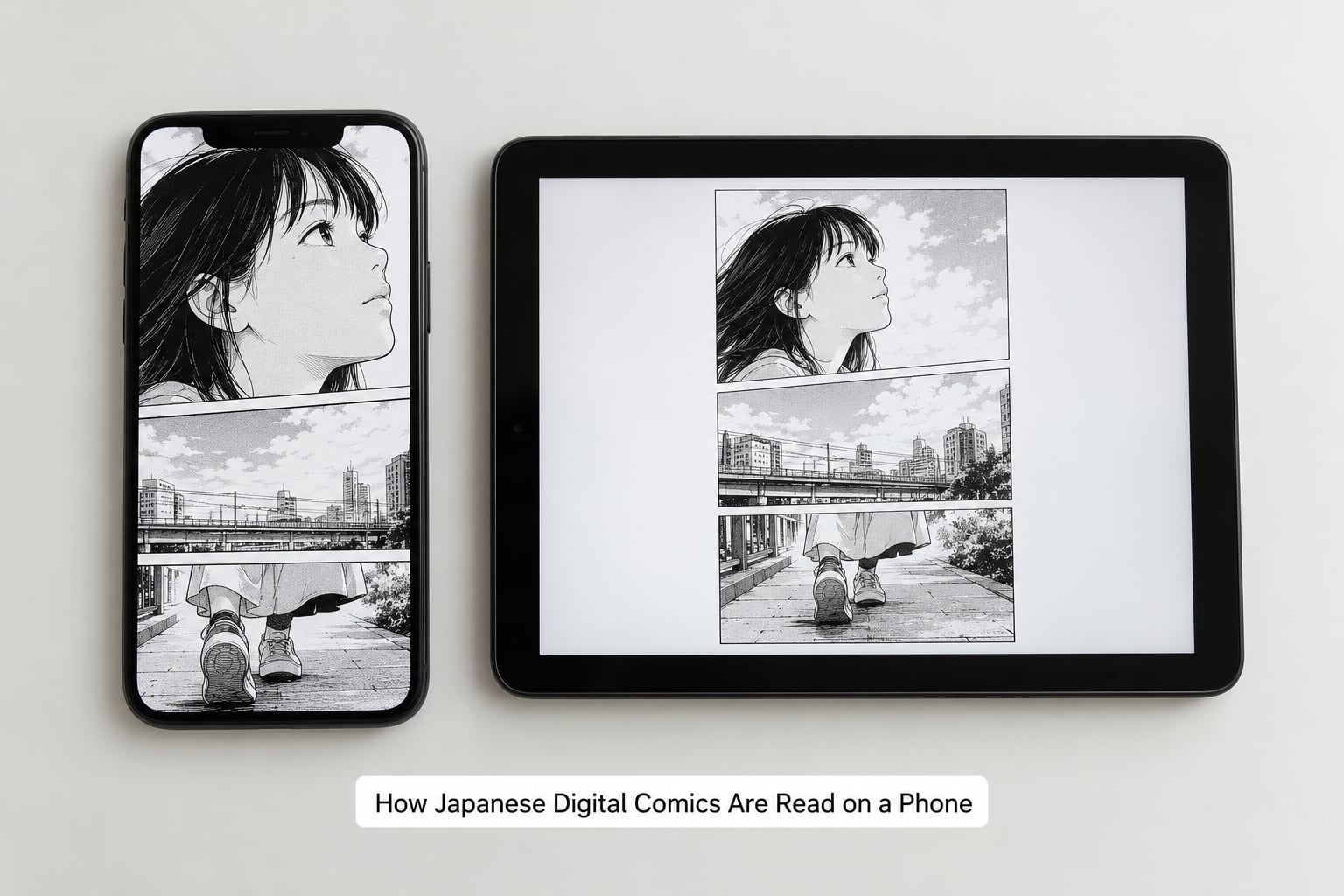
On a modern phone, reading a manga properly takes about five minutes of setup, once per app.
Install the app from your device’s own store, create an account if the service requires one, and open any free chapter. Then find the reader’s settings panel — usually a tap in the middle of the page, or a three-dot icon in the corner — and turn on the right-to-left option. Some apps label it Manga Mode, some label it Page Order, and some bury it under Reading Direction. If you see none of those words, look for an LTR or RTL toggle.
How to set the reading direction before chapter one
Enable the right-to-left toggle, then confirm it works by checking the page indicator: the page number should increase as you move from the right edge of the screen leftward. If it increases as you swipe right, the setting is off, and you are reading the story backwards.
After that, set the page fit. Paged continuous scroll on a phone can leave you with half a panel and a strip of whitespace; a fit-to-width setting with manual zoom usually reads better. Landscape mode gives wide action spreads room, though it makes one-handed reading awkward.
On iPhone and Android the same settings exist, but menu names differ between apps and change between versions, so label your screenshots if you write your own notes. A toggle that sits under Reader Settings on one app may sit under Display on the next.
Screen-managed devices are the usual exception. On a school or work Chromebook, manga apps are frequently blocked or restricted, which is where browser-based services earn their keep.
A few extras are worth enabling on a phone: downloads for the volume you are on, brightness control so a white page does not blind you on a train, and a background tint that turns pure white into a warm grey at night.
What Is the Difference Between Manga Apps, Webtoons, and Digital Books?
The difference is how the artwork was prepared, and it shows up in the reading experience immediately.
A manga app reproduces fixed pages exactly as printed. Page order is right to left, panels are framed rectangles, and a double-page spread is two images that should be viewed together. That format rewards a tablet or a phone held in two hands.
A webtoon service reflows each episode into one long vertical strip designed to scroll. There are no page turns, no spread alignment problem, and the art was often drawn with that canvas in mind, so tall compositions and character close-ups are common.
A digital tankōbon is closer to a book. The store paginates it, adds a cover and sometimes a table of contents, and readers who want to zoom text or read long stretches prefer it. Some services also offer a guided view that reveals one panel at a time instead of showing the whole page.
Those three formats explain a lot of arguments. Someone who loves webtoons is not resisting manga; they simply want long vertical compositions without page turns. Readers on r/comicbooks defend digital for colour reproduction and clarity, which is a different preference from layout entirely.
Can You Read Japanese Digital Comics Outside Japan?
Yes, in most cases, but the friction is real and it is worth knowing where it comes from before you hit a wall at checkout.
First, app stores are region-locked. A Japanese app may simply not appear in search results on a non-Japanese account, which looks like the service does not exist. It does; you just cannot see it from that storefront.
Second, some services check the country on the account itself. An account registered in one country can hit different content or pricing from the same account elsewhere.
Third, and this is the wall most people hit, payment. Japanese platforms often expect a Japanese-issued card or a payment method attached to a Japanese store account. Foreign cards are declined at checkout even when the site loads perfectly and the catalogue is fully visible. That is why the free tier is often the only workable one from abroad.
Fourth, rights. A series licensed for Japanese and English territories is not automatically licensed in every other country, and a service that operates legally in Japan may not be permitted to serve your region at all.
Fifth, support. Some services handle inquiries only in Japanese, in Japanese business hours, which makes a stuck payment problem much slower to resolve than it looks like it should be.
One more practical point: services change. Region rules, storefront availability and licensing shift, so an access method that works this year may not work next year. Use the official English services first — MANGA Plus, Shonen Jump, K MANGA, Azuki and the publisher-run English apps — and treat anything that asks you to work around regional checks with suspicion.
Are Japanese Digital Comics Free?
Many are, but “free” usually means a specific mechanic rather than the whole catalogue. These are the models you will actually meet.
| Access model | What you get | How it refills | Best for |
|---|---|---|---|
| Free first and latest chapters | Chapter one plus the newest releases | Automatically as new chapters post | Deciding whether a series is worth following |
| Ad-supported chapters | A chapter after a short advert | Unlimited, one advert at a time | Casual reading without spending |
| Daily or weekly ticket | A set number of locked chapters | Resets on a timer | Series you read steadily, a few chapters a week |
| Wait and read free | A chapter after a countdown | Timed per chapter | Readers who do not mind slow unlocks |
| Timed rental | Access to recent chapters for a window | Expires after the window closes | Catching up on a backlog without buying |
| Subscription | A catalogue or platform-wide reading access | Monthly or yearly renewal | Reading several series a week |
| Single volume purchase | One collected volume, kept in your library | One-off | Readers building a shelf they can re-read |
| Library borrowing | Licensed volumes through a library card | Borrow limits and loans | Reading widely at no cost |
Fees, bundles and regional pricing change often and differ by country, so confirm what a service currently charges in your region before you commit. Reading the free tier for a month is a reasonable way to find out which platforms you actually open.
What Features Help Readers Read More Comfortably?
Nearly every manga reader now ships the basics: tap zones, zoom, brightness control, background tint or dark mode, bookmarks, chapter history, and offline downloads. Those are table stakes.
Three features are worth hunting for because they change how a title feels rather than how it functions.
A continuous vertical scroll option matters a lot for readers coming from webtoons. It removes page turns entirely and works well one-handed. It is not the same thing as a webtoon, though — the art is still arranged right to left.
Right-to-left and left-to-right toggles, shown side by side, let you keep one setting across manga and Western comic collections. Readers with an e-reader or a Chromebook usually appreciate an explicit page-offset control, because double-page mode can start on the wrong page.
A panel-by-panel guide view is the comfort option for slow readers, for anyone reading on a small screen, and for people who find a full page of art overwhelming. It also does the most for accessibility, alongside larger text and higher contrast settings.
Less common but useful: sync across devices, per-series translation switches, reading statistics, and long-press to peek without turning the page. Sync is worth checking before you start a series on one device and plan to finish it on another.
Readers on the r/mangapiracy ideal-features thread name the same three non-negotiables: a direction toggle, a double-page offset control, and horizontal scroll support. Any reader without those is going to frustrate you sooner or later.
Frequently Asked Questions
What does “how Japanese digital comics are read” include?
It covers the reading mechanics of a manga on a screen: right-to-left, top-to-bottom panel flow, the Manga Mode or RTL setting, panel-by-panel and continuous-scroll views, and how those differ across manga apps, webtoon services and digital tankobon editions. It also covers where those comics live, what languages they appear in, and which access models apply.
Do Japanese manga apps scroll vertically or turn pages right to left?
Both exist, depending on the service. Manga apps built from printed pages turn them right to left, panel by panel, exactly as they appear in the paper edition. Webtoon and manhwa platforms scroll continuously downward because the art was drawn for a long vertical strip. Most apps include a direction toggle, so you can also flip a fixed-page manga into vertical scrolling if that reads better for you.
Can an international reader use Japanese manga apps?
Usually yes, with caveats. Japanese apps are often hidden on non-Japanese app stores, some services check the country on your account, and most expect a Japanese payment method, so a foreign card can be declined at checkout. Rights also differ by territory. Official English services from the same publishers are the reliable route for readers outside Japan.
Are English-language manga available through official Japanese services?
Yes, for licensed titles. Major publishers run English-language services of their own, and several Japanese platforms carry official translations alongside the original Japanese. Translation quality on licensed titles is professionally done and generally consistent. Where you find English manga outside those services, it is usually fan work, and the translation and lettering quality vary a great deal.
What is the best way to read digital manga on a phone?
Install one official app, open a free chapter, and set the reading direction before you read a page. Turn on right-to-left or Manga Mode, choose a page fit that does not leave half a panel on screen, lower the brightness, and download the volume you are on so it works offline. Add a warm background tint at night and use a panel-by-panel view if full pages feel busy.
Are fan-translated manga the same as official digital releases?
No. A scanlation is typically re-lettered from a Japanese original by volunteers, which means translation tone, sound effects and occasional panel order can vary between groups. Official releases come from the publisher with professional translation, editing and lettering, plus clear licensing. Fan versions are also unstable to source and disappear without warning, so chapters you paid for on an official service are the safer bet.
Start With a Reader That Matches the Comic
Pick the format that fits the art before you pick the app. A phone manga app handles fixed portrait pages and is the safest first stop for a beginner. A webtoon service suits continuous vertical stories read one-handed. A digital tankobon service suits readers who want the collected edition in book form.
Whichever you choose, turn on right-to-left before chapter one, verify the page indicator moves the right way, and confirm the language, regional access and current pricing for your country before you create an account.