Japanese appliances have so many buttons because each one is a dedicated shortcut for a mode, cycle, or adjustment that Western products bury inside a touchscreen menu. It is the result of kitchens with no built-in oven, a rice-first diet cooked several dishes from one pot, an ageing population that needs glanceable controls, and a kaizen culture that adds rather than removes. Most of those keys are shortcuts. A few are essential.
I have used enough Japanese kitchen appliances to have a favorite panel and a least favorite one, and I have watched plenty of visitors freeze in front of a microwave with thirty keys. That freeze is reasonable. What is not reasonable is the assumption that the appliance is broken.
Table of Contents
- 1Why Japanese Appliances Have So Many Buttons
- 2How Did Japan Become Known for Button-Filled Appliances?
- 3What Do the Buttons on Traditional Japanese Appliances Do?
- 4Why Japanese Appliances Have So Many Buttons on the Control Panel
- 5Which Product Categories Show the Pattern Most Clearly?
- 6Are More Controls Always Better for the User?
- 7Why Japanese Appliances Have So Many Buttons: Safety, Design, and Language
- 8What Should Foreign Buyers Check Before Using One?
- 9Frequently Asked Questions
- 10Do all appliances made in Japan have large numbers of buttons?
- 11Are traditional Japanese appliances better than touchscreen models?
- 12Why are the controls on many Japanese appliances labeled only in Japanese?
- 13Do button-heavy appliances tend to last longer?
- 14Can a Japanese rice cooker or washing machine be used overseas?
- 15Bottom Line: Start with the Controls You Actually Need
Why Japanese Appliances Have So Many Buttons
Japanese appliances have many buttons because manufacturers map each function straight onto a physical key instead of hiding it in a menu tree, because kitchens without ovens and rice-heavy diets demand multi-purpose cooking, and because physical controls stay readable with declining eyesight. The panels grew crowded decades before touchscreens existed, and the culture of incremental improvement kept adding functions instead of removing them.
Eight reasons cover most of it:
- Every function gets a key. If the appliance has a menu, a labelled button is usually waiting next to it. The panel mirrors the machine’s internal program list, so the count matches the feature set.
- No built-in oven in most homes. Compact Japanese kitchens traditionally rely on countertop cooking, so one appliance often handles rice, stews, steamed bread, and reheating.
- Rice is a daily staple. Texture matters enormously, and each texture comes from its own program rather than one adjustable dial.
- Ageing users. Roughly 30% of Japan’s population is over 65. A printed key you can feel is easier than a menu that changes position between models.
- Long product lifecycles. Appliances here are commonly used for a decade or more, often by grandparents and parents alternating on the same machine. Physical keys survive that.
- Safety-critical actions deserve their own control. Stop, cancel, and lid-release buttons are separate because a mis-tap on a start key should not launch a wash you cannot abort.
- Kaizen, the culture of continuous improvement. Each model generation adds a program. Removing a working feature is harder than adding one.
- Text labels beat pictograms in Japanese practice. Kanji are compact and unambiguous to a reader who knows them, so manufacturers skip the icons Western buyers expect.
How Did Japan Become Known for Button-Filled Appliances?
The pattern is not ancient. Mechanical and electromechanical household products in the mid-20th century had modest panels, because the appliances themselves were simple. The button era began when Japan became genuinely good at small electronics and started putting microcomputers inside household machines.
Toshiba released the first household automatic rice cooker in 1956, and it had a panel any modern user would recognize: cook, keep warm, start. Feature density climbed through the 1970s and 1980s as induction heating, sensors, and fuzzy logic control arrived. The 1990s pushed further, when a single countertop unit could bake a cake, steam bread, simmer a stew, and finish a pot of rice.
Two household developments fed that. Bathrooms in older homes are frequently unheated in winter, which pushed heated seats, warm-air dryers, and deodorizing features onto washlet remotes until well over 80% of Japanese households owned one. Appliance makers also leaned on kaizen, the post-war idea of small continuous improvements, which favours adding capability over removing it.
One correction to the stereotype: not every Japanese appliance is packed with buttons. Simple objects like electric kettles, desk lamps, and basic fans stay minimal, because the function set is small. Button density tracks feature count, not nationality.
What Do the Buttons on Traditional Japanese Appliances Do?
Grouped by purpose, the buttons fall into a handful of families. Once you can name the families, any panel makes sense.
- Power and transport: power, lid open, start, stop, cancel. On most appliances the stop key is physically the most prominent, usually red.
- Mode selection: white rice, mixed grain, brown rice, porridge, quick cook, reheat, keep warm.
- Specialist programs: steamed bread, cake, pasta, stew, mochi, and on some rice cookers a mode that simulates cooking over a traditional clay hearth.
- Adjustment: plus and minus keys for quantity, texture, or doneness rather than a single menu-driven slider.
- Timing: timer, delay start, and time presets for a cooking program.
- Cleaning and maintenance: drum or filter cleaning, deodorizing, self-clean, tub wash.
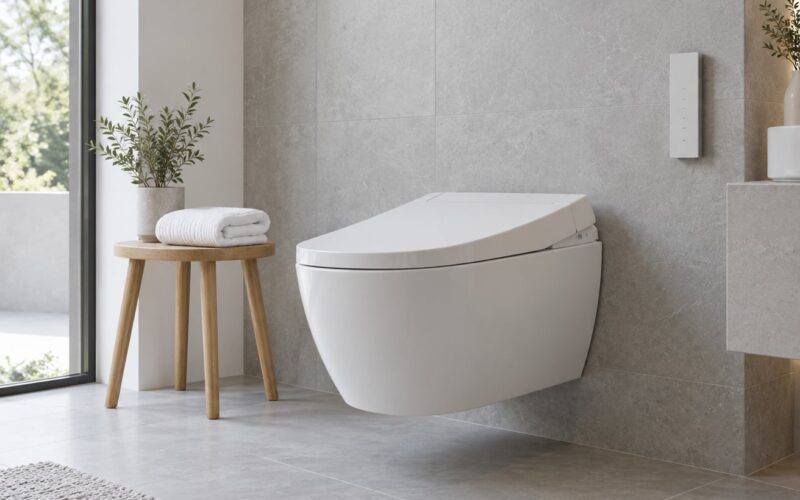
- Washlet and dryer controls: rear wash, front wash, stop, spray pressure, nozzle position, warm-air dry, sound masker, flush, and lid open.
- Navigation: on hybrid panels with a small display, arrows and confirm to reach less frequent settings.
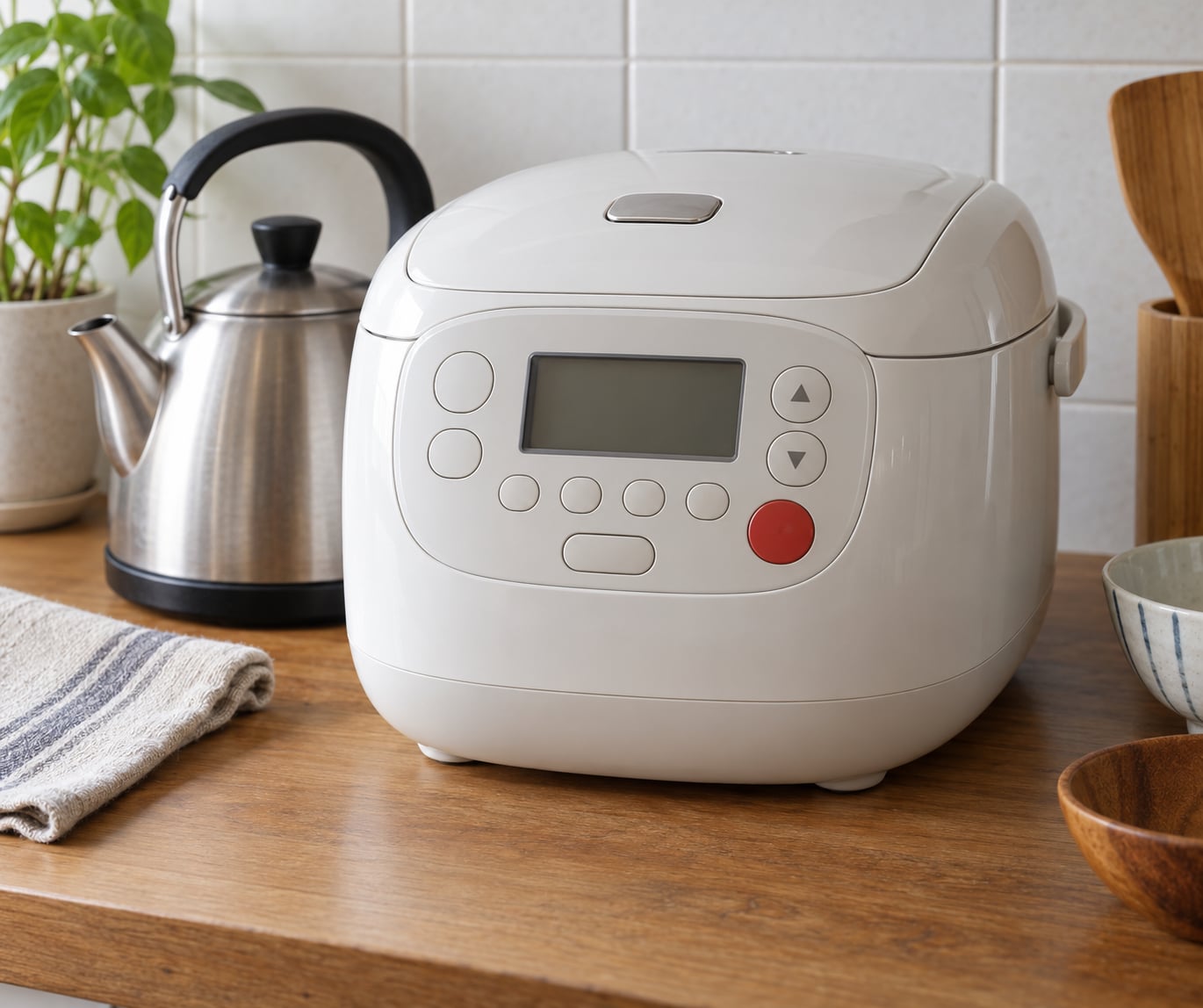
More functions on the panel does not mean every button is equally important. On a typical rice cooker, you will use four keys for the rest of your life: menu, quantity, start, and keep warm. The cake and bread buttons are for the two days a year you bake.
Same story on a washing machine. Start, level, and pause do the daily work. A pre-wash key, a separate deodorizing cycle, and a UV sterilization option sit there for users who want them and cost nothing for users who do not.
Why Japanese Appliances Have So Many Buttons on the Control Panel
Dedicated buttons and menu-driven functions are both reasonable answers to the same problem, and the difference is mostly about how fast you can reach a setting you already know.
A dedicated key is one press, always in the same place, always labeled the same way. That predictability matters when the setting is common, when the person using the appliance is tired, or when the button carries a safety role. It also means the control still works when the screen behind it fails, which on some appliances happens years before the buttons do.
A screen wins when the option list is long, situational, or rarely used. Nobody wants forty physical keys for thirty cooking programs. It also wins on surfaces you use with wet hands, where a capacitive panel can misfire.
Japanese panels usually sit in the middle: common functions on keys, the long tail behind a display. The density comes from the appliance having a genuinely large feature set, not from a preference for buttons as an end in itself.
Which Product Categories Show the Pattern Most Clearly?
Appliances with a broad internal program list show the pattern most clearly, because the keys map one to one onto that list.
| Category | What the extra buttons control | Which ones you actually use |
|---|---|---|
| Rice cooker | Rice type, quantity, texture, porridge, quick cook, reheating, keep warm, bread, cake, stew | Menu, quantity, start, keep warm |
| IH cooker | Heating mode, plus multi-dish programs in place of a separate hob | Mode, heat level, timer, start |
| Microwave | Wattage steps, one-touch presets, convection and grill combinations | Power, time, stop, one or two presets |
| Washing machine | Wash temperature, spin level, cycle type, pre-wash, deodorizing, tub or drum cleaning | Start, level, pause |
| Air conditioner remote | Mode, temperature, fan speed, swing, timer, humidity, and airflow direction | Power, mode, temperature, fan speed |
| Washlet remote | Rear wash, front wash, stop, pressure, position, warm-air dry, sound masker, flush | Rear wash, stop, lid, pressure once or twice |
| Vacuum cleaner | Power level, suction mode, brush type, cord rewind, dust bin release | Power, mode, rewind |
Two details catch people out. Japanese microwaves expose several wattage steps because precision heating matters culturally and the automatic reheat rarely matches expectations, so visitors who hit the first key and walk away get mediocre results. And a washlet remote is dense partly because each function is a genuine comfort setting rather than a gimmick.
The honest counterpoint: some panels are complicated because the feature set is crowded, not because the controls are clear. A microwave with twelve one-touch presets for dishes you will never cook is a sales decision wearing an interface.
Are More Controls Always Better for the User?
No. Physical controls win in some situations and lose in others, and the deciding factor is usually whether the function is used often and whether the user is the same person every time.
| Situation | Many physical buttons | Few controls or a screen |
|---|---|---|
| A function used daily | One press, same place every time | Several taps through a menu |
| Elderly or low-vision user | Tactile, high-contrast, unchanging | Small text, shifting layout, faint targets |
| A long list of rare options | Panel becomes cluttered | Hides them tidily until needed |
| Wet or greasy hands | Reliable with a physical press | Capacitive panels can misfire |
| After the display fails | Basic functions keep working | Most functions stop entirely |
| Cleaning the appliance | Crevices between keys trap grime | One flat surface wipes clean |
| Safety-critical actions | Stop is large, red, and always present | Must be located within the menu |
The loudest complaint, and a fair one, is that most people never learn most of their appliance’s buttons. Appliance voice features were partly an attempt to fix that by announcing what just happened. Sharp has shipped air purifiers that speak up, and robot vacuums that play a recorded voice. Several users report the opposite effect: an appliance announcing a low battery and nobody knowing which appliance was talking.
More buttons is also more surface to clean and more that can fail independently. A membrane key panel can be replaced cheaply; a failed display behind it may not be.
Why Japanese Appliances Have So Many Buttons: Safety, Design, and Language
Pulling the threads together, button density comes from four overlapping pressures rather than one cultural preference.
Hazard and control. A rice cooker is a hot vessel under pressure. A washing machine holds water and a moving drum. A washlet runs an electric heater next to water on a cold-tiled floor. When an operation can hurt someone, Japanese makers give it its own key and place it away from the ones pressed by accident. That is why stop keys are large, red, and never tucked into a menu.
Longevity. These machines get used hard for many years, often shared. Physical keys tolerate pressure, heat, and repeated presses far longer than capacitive surfaces. They also let a repair shop replace one button instead of a whole control board.
Domestic interiors. Small kitchens, a compact laundry area, and an unheated winter bathroom put several specialized jobs into each machine. A washlet absorbs heating, drying, and deodorizing so the bathroom needs no extra unit. More buttons follow more absorbed jobs.
Language. Japanese panels lean on kanji text instead of the pictograms most foreign visitors expect, which is the single biggest source of confusion. Users on Japanese forums ask the same question repeatedly: why does Japan appear to avoid symbols? The answer is practical. Text is compact and precise, and readers who know kanji scan a panel faster than they decode icons.
The result is dense, legible, and intimidating to anyone who cannot read it. Naming a specific control solves more confusion than any general explanation, so if a panel is blocking you, look for one button rather than reading all of them.
What Should Foreign Buyers Check Before Using One?
Before an appliance crosses an ocean, four things decide whether it works at all.
- Voltage and frequency. Japan’s domestic supply is 100V, split between 50Hz in eastern Japan and 60Hz in the west. North American and European supply differs in both voltage and, in Europe, frequency. Check the rating plate on the back before plugging anything in.
- Plug shape. Japanese domestic plugs are two flat pins with no ground. You will need an adapter and, for most heating appliances, a transformer.
- Export versions. Many brands sell an overseas variant with bilingual labels, local voltage, and often fewer modes. That version usually costs more and is the sensible choice.
- Language lock. Device menus, error messages, and confirmation prompts are Japanese-only on many domestic models, and some cannot be switched.
If you are only visiting, learn four keys before you arrive: start, stop, menu or mode, and the plus and minus pair. That is enough to cook rice, wash laundry, and adjust an air conditioner. A printed sticker beside each key is faster than any app.
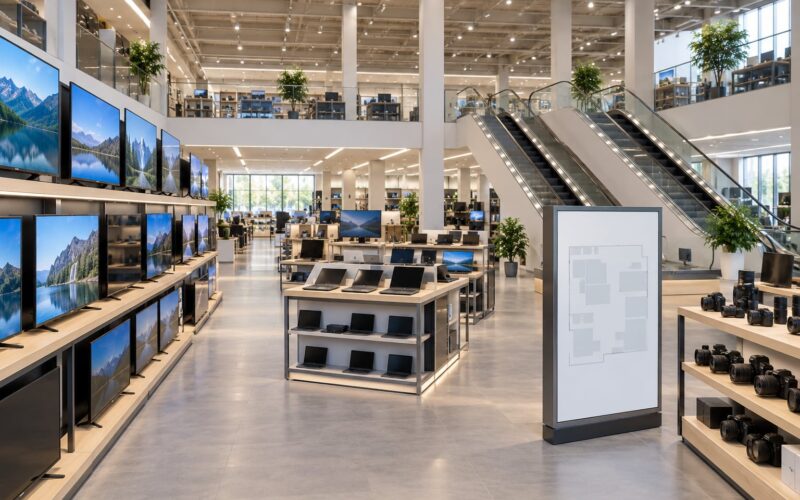
To see the panels in person, appliance floors in Bic Camera, Yodobashi, and Don Quijote are the fastest route, and a washlet showroom will let you test every remote key in sequence. Bring a notepad; the labels are small.
Frequently Asked Questions
Do all appliances made in Japan have large numbers of buttons?
No. Button density tracks the feature set, not the country of manufacture. A simple electric kettle or desk lamp from Japan stays minimal. A rice cooker or washlet is dense because it runs dozens of internal programs, and each one is given its own key. Makers sold outside Japan also often ship export versions with fewer modes and bilingual labels, which cuts the button count noticeably.
Are traditional Japanese appliances better than touchscreen models?
It depends on who is using them. Physical controls suit an elderly or low-vision user, a setting used daily, and anyone operating the machine with wet hands. They also survive a failed display. Touch panels suit long lists of rare options and clean up faster. Most current Japanese appliances use both, with common functions on keys and the long tail behind a screen.
Why are the controls on many Japanese appliances labeled only in Japanese?
Because kanji text is compact and precise for readers who know it, so Japanese makers rely on it instead of the pictograms most foreign visitors expect. That makes panels fast to scan locally and opaque to anyone else. Domestic models frequently also keep menus, error messages, and confirmation prompts in Japanese only. An export version with bilingual labeling is the practical fix.
Do button-heavy appliances tend to last longer?
Not automatically, though mechanical controls are easier to repair than a failed display. Many Japanese appliances are genuinely used for a decade or more, sometimes shared across generations, and physical keys tolerate heat, moisture, and repeated presses better than capacitive surfaces. Treat it as one factor among build quality, service support, and whether parts remain available.
Can a Japanese rice cooker or washing machine be used overseas?
Only after checking three things. Japan’s domestic supply is 100V at 50Hz or 60Hz depending on region, and most domestic plugs are ungrounded two-pin, so heating appliances need a transformer as well as an adapter. Washing machines also need a matching water pressure and a bilingual manual. Buying an export version from the same maker avoids all of this, for more money.
Bottom Line: Start with the Controls You Actually Need
The button count makes sense once you read it as a record of what Japanese homes asked for: multi-dish cooking without an oven, precise rice, cold bathrooms, shared use across generations, and a design culture that added functions for decades instead of removing them. The panels are dense because the machines absorbed a lot of jobs, and safety-critical actions got their own keys for good reason.
Most of that density is shortcut, not obligation. Identify the settings you will use, learn those four or five keys, and leave the rest alone. If you are buying from Japan, check voltage, plug, and language first, then decide whether an export version is worth the extra cost. That is a ten-minute job that decides whether the appliance works for you at all.