Japanese car navigation is built in because Japan treated navigation as part of the car decades before phones could do it. The country’s roads are unusually hard to navigate, its map data was developed for Japan only, and the head unit was designed to share the dashboard, the speakers, the cameras and the ETC reader. That history is still visible every time someone tries to use a Japanese navi overseas.
Table of Contents
- 1The Short Answer: Why Japanese Car Navigation Is Built In
- 2Why Japanese Car Navigation Is Built In for Daily Driving
- 3How Factory Navigation Differs from Smartphone Navigation
- 4What Makes Japanese Road Navigation Technically Difficult
- 5How Local Map Data and Route Knowledge Shape the System
- 6Why Integration with the Car Matters
- 7How Maps and Route Information Get Updated
- 8Why Built-In Navigation Matters for Used-Car Buyers
- 9Where the System Falls Short
- 10Why Japanese Car Navigation Map Data Stops at the Border
- 11How Japan’s Built-In System Fits the Wider Tech Ecosystem
- 12Frequently Asked Questions
- 13How do I change my Japanese car navigation to English?
- 14Can a Japanese nav unit be reprogrammed with maps for another country?
- 15What is the best navigation app to use in Japan instead of the built-in system?
- 16Why does Apple CarPlay not work on some Japanese-market cars?
- 17Does Japan have its own satellite navigation system?
- 18Conclusion
The Short Answer: Why Japanese Car Navigation Is Built In
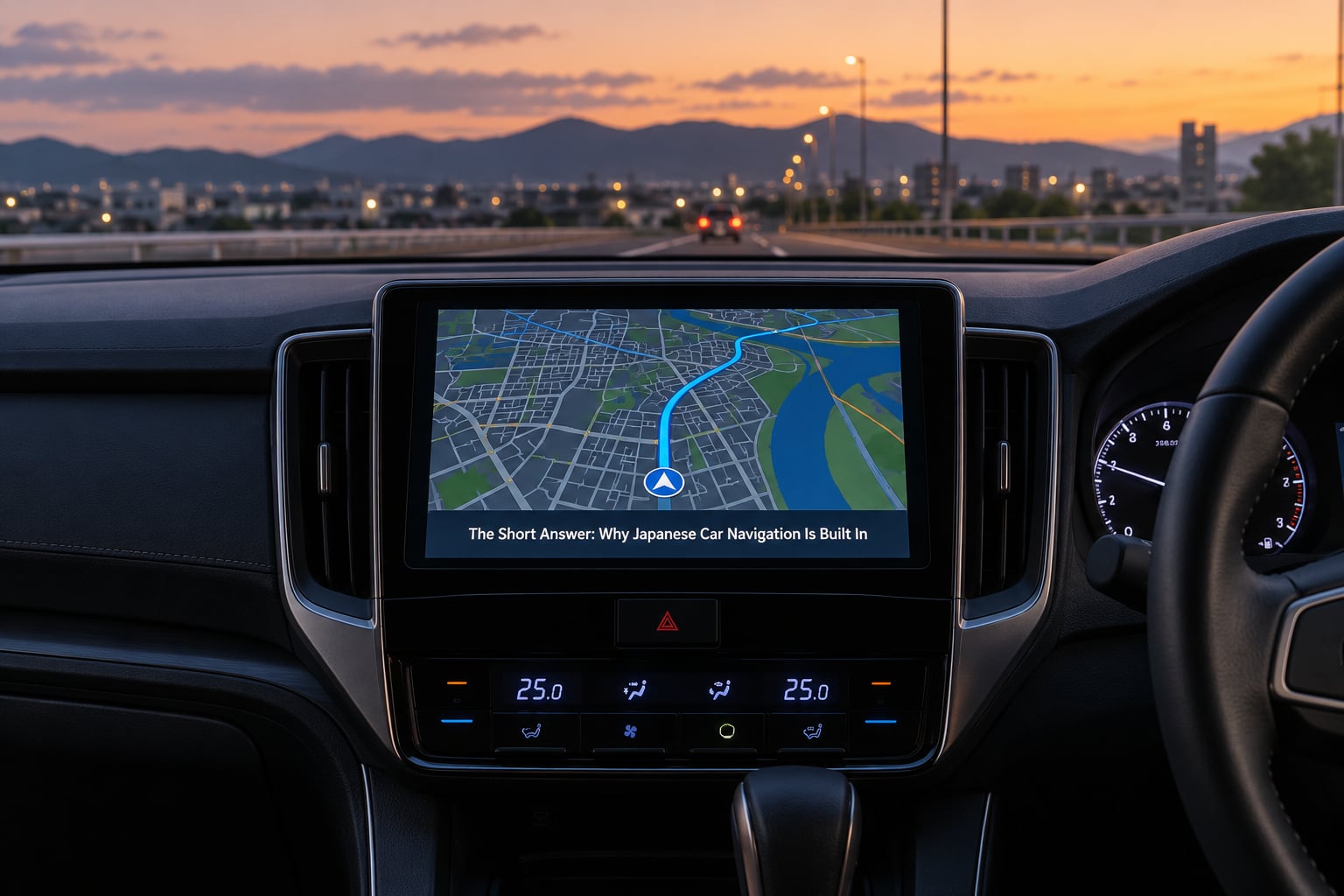
Why is Japanese car navigation built into the car? Because navigation in Japan grew out of a government traffic programme and a domestic map industry, not out of smartphones. The hardware was built to be part of the dashboard, the map data was licensed for Japanese roads only, and by the time phone projection existed the factory system was already how most drivers got from A to B. Six reasons explain it.
- Dense, complicated roads. Narrow urban streets, no consistent house numbering and expressway entrances that sit between buildings make an integrated map with lane guidance genuinely useful rather than a luxury.
- A head start on the technology. Honda built the world’s first map-based car navigation system, the Electro Gyrocator, in 1981, fourteen years before GPS was fully operational.
- Map data made for Japan only. Domestic suppliers such as Zenrin and the keihin traffic systems compile Japanese road data, and that data has no coverage of foreign roads at all.
- It works without a phone. For years the car was the only navigation option in the cabin, and integrated hardware meant no charging cable, no mount and no lost signal in a car park.
- It plugs into the car itself. Voice prompts come through the car speakers, the map shows on the factory display, and steering-wheel buttons, the reverse camera, parking sensors and the ETC reader stay in the same interface.
- Dealer economics. A navigation head unit was a high-margin accessory in Japan, often bundled with convenience features, so selling it as part of the vehicle made sense to the manufacturer and the dealer network.
Those reasons explain the system as it exists. They do not explain why an owner in Auckland or Dublin finds it useless, which is a different problem with the same root cause.
Why Japanese Car Navigation Is Built In for Daily Driving
The first thing Japanese drivers notice is that the system behaves the same way every time. It is on when the ignition is on, it speaks Japanese without a setup step, and it does not need a network connection to show a route. That predictability matters more in a market where a lot of driving happens underground, on multi-level parking structures, or in areas with patchy mobile coverage.
Destination search is the second reason. Japanese addresses are not sequential, so typing a street number into a phone often gets you nowhere. Factory navigation on Japanese cars has traditionally offered a search style that handles the country’s address conventions directly, and on many factory systems you can also search by phone number, which is how a lot of people find a destination in practice.
Japanese-language support is the third reason, and it is not a small one. Voice guidance, road names, junction labels and map searches are all designed around Japanese script, and the system reads them without translation. For a driver whose Japanese is limited, a system that only half understands the request is a distraction, not help.
Reduced dependence on a connected smartphone is the fourth. Japan is a country where the car is often the second living room, and drivers expect the machine to do the work. Leaving your phone face-down in a door pocket and letting the dashboard handle the route is a real convenience.
There is a fifth, quieter reason. When the navigation unit is part of the car, the car maker controls how it looks and behaves. A phone on a suction mount is a rectangle stuck to the windscreen, and a passenger who bought the car has to live with that rectangle. The factory system is a designed part of the interior.
How Factory Navigation Differs from Smartphone Navigation
The honest summary is that factory navigation wins on integration and loses on freshness, and phone navigation wins on data currency and app flexibility. Neither is universally better. What follows is a plain comparison, because most people only ever see one of these systems and assume the other is worse.
| Factor | Factory in-dash navigation | Phone navigation |
|---|---|---|
| Route search | Optimised for Japanese addresses, junctions and phone-number lookup on many systems | Global address search, house numbers and place names worldwide |
| Map data | Japanese roads only; updates depend on the maker’s method and model year | Continuously updated, with the same coverage in most countries |
| Guidance | Voice through car speakers, factory display, lane guidance on newer systems | Phone speaker or Bluetooth, phone screen, needs a mount to be readable |
| Connectivity | Works offline for most functions; live traffic needs a compatible service or telematics | Needs mobile data or a downloaded offline area |
| Power and mounting | Powered by the car, fixed in the dash | Needs a cable, a mount and a charging port |
| When it fails | Old data, unfamiliar menu, unsupported map region | No signal, dead phone, flat windscreen mount in summer heat |
One structural difference catches people out. A phone app can be replaced in thirty seconds, and a factory head unit often cannot. That is why an out-of-date factory system feels worse than an out-of-date phone: there is no upgrade path that does not involve the car maker or a workshop.
What Makes Japanese Road Navigation Technically Difficult
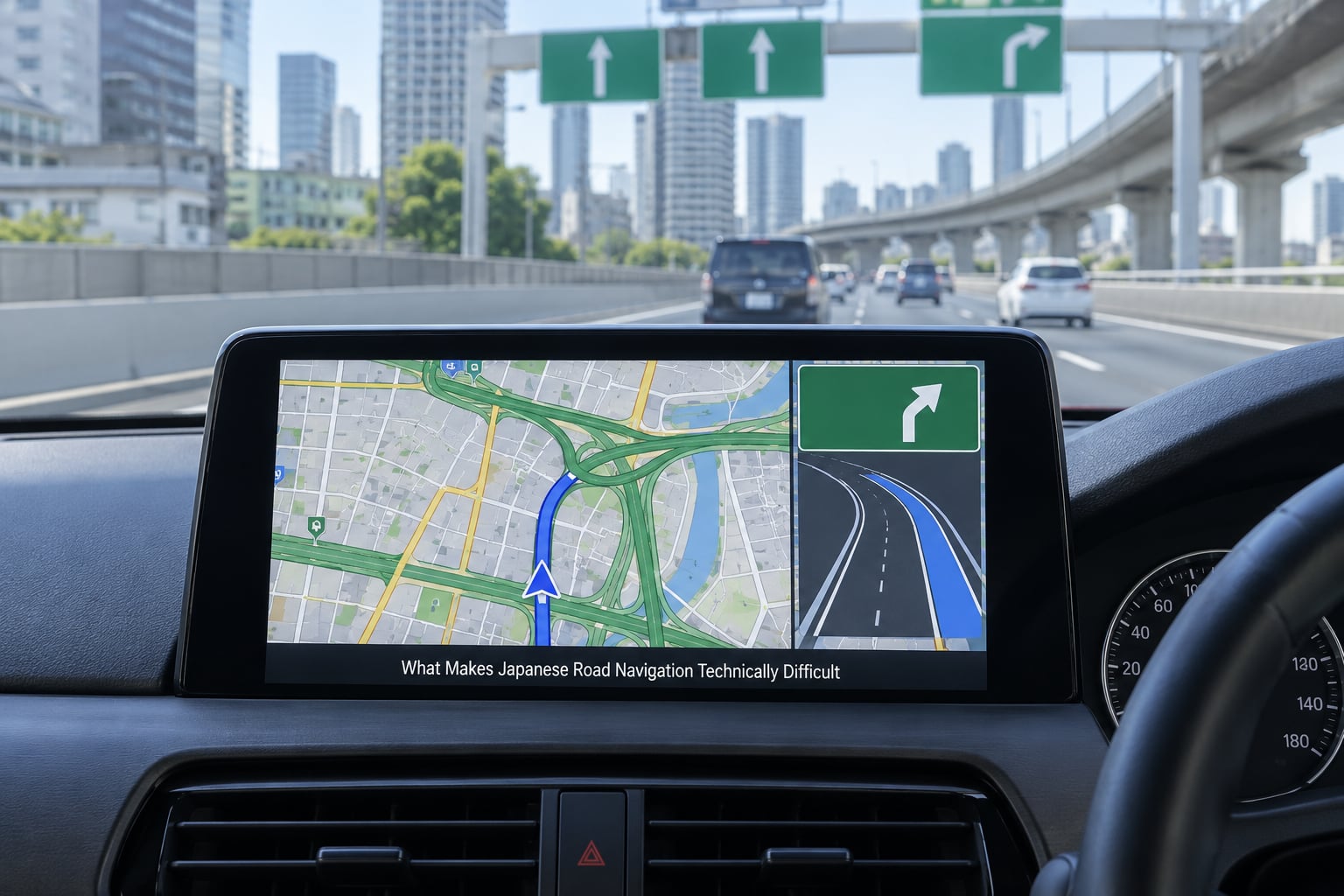
Japanese addressing is the first difficulty. Blocks, not numbers, are the unit of address, and a block plus a building number plus a building name is often what a driver actually knows. Navigation systems designed around the North American model, where a house number finds a house, struggle with that structure, and Japanese factory systems were built around it instead.
The road network is the second. Tokyo and Osaka urban expressways run above ground roads, and an entrance can be reached by a slip road that is not obviously connected to the street you are on. Left turns across oncoming traffic, and turns that cross multiple lanes at once, are normal. A system that cannot show the lane and the direction of the exit arrow will send you the wrong way.
Expressway behaviour is the third. Routes are frequently defined by interchanges rather than by simple junctions, and distances are often quoted by exit number. A navigation system that only understands the road names a local driver uses will produce instructions that make no sense on a Shuto or an urban expressway segment.
Map update practice is the fourth. Historically, map data arrived on disc or card and was installed at a dealer, which meant the data age depended on the car’s age and the owner’s willingness to pay for a refresh. That is a completely different distribution model from an app store, and it shaped what the interface looks like today.
Language is the fifth. A system used by a bilingual household, or by a visitor with an English interface, has to handle Japanese script, Japanese address conventions and Japanese road names at the same time. On many older factory systems, one of those two simply does not exist.
How Local Map Data and Route Knowledge Shape the System
The map is the product. A navigation unit is only as good as the data behind it, and in Japan that data comes from a small number of domestic compilers and traffic services rather than from a global mapping giant. Zenrin is the best-known of them, and the keihin systems, the traffic information networks operated around Tokyo and other major metropolitan areas, feed congestion data into navigation that works in those regions.
Because the data is compiled for Japanese roads, the coverage stops at the border. This is the single fact that surprises overseas buyers most. The system is not switched off outside Japan, and it is not hiding anything. There simply is no licensed road data for the country the car is now in, so the map will happily draw a confident blue line across a region it knows nothing about, or refuse to route at all.
Route knowledge is the other half. Older systems carried a table of junction layouts and lane patterns for Japanese interchanges, so the screen could draw the exact fork you are approaching. Newer systems add live traffic from the keihin services or from the car maker’s own telematics, which is where dynamic route guidance comes from. Not every system offers the same features, and older hardware generally cannot.
Human knowledge went into this too. A national mapping effort and decades of institutional traffic planning produced the kind of detail that a crowd-sourced map collected in another country never gets: which urban expressway entrance is closed at certain hours, which mountain pass has one lane in winter, which intersection backs up before a school opens. A lot of that knowledge sits inside a company that has no reason to license it outside Japan.
Why Integration with the Car Matters
Integration is the strongest argument for the built-in system, and it is the reason so many Japanese owners keep the factory unit even after a phone does the same job better on a map.
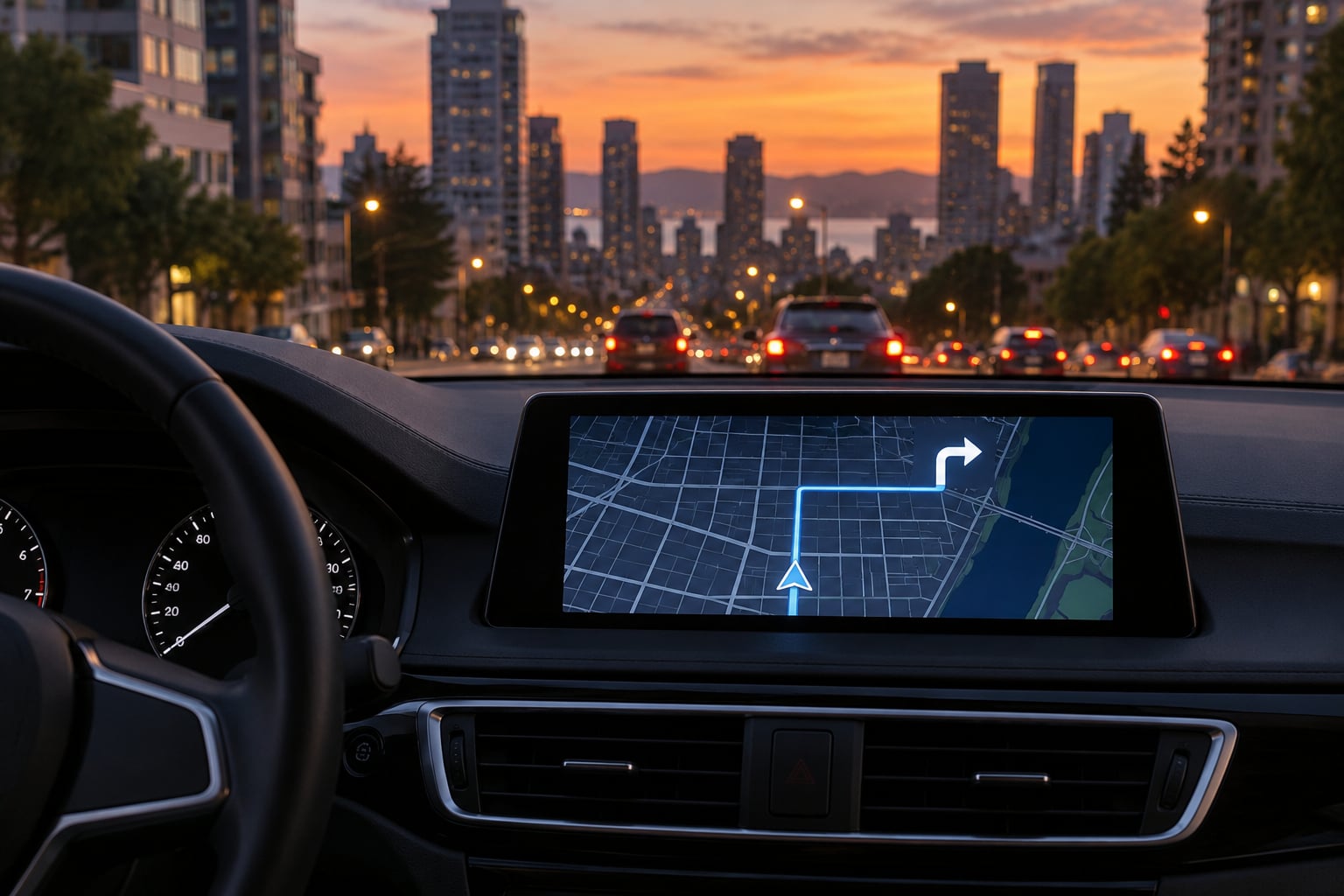
Voice guidance plays through the car speakers, so instructions are audible everywhere in the cabin without a call or a phone conversation. On cars with a head-up display or a driver-assistance display, navigation instructions can share the same visual channel as collision warnings and lane keeping, which keeps the driver’s eyes in one place.
Steering-wheel controls are the quiet win. Volume, track skipping and, on many cars, the navigation audio and screen inputs all sit on the wheel or the dash, so the driver never touches the phone. A system you operate with a thumb that is not on the steering wheel is a system you are fumbling at a junction.
The ETC reader lives in the same dash. An electronic toll collection card is read by a unit built into the console, and the toll gate opens because of it. Owners of Japanese cars on Japanese roads think of that as part of the navigation experience even though the two features are technically separate. The same goes for the reverse camera and parking sensors, which route their feed through the factory display.
That last point cuts both ways. Integration is exactly what you lose when you replace a factory head unit. Forum threads on imported Japanese cars come back to this again and again: owners are not unwilling to fit a phone-projection unit, they are worried about losing the camera feed, the parking sensor display, the ETC reader and the steering-wheel buttons in one swap. On some cars the wiring between the head unit and the factory screen is proprietary, so the screen may simply refuse an aftermarket signal.
How Maps and Route Information Get Updated
How you update a Japanese factory navigation system depends almost entirely on the car. There is no single answer, and any article that gives you one without asking the model year is guessing.
The older pattern is physical media. A disc or an SD card holds the map data, and either a dealer installs it or you follow the maker’s procedure yourself. On a car old enough to have a disc slot, expect to be told the update service has been discontinued, because a fifteen-year-old map platform usually has no update left to sell.
Newer cars use a USB port or a telematics connection, with the map data downloaded on a computer and transferred, or pushed to the vehicle over the air when the maker supports it. Some Japanese cars sold in recent years have received over-the-air map updates that way. Others stopped receiving updates the moment the model year aged out of the programme, which is why a car with a four-year-old body can carry six-year-old maps.
Live traffic is a separate subscription question. Real-time congestion and dynamic rerouting typically require a service package or connected-car enrolment, and in many cases that package has to be renewed through the dealer rather than an app store. When the subscription lapses, the system usually keeps working as a static map navigator.
Two practical points. First, ask for the update method before you buy, because a car with no remaining update path is worth less than one with an active programme. Second, a subscription you cannot renew from your country is a dead end, and that applies to overseas buyers as much as to residents.
Why Built-In Navigation Matters for Used-Car Buyers
Used cars are where this topic gets emotional, because a Japanese-market car that was sold as fully equipped in Tokyo arrives somewhere else as a car with a beautiful interior, a Japanese map and no way to fix either. Here is what I would check, in this order.
- Map currency. Ask the seller to open the system and check the map version on the info screen. On Japanese cars this is usually visible without entering a menu, and a car bought recently can still carry surprisingly old data.
- Language options. Confirm whether the unit offers an English interface at all. On many mid-range Japanese head units it does not, and on some imported cars the language setting does not change the interface the way a manual implies.
- Update method. Find out whether updates run over USB, over the air, or through a dealer, and whether the programme is still active for that model year.
- Phone projection support. Newer Japanese cars may support CarPlay or Android Auto, but many earlier ones do not, even when the identical model in an export market does. This is a trim and hardware difference, not a software setting.
- Whether the screen is only a monitor. Owners on import forums report that on some cars the factory display is just a screen fed by a proprietary cable from the head unit. Where that is true, a phone-projection head unit can drive the original screen and keep the dashboard looking factory.
- What a swap costs you. List the features at risk before deciding: reverse camera, parking sensors, ETC reader, steering-wheel controls, and any camera or sensor display. On cars where the head unit and screen talk over a proprietary format, some of those are simply gone after a swap.
There is one more thing worth asking a dealer. Some Japanese cars are sold with navigation as standard and some as a dealer-installed option, so two cars of the same age can have completely different dashboards. If you care about the electronics, check the trim level rather than the model year.
Where the System Falls Short
None of this makes factory navigation a bad system in Japan. It makes it a system with sharp edges, and the edges show up outside the country or a few years down the line.
Map currency is the big one. Japanese used cars regularly come with map data several years old, and refreshing it costs money at a dealer. On a car whose update programme has ended, the maps are frozen at whatever the last release was. A phone app has no equivalent problem, which is why expat owners in Japan often run a phone in Japanese with an English interface alongside the factory system.
Menu friction comes next. Factory interfaces are designed to be operated by a driver with gloves on, moving, with a lot of physical buttons behind them. That is a sensible design choice and it does make the system slower to learn than a phone app. Older units in particular ask you to page through long lists to find a setting.
Search quality varies sharply by unit. On a cheaper head unit, a search for a place by name can fail in ways a phone app never would, and the fallback is scrolling a list. Language lock-in is the version of this that hits overseas buyers hardest: some units remain Japanese after a language change until a service visit or an SD card repair, which is a documented experience on imported cars rather than a rare fault.
App integration used to be the weak point, and it still is on older hardware. There is no equivalent of an app ecosystem behind a decade-old Japanese head unit, no third-party parking database, no user community updating the map for you. Some Japanese car electronics also carry anti-corrosion coatings that make disassembly for a retrofit a bad idea, which is a small but real risk of the retrofit path.
And there are times a phone is simply more convenient. If you want offline maps for a mountain area, live public transport routing, or the ability to plan a route before you get to the car, a phone wins comfortably. The built-in system wins when you are already driving, in your own car, and want the route on the screen in front of you without touching anything.
Why Japanese Car Navigation Map Data Stops at the Border
This is worth separating out because it is the cause of most import frustration, and it is a licensing and data-coverage issue rather than a bug. The map compiled for a Japanese car is licensed for Japan. Road data for other countries exists in other products, under other licenses, and no Japanese car maker has a reason to buy it for a head unit that will never be sold outside Japan.
That is also why forum consensus on converting a Japanese nav unit is so consistent. People research it thoroughly, and the answer they keep arriving at is that the unit cannot be re-mapped for another country, so the practical path is replacement rather than conversion. Some owners go further and conclude that even a converted system would never match CarPlay or Android Auto, so they remove the factory navigation from the car entirely.
How Japan’s Built-In System Fits the Wider Tech Ecosystem
Built-in navigation in Japan is part of a longer story about how the country approaches in-car electronics. Japan’s car audio industry was world class long before navigation, and the same engineering culture that produced the Gyrocator produced a generation of dashboard head units, DVD-based navigators, hard-drive navigators and rear-seat entertainment systems that other markets bought in large numbers.
Physical controls were the point. Japanese dashboards are dense with physical knobs and buttons, and the navigation unit was designed to live in that world. A system that required a touchscreen for every basic function would have been rejected by buyers who liked the tactility of their cars. That preference carried into the phone era with mixed results: Japanese head units stayed excellent at what they did, and were slower to add app-based features than systems designed from the start to mirror a phone.
There was also a domestic electronics supply chain that had no interest in opening up. Head units from makers like Pioneer and Xanavi were built to Japanese specifications, sold through Japanese dealer channels, and paired with Japanese map services. When global brands later standardised on phone projection, the export-market units changed over quickly while the Japanese units often did not, which is why an identical model can have very different electronics depending on where it was sold.
The result today is a slightly odd split. Export-market cars largely assume the driver’s phone is the navigation device, and the car’s job is to display it. Japanese cars largely assume the car is the navigation device, and the phone is a passenger. Both work in their home market. Neither travels well.
Frequently Asked Questions
How do I change my Japanese car navigation to English?
On units that support it, look for a language or display setting under the system or setup menu, usually reached from the home screen or by holding a hardware button until the settings list appears. Not every Japanese head unit has an English interface at all, and on some imported cars the setting changes the voice but not the menus until a dealer visit or a card repair. If the language option is not in the menu, the unit cannot be switched, and a replacement head unit is the only route.
Can a Japanese nav unit be reprogrammed with maps for another country?
In practice, no. Japanese map data is licensed for Japanese roads, and the head unit hardware was designed around that data, so there is no supported way to load maps for another country. Owners of imported cars on enthusiast forums reach the same conclusion after a lot of research. The workable alternatives are fitting a CarPlay or Android Auto head unit, or feeding an aftermarket unit into the original screen where the wiring allows it.
What is the best navigation app to use in Japan instead of the built-in system?
For visitors, Google Maps and Apple Maps both work well in Japan with an English interface over Japanese map data, and both handle Japanese addresses and railway station exits better than a foreign phone would expect. Long-term residents often keep the factory system because its Japanese voice guidance and local traffic information are better, and use a phone for route planning. The common expat setup is both at once, with the phone in English and the car system in Japanese.
Why does Apple CarPlay not work on some Japanese-market cars?
Most often it is a hardware and trim difference rather than a software setting. Some Japanese-market cars were built without the phone-projection hardware, while the same model in an export market got it, and the two are not interchangeable. Others support it but require a wired connection through a port the car does not have, or a factory update at a dealer. Check the specific model year and trim before buying, and confirm the connector type in advance.
Does Japan have its own satellite navigation system?
No. Japanese cars use the same global positioning signals as the rest of the world, supplemented by the Japanese QZSS augmentation system, which improves accuracy in and around Japan. That is the satellite side of it. The part that is uniquely Japanese is the map data, the traffic services and the in-car interface, and that domestic layer is the reason the system feels nothing like an overseas version of the same thing.
Conclusion
Japanese car navigation is built in because Japan had dense, technically demanding roads, a government push to manage traffic, a domestic map industry, and a car industry that already treated the dashboard as the place for electronics. Fourteen years before GPS worked, Honda was already selling a map-based navigator. Everything since then has been an extension of that decision.
What that history means for you is simple. If you are in Japan, the factory system is a good fit and the only thing to watch is map freshness. If you are buying or importing a Japanese car, check four things before you commit: how the maps get updated and whether that programme is still active, whether the interface has an English option, whether the car supports phone projection natively, and whether the head unit can be replaced without losing the camera, the parking sensors and the ETC reader. Those four answers tell you most of what you need to know.